Microwaves Kill Wi-Fi?
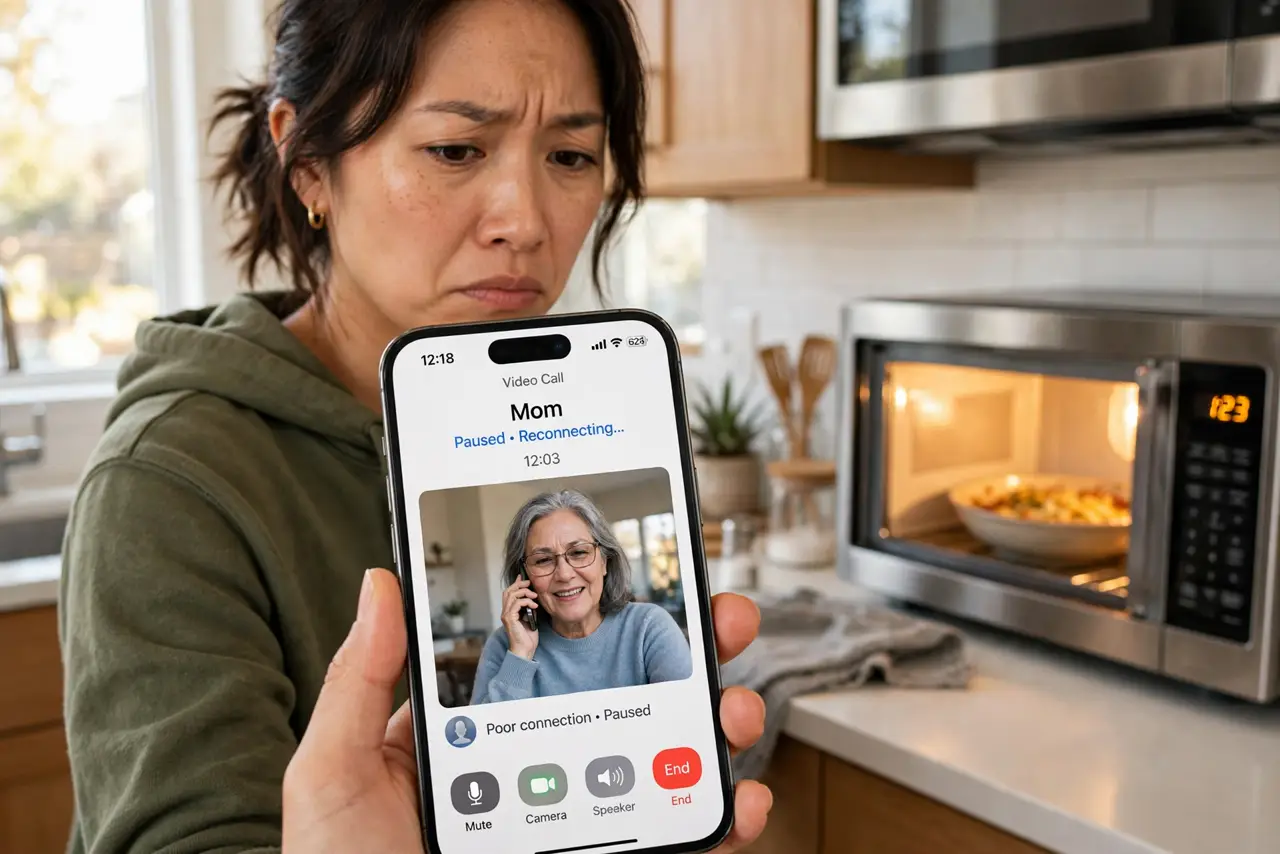
Every day at lunch your video call freezes, and every day the microwave is running. That is not a coincidence: microwaves blast energy across the 2.4 GHz band — the same band much of your Wi-Fi uses — and a running microwave can knock nearby devices offline for the whole heating cycle. It is one of the most common and most misdiagnosed Wi-Fi problems in a home. This guide explains why it happens, how to confirm it, and the practical fixes from free to cheap. For the other classic apartment problem, see how to beat neighbor interference.
TL;DR / Quick Fix
Quick fix: if Wi-Fi dies whenever the microwave runs, move important devices to the 5 GHz band, which microwaves do not touch. Keep the router away from the kitchen and use 5 GHz for video calls. A very old unit with a damaged door seal is worth replacing.
Follow these steps
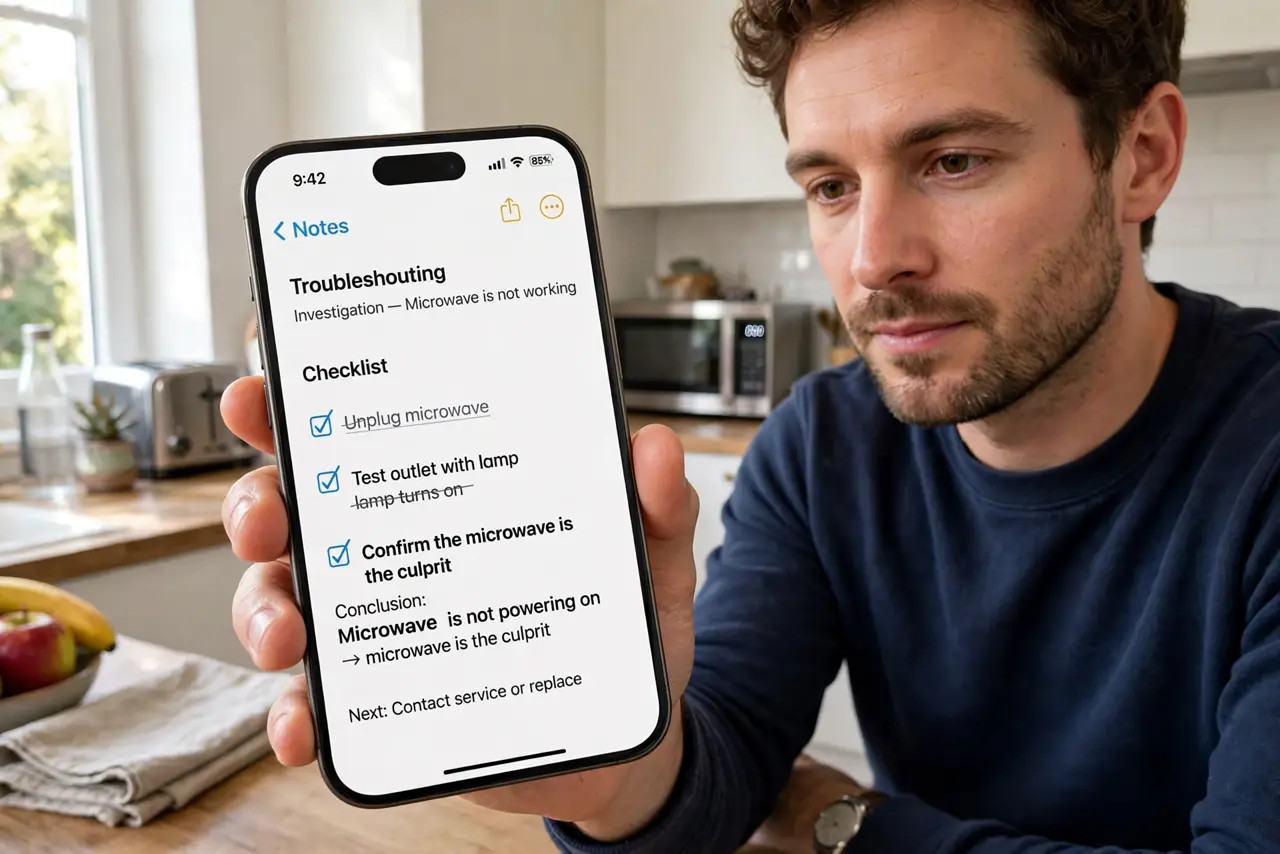
- Confirm the microwave is the culprit. Note the exact pattern: calls freeze or pages stall only while the microwave runs, then recover within a minute of it stopping. Repeatable timing is the diagnosis — no tools needed.
- Move calls and streaming to 5 GHz. Microwave interference hits 2.4 GHz almost exclusively. Connect your laptop and phone to your router's 5 GHz network name for calls, and the lunch-hour freezes stop.
- Put distance between router and kitchen. Interference fades fast with distance. If the router sits on the kitchen counter next to the microwave, moving it to the next room can end the problem alone.
- Check the microwave's condition. A microwave in good repair leaks very little. If the door seal is damaged, the door does not close squarely, or it is decades old, replacement is the honest fix — for safety as well as Wi-Fi.
- Use 5 GHz-friendly placement. The 5 GHz band is shorter range, so keep the router reasonably central. You are trading a little range for a band the microwave cannot touch — a good trade in most homes.
- Consider Ethernet for the desk. If one workstation must never drop, a cable ends the discussion. Powerline adapters are the no-new-wiring alternative for a rented home.
What NOT to do
- Do not run the microwave with a damaged door seal. Beyond Wi-Fi trouble, that is a safety issue — replace the unit.
- Do not buy a 'microwave-proof' gadget or filter. The fix is band choice and distance, not accessories.
- Do not blame the internet provider for lunch-hour drops. If it tracks the microwave exactly, the ISP is innocent.
- Do not move everything to 2.4 GHz for range and hope. Range is useless if the band collapses every lunch — use 5 GHz where it matters.
Frequently asked questions
Why does the microwave only affect Wi-Fi sometimes?
It affects 2.4 GHz only, and only nearby devices. If your laptop is on 5 GHz or far from the kitchen, you will never notice it.
Can a microwave damage my router?
No. The interference is just radio noise on the same frequencies — annoying, but harmless to the hardware.
Do air fryers or other appliances do this?
Some do, mildly — baby monitors, older cordless phones, and Bluetooth can all crowd 2.4 GHz. The microwave is by far the loudest offender.