MU-MIMO? Plain Explanation
MU-MIMO is one of those router box buzzwords — 'multi-user MIMO' — that promises faster Wi-Fi when the whole family is online at once. It is a real technology: the router talks to several devices simultaneously instead of one at a time. But it only helps in specific situations, and most homes will never notice it. Here is the plain explanation.
TL;DR / Quick Fix
Quick fix: MU-MIMO lets a router serve several devices at once instead of one at a time. It helps most in busy homes with many active devices on Wi-Fi 5. Your devices must support it too. In a home it makes little difference — good router placement matters far more.
Follow these steps
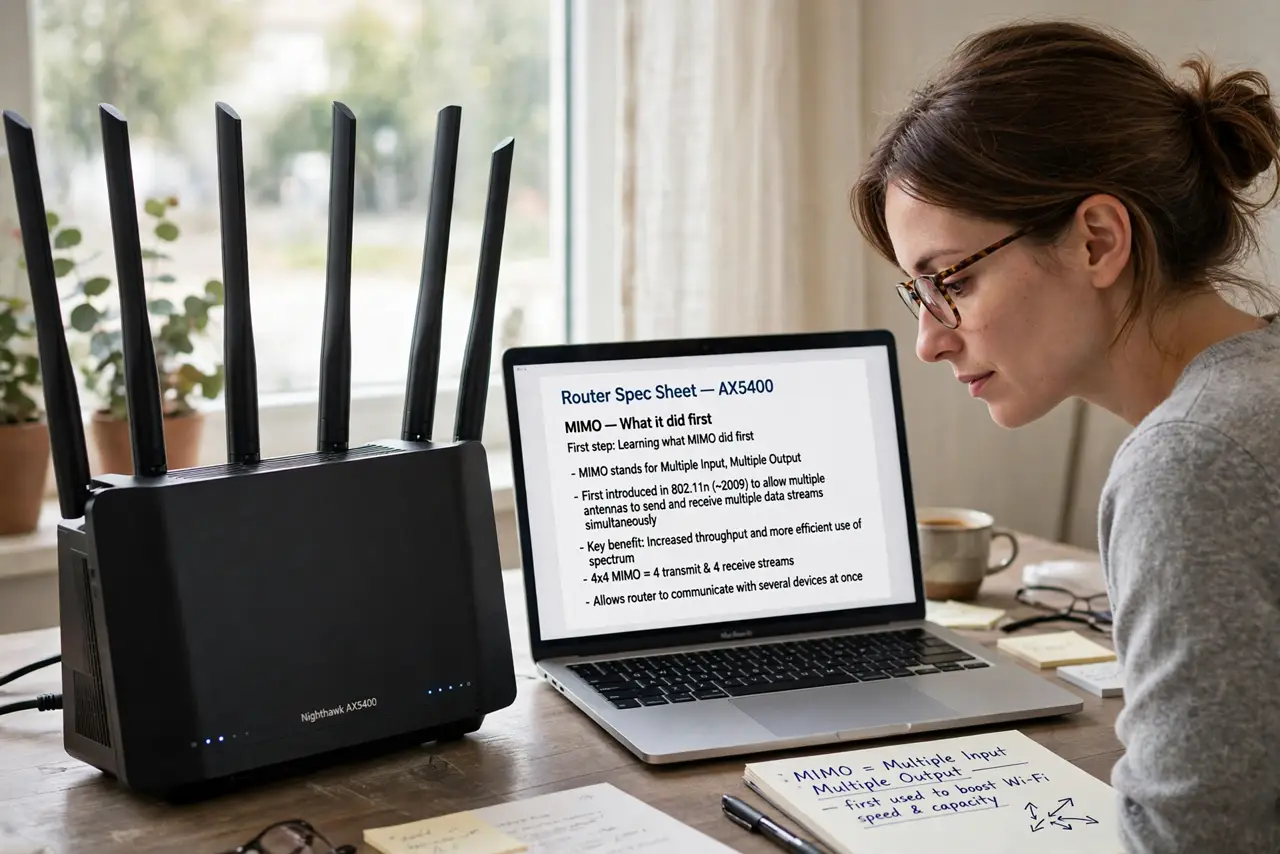
- Learn what MIMO did first. MIMO (multiple antennas) let a router and one device exchange several data streams at once — like adding lanes to a highway. That was the original speed boost in older Wi-Fi.
- Learn what the MU adds. Multi-user MIMO extends that trick across devices: the router sends separate streams to several devices in the same instant, instead of rapidly taking turns. Think of a teacher answering four students at once instead of one by one.
- Check your Wi-Fi generation. MU-MIMO arrived with Wi-Fi 5 and improved with Wi-Fi 6, which also added the uplink direction. If your router is older than Wi-Fi 5, the feature simply does not exist on it.
- Check your devices too. Both ends must support it — a MU-MIMO router talking to an old laptop falls back to taking turns. Most phones and laptops from the last several years qualify.
- Know when it actually helps. Busy households: four people streaming and gaming at once. That is the scenario MU-MIMO was built for. Two people browsing will never notice it working.
- Do not buy a router for this alone. Range, placement, and your internet plan's speed shape your experience far more. Treat MU-MIMO as a nice bonus on a router you would buy anyway — and see how beamforming helps in a different way.
What NOT to do
- Do not expect faster speed tests from MU-MIMO. Speed tests measure one device; MU-MIMO helps many devices at once. A single-device test will look identical with it on or off.
- Do not assume the logo means it is working. Both router and device must support it, and they negotiate it automatically — there is nothing to switch on.
- Do not confuse it with more antennas meaning more range. Antennas help coverage; MU-MIMO helps concurrency. Different jobs.
- Do not pay a premium for MU-MIMO on a basic plan. If your internet plan is the bottleneck, no Wi-Fi feature can go faster than the pipe feeding the router.
Frequently asked questions
Is MU-MIMO the same as OFDMA?
No, but they are cousins. MU-MIMO splits streams across devices; OFDMA splits channels into smaller slices. Wi-Fi 6 routers use both, and they stack rather than compete.
How do I know if MU-MIMO is active?
You usually cannot see it — routers negotiate it silently with each device. If your router and devices are Wi-Fi 5 or newer, it is working whenever several devices are active.
Does MU-MIMO help gaming?
Indirectly. It reduces the waiting each device does in a busy home, which can smooth latency when everyone is online. It does not lower your ping by itself.