OFDMA? Plain Explanation
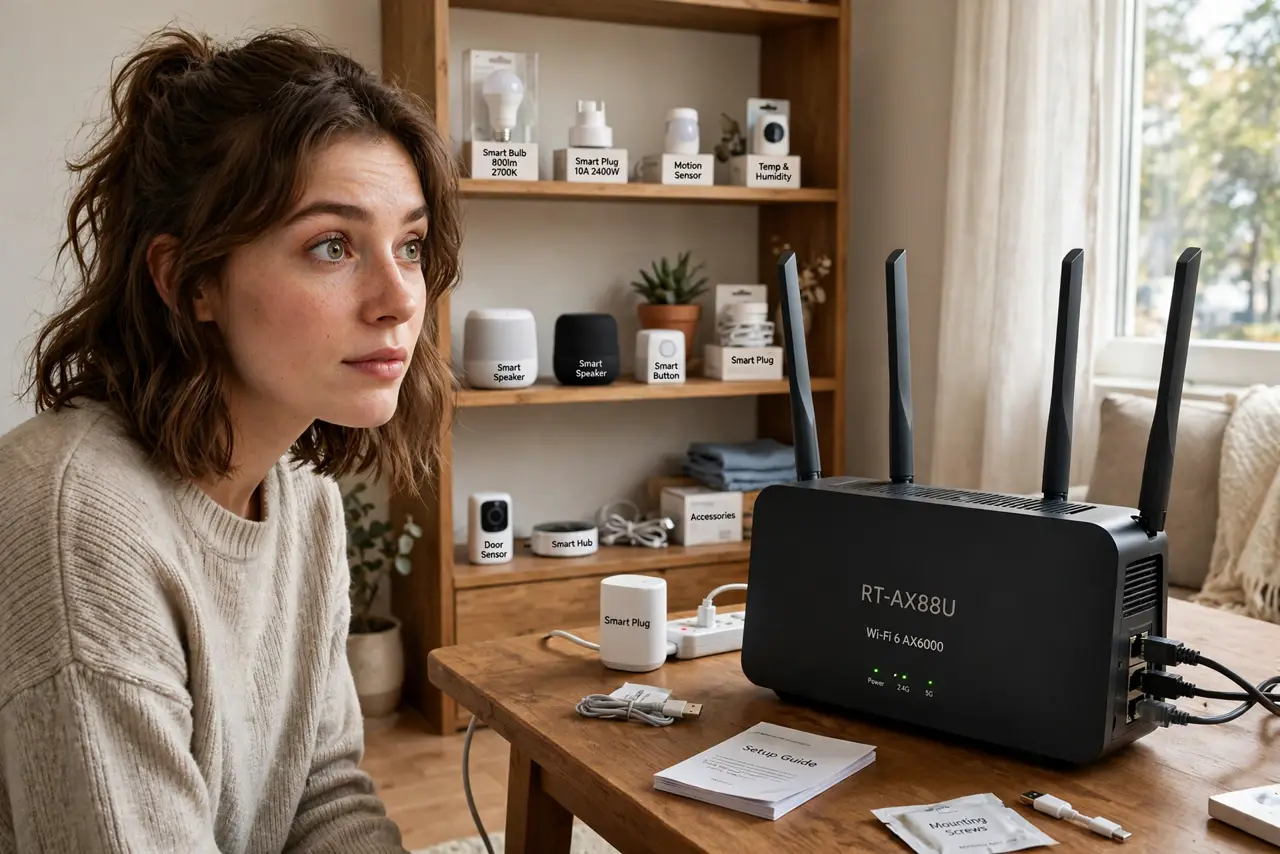
OFDMA is the Wi-Fi 6 feature that lets a router serve many small devices in a single transmission — your smart bulbs, plugs, and sensors all getting their tiny updates at once instead of waiting in line. It is one of the biggest real-world upgrades in Wi-Fi 6, and it works silently with nothing to configure. Here is what it does and when you will feel it.
TL;DR / Quick Fix
Quick fix: OFDMA is a Wi-Fi 6 feature that slices a channel into pieces so many devices can share one transmission — great for smart homes full of gadgets. Both router and device need Wi-Fi 6. It is automatic. Do not expect faster speed tests; it cuts waiting, not speed.
Follow these steps
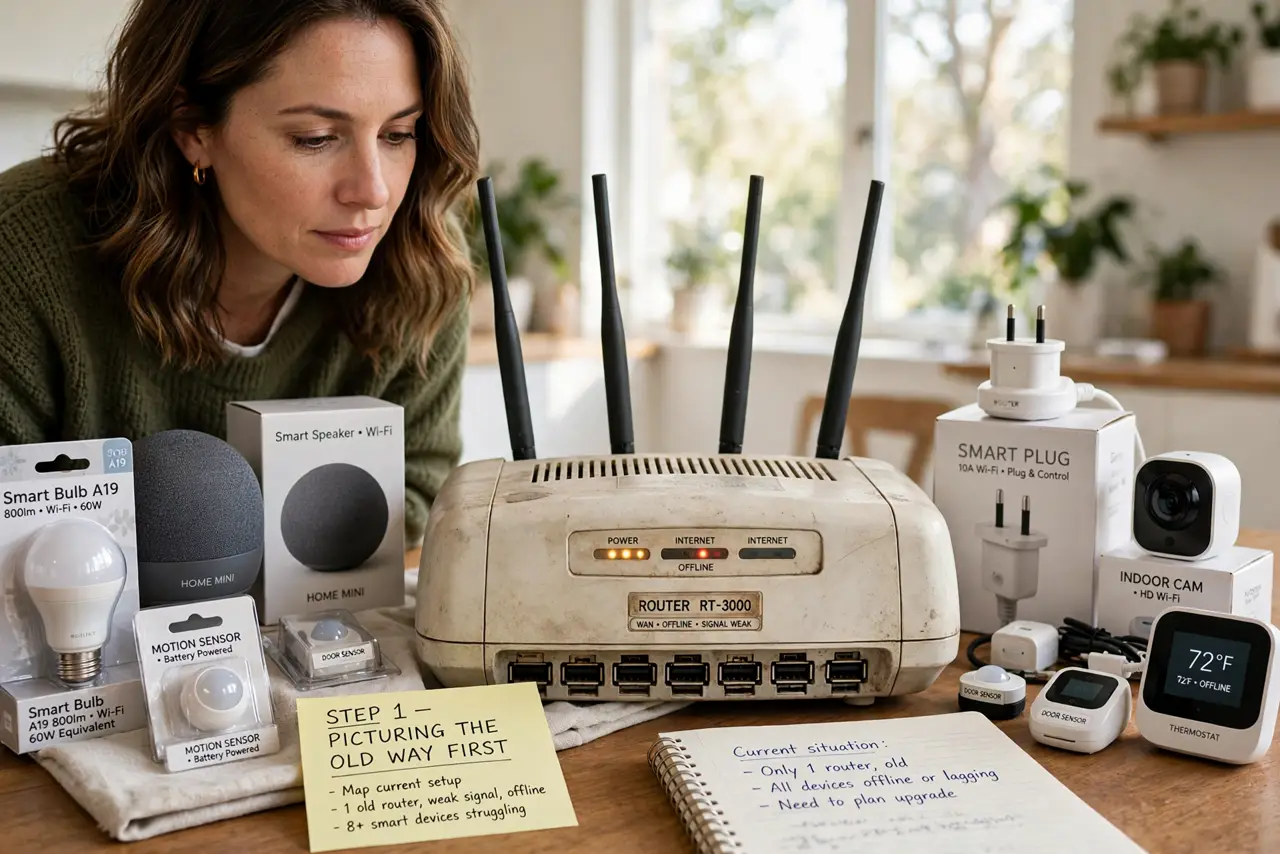
- Picture the old way first. Before OFDMA, a router served one device per transmission turn, even if that device only needed a crumb of data. A smart bulb's tiny 'I am still on' message occupied the whole channel for its turn — wasteful, like a bus carrying one passenger.
- Learn what OFDMA changes. OFDMA (Orthogonal Frequency-Division Multiple Access) chops the channel into small resource units and hands them to many devices in the same transmission. The bus now carries dozens of passengers at once — each gadget gets its slice simultaneously.
- Check both ends support Wi-Fi 6. OFDMA needs Wi-Fi 6 on the router and on the device. Older gadgets fall back to the old take-turns method, which still works fine — they just do not get the efficiency boost.
- Know where you feel it. Crowded smart homes: thirty gadgets plus phones and laptops. That is where OFDMA shines — less waiting, snappier responses, lower latency for everything. A quiet two-device home will not notice it.
- Do not expect faster speed tests. Speed tests measure one device's raw throughput; OFDMA improves sharing, not top speed. Its cousin MU-MIMO works the same way — better concurrency, not bigger numbers on a single test.
- Leave it on and forget it. There is no OFDMA toggle to manage on consumer routers — it negotiates automatically whenever capable devices are active. If your router is Wi-Fi 6, you already have it.
What NOT to do
- Do not buy a Wi-Fi 6 router just for OFDMA. Range, placement, and your plan speed matter more; OFDMA is a bonus on a router you would buy anyway.
- Do not expect it to fix a slow internet plan. OFDMA makes local Wi-Fi sharing efficient — it cannot make the pipe from your provider any bigger.
- Do not confuse OFDMA with more bandwidth. It does not add capacity; it wastes less of what you have. Different thing, similar feel in a busy home.
- Do not troubleshoot it directly. There is nothing to turn on or calibrate — if Wi-Fi 6 devices are slow, look at placement and interference first.
Frequently asked questions
Is OFDMA the same as MU-MIMO?
No, but they team up. MU-MIMO splits spatial streams across devices; OFDMA splits the channel into smaller time-frequency slices. Wi-Fi 6 routers use both at once, and the gains stack.
Do my smart bulbs use OFDMA?
Only if they are Wi-Fi 6 devices, which most cheap IoT gadgets are not yet. They still benefit indirectly — OFDMA frees airtime, so even old devices wait less.
Can I see OFDMA working?
Not really — routers do not show a live OFDMA meter. In a busy smart home you feel it as everything responding a bit faster at peak times.