Old Router as Access Point
That drawer router can kill your Wi-Fi dead zone — configured as an access point, it extends your network cleanly without the speed penalty of wireless repeating. The setup takes twenty minutes: reset, update, disable a few things, cable it in. Start with the reuse overview and the access point versus router explainer.
TL;DR / Quick Fix
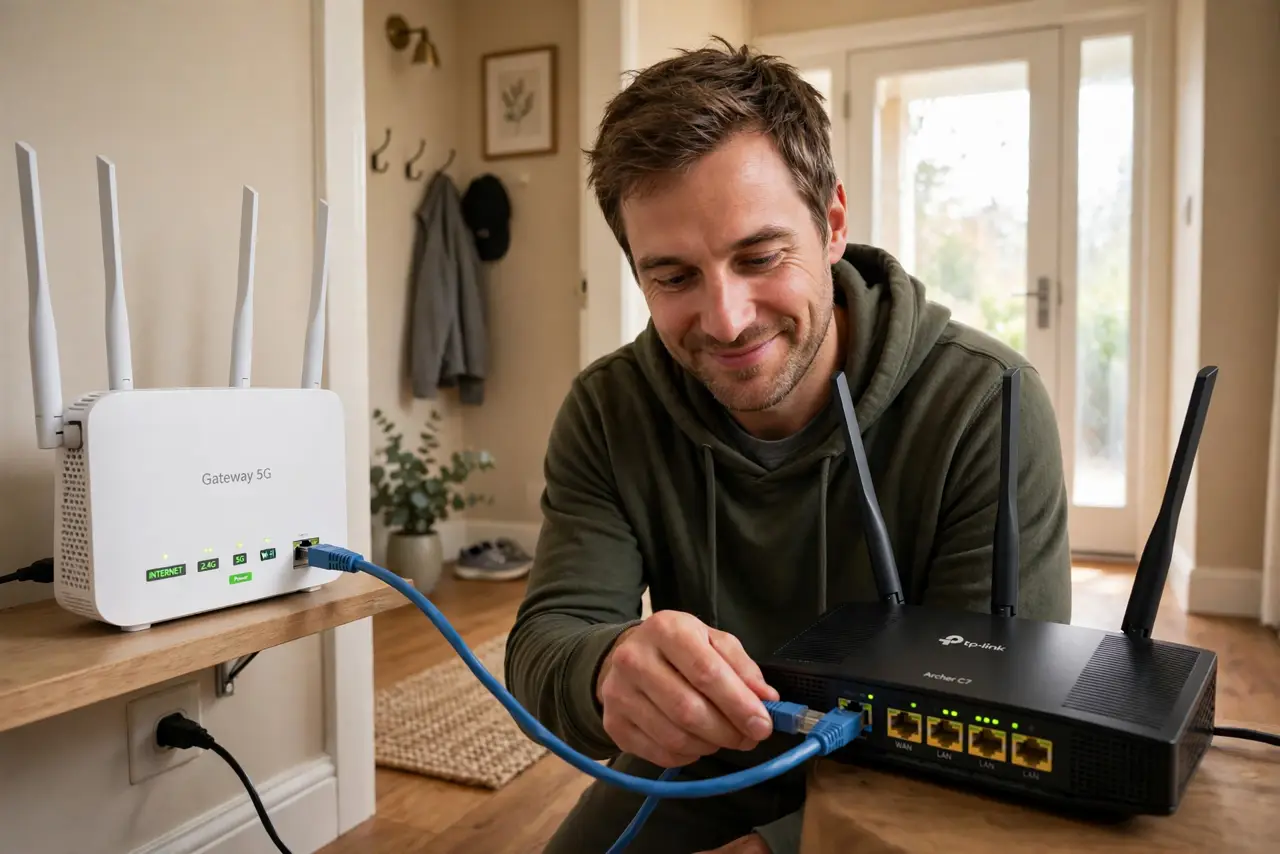
Quick fix: turn your old router into an access point — disable its DHCP, give it an address on your main network, and connect it by cable. It broadcasts the same Wi-Fi further without the speed penalty of wireless repeating. The dead zone fix costs nothing but twenty minutes.
Follow these steps
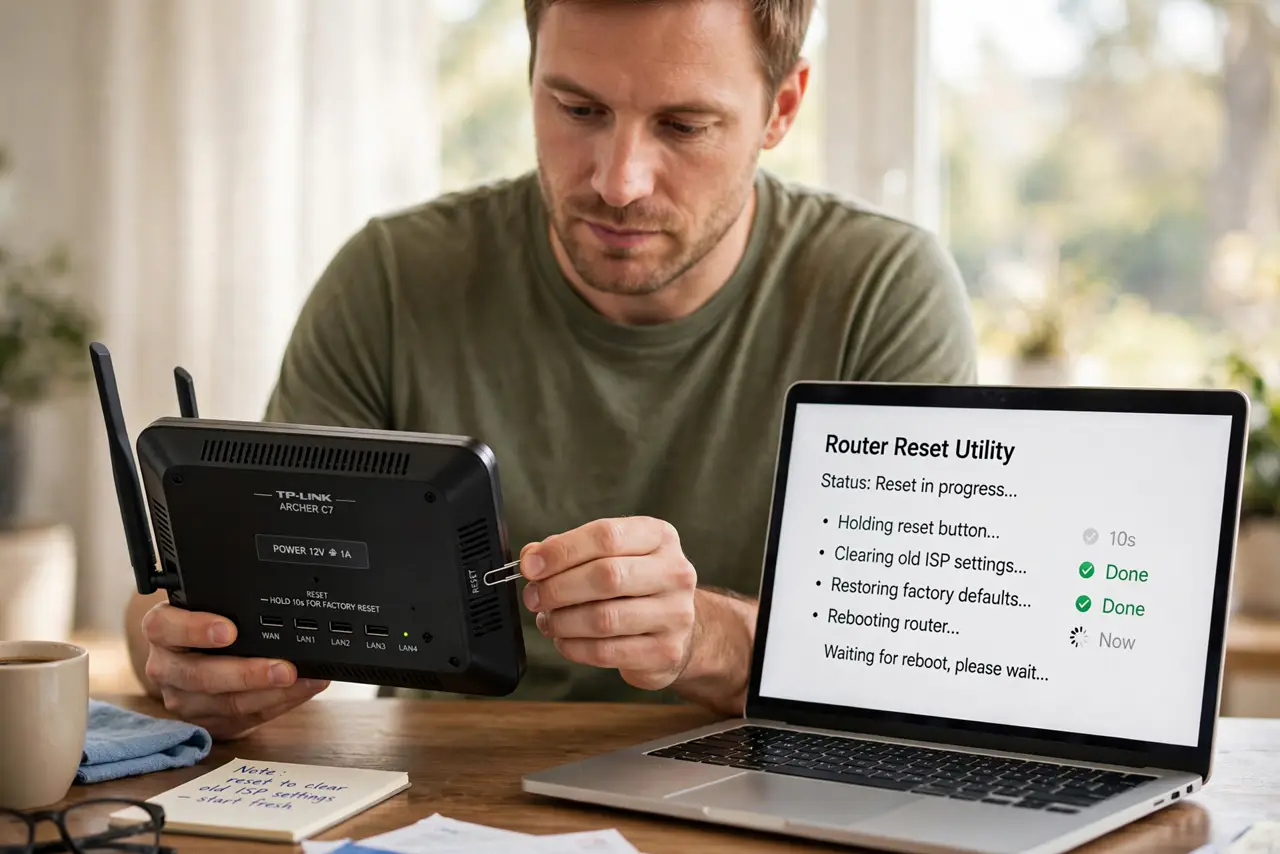
- Reset the old router. Hold the reset button until it reboots clean. You want factory defaults — no old ISP settings haunting the setup.
- Update the firmware. Install the latest firmware for your exact model from the maker's site. Security first, always, especially on old hardware.
- Log in and disable DHCP. In the old router's settings, turn off its DHCP server. Two DHCP servers on one network cause chaos — your main router keeps the job.
- Give it a network address. Assign the old router a static IP on your main network's range, outside the DHCP pool. This keeps it reachable for future tweaks.
- Connect it by cable. Run an ethernet cable from a LAN port on the main router to a LAN port on the old one. Cable beats wireless repeating on speed, every time.
- Match the Wi-Fi name. Set the same network name and password as your main router (on a different channel). Devices roam between them smoothly.
What NOT to do
- Do not connect it WAN-to-LAN. That creates a second network behind yours — double NAT headaches for gaming and calls.
- Do not skip disabling DHCP. Two routers handing out addresses is the number one cause of mysterious network weirdness.
- Do not use wireless repeating if a cable is possible. Repeating halves throughput; the cable keeps it whole.
- Do not leave the admin password default. An old router with admin/admin is a welcome mat for trouble.
Frequently asked questions
What is the difference between an access point and a repeater?
An access point connects by cable and gives full speed; a repeater connects wirelessly and halves it. Cable whenever you can.
Can I use the same Wi-Fi name?
Yes — same name and password lets devices roam between the two. Use different channels to avoid interference.
Will this work with any old router?
Nearly any router from the last fifteen years can do it. Very ancient ones may lack the settings or modern security — check first.