Rent or Buy Your Router? The Math
That small monthly rental fee on your internet bill looks harmless — until you multiply it by the years you've been paying it. Most people rent their modem or gateway for years, paying double or triple its price. A few minutes of math usually shows buying wins — here's how to run the numbers for your situation.
TL;DR / Quick Fix
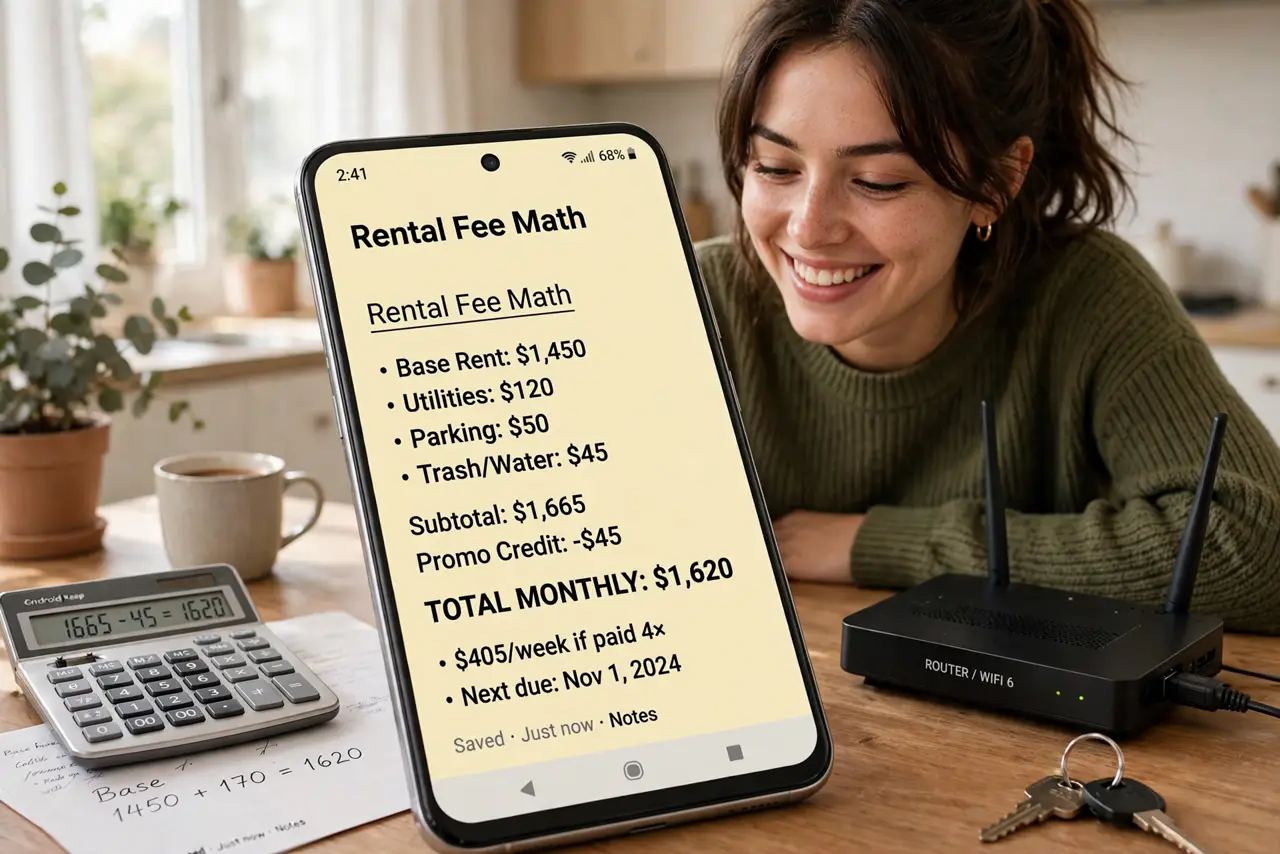
Quick fix: do the math — say $10 a month is $120 a year, while a decent modem you own costs roughly that once. Staying over a year? Buying wins. Keep the receipt: owned gear drops the fee for good and moves with you.
Follow these steps
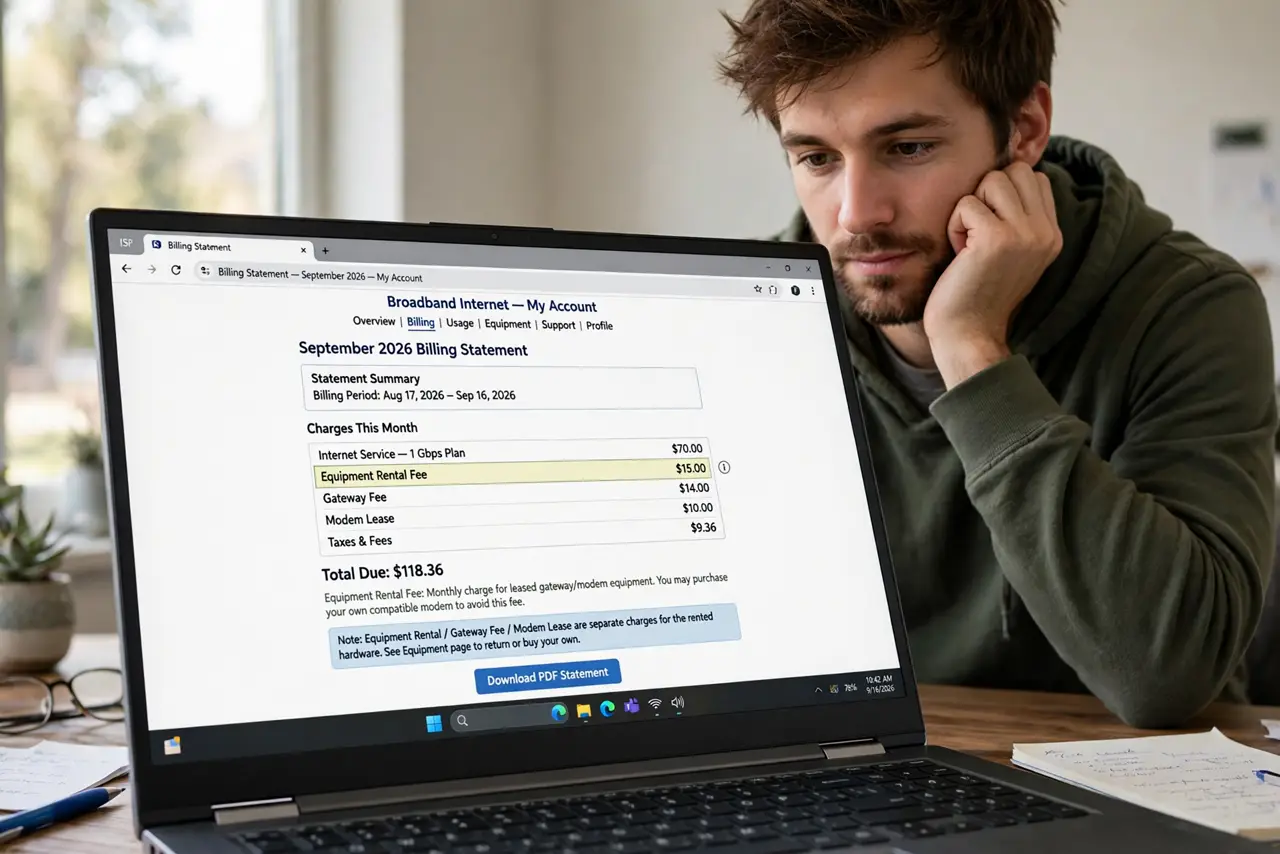
- Find the fee on your bill. Look for 'equipment rental,' 'gateway fee,' or 'modem lease' — it's often buried in the fees section. Note the exact monthly amount; that's your baseline.
- Multiply by twelve, then by your expected stay. Monthly fee times twelve is the yearly cost; times the years you'll likely stay with this provider is the total. Two years of a $10 fee is $240 — well past any modem's price.
- Price an approved replacement. Check the approved modem list and price a modem (and router, if needed) that fits your tier. Compare that one-time cost against the yearly rental — the break-even point is usually under a year.
- Factor in the upgrade cycle. Owned gear lasts years; providers swap rented units slowly. Buying also lets you choose better hardware than the generic rental — faster Wi-Fi, more control.
- Run the move scenario. Moving? Owned gear moves with you (if the new place uses the same technology); rented gear gets returned and the fee restarts. Ownership favors movers, not renters.
- Pull the trigger and return the rental. Buy the replacement, activate it, confirm it works, then return the rental with a receipt and watch the next bill. The fee should vanish — verify, don't assume.
What NOT to do
- Do not buy before checking the approved list. An unapproved purchase that the provider rejects is worse than renting — money spent, fee still there.
- Do not forget the router half. Some rentals are gateway combos (modem + router); replacing only the modem half leaves you still renting the router.
- Do not assume the fee disappears automatically. Returns need receipts and bill checks — the fee lingers until you prove the return.
- Do not rent 'temporarily' for years. Temporary rentals have a way of becoming permanent — set a buy deadline when you sign up.
Frequently asked questions
How long until buying pays off?
Typically under a year — divide the purchase price by the monthly fee. A $120 modem against a $10 fee breaks even at month twelve; everything after is savings.
Is rented gear ever the better deal?
If you move yearly between different technologies, or you value free replacements when hardware dies — renting is hassle-free. For stable multi-year stays, buying wins.
Can I buy just the router and keep renting the modem?
Yes, if the rental is a separable modem — but most rentals are gateway combos. Check your bill's line item and the combo vs separate breakdown first.