Repeater vs Extender? Difference
Shopping for better coverage, you meet two words — repeater and extender — used almost interchangeably, plus mesh systems claiming to replace both. The terms do differ slightly, but the practical question is simpler: which one actually fixes your dead zone without halving your speed? Here is the honest breakdown.
TL;DR / Quick Fix
Quick fix: a repeater and an extender are the same thing — a box that rebroadcasts your Wi-Fi, cutting speed in half. A mesh system is the modern replacement: one network name and smarter handoffs. Buy a repeater only for one small dead corner; choose mesh for the whole house.
Follow these steps
- Learn the real difference. A repeater wirelessly rebroadcasts your signal; an extender often does the same but may add an Ethernet port or use powerline. In stores, the words are marketing — the hardware overlaps so much that mesh vs extender is the comparison that actually matters.
- Understand the speed cost. A single-radio repeater talks to your router and your device on the same channel, taking turns — so throughput roughly halves. Dual-radio models lose less, but the penalty never fully disappears, as the halved-speed problem shows.
- Know when a repeater is enough. One small dead corner — a garage nook, a back bedroom — where you only browse and stream lightly. Plug it in halfway between the router and the corner, on the same floor.
- Know when to choose mesh instead. Multiple dead zones, video calls that roam room to room, or a house over two floors. Mesh gives one network name and hands devices between nodes cleanly; repeaters often create a second network name you must switch manually.
- Place any repeater halfway, not in the dead zone. It can only repeat what it hears. Halfway between the router and the weak spot, with a decent signal itself, is the only placement that works.
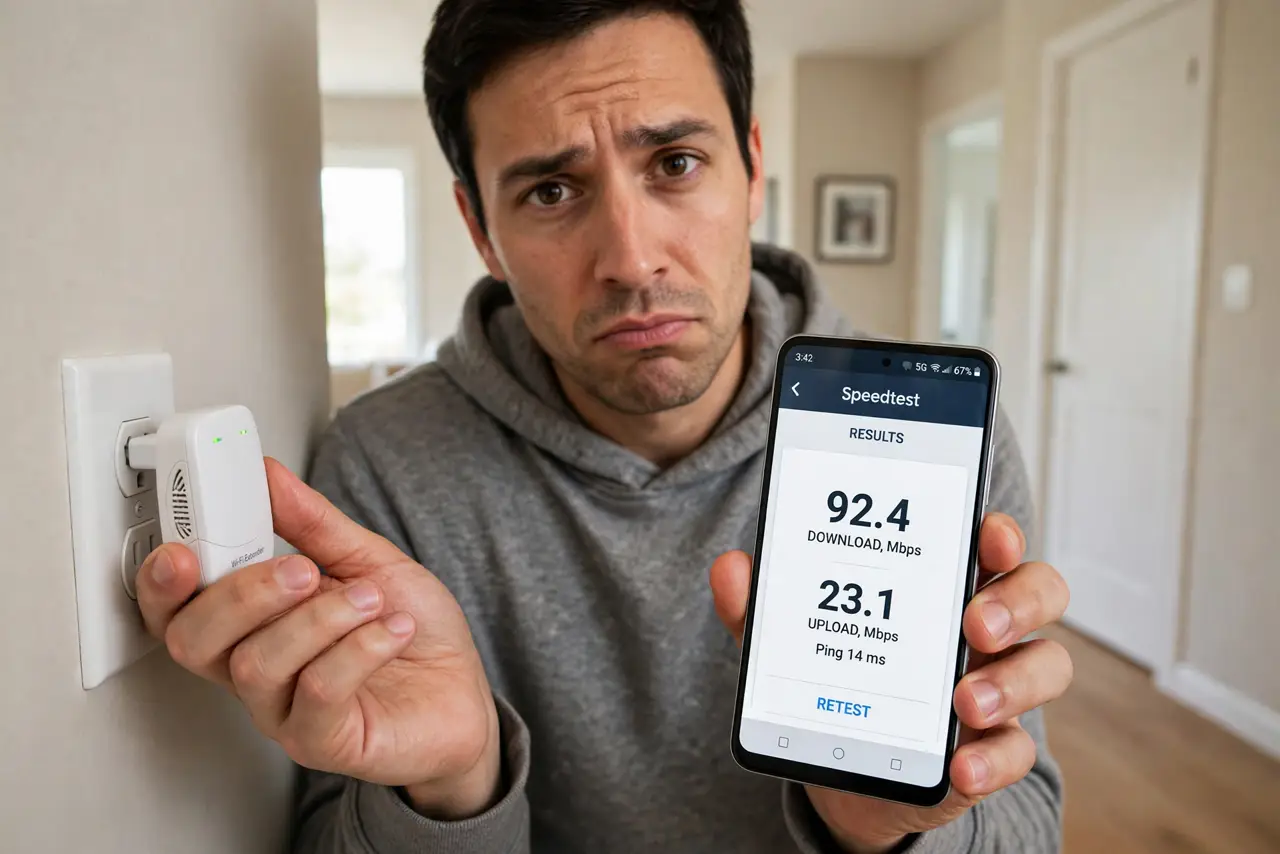
- Test with a speed test, not bars. Signal bars lie — a repeater shows full bars while delivering a trickle. Run an actual speed test from the dead corner before and after to judge the real gain.

What NOT to do
- Do not buy a repeater for gaming or video calls. The halved throughput and added latency make both miserable — that is mesh or wired territory.
- Do not daisy-chain repeaters. Two repeaters in a row quarter your speed and double the dropouts; one is the practical limit.
- Do not expect seamless roaming. Most repeaters broadcast a separate network name, so your phone clings to the weak main signal until it fully drops.
- Do not place the repeater where the signal is already dead. It needs a solid signal to repeat — dead air in, dead air out.
Frequently asked questions
Why does my extender create a second Wi-Fi name?
Many extenders append _EXT to the network name by default. You can often rename it to match the main network, but handoffs still won't be as smooth as mesh.
Is a powerline extender better than a wireless repeater?
Usually yes for stability, because the backhaul runs over your electrical wiring instead of the air — though old wiring limits it. See the mesh-first comparison before buying.
Can I use an old router as a repeater?
Sometimes, if it has a repeater or bridge mode — but old routers lack modern roaming and security. A budget mesh node usually serves you better.