Where to Put Your Router?
Your Wi-Fi is slow in the bedroom but fine next to the router, and the instinct is to buy a new one. Most of the time the router is just in a bad spot — stuffed behind the TV, on the floor, or in a far corner. Wi-Fi signals spread outward and slightly downward from the antennas, so placement alone can transform coverage. Move it right before spending a cent.
TL;DR / Quick Fix
Quick fix: place the router centrally and elevated — on a shelf, not the floor or behind the TV. Keep it clear of thick walls, mirrors, and metal. Antennas straight up, one sideways for other floors. Test each room; buy new gear if a dead zone survives good placement.
Follow these steps
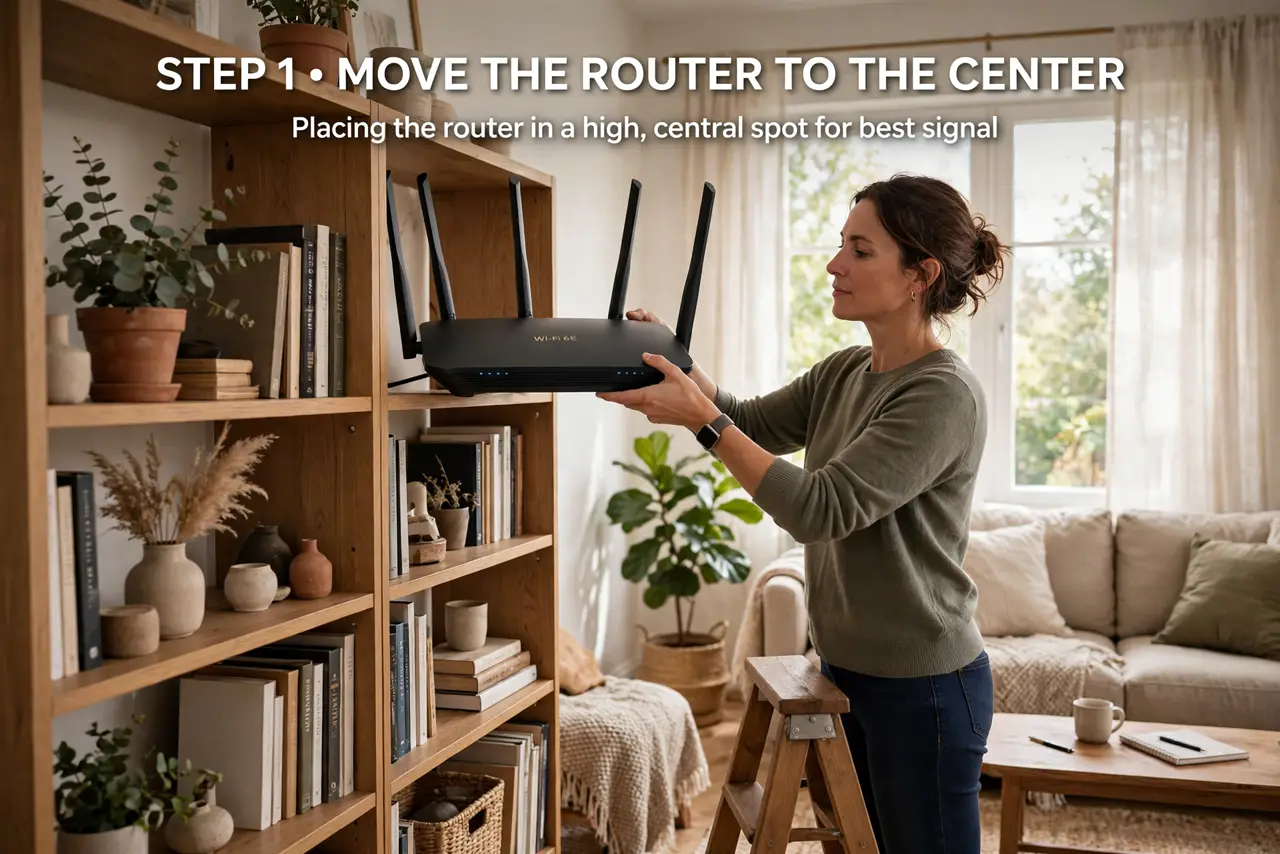
- Move it to the center. Wi-Fi radiates outward, so a router in a far corner wastes half its signal on the neighbor's house. The middle of your home — or the middle of where you actually use devices — covers everyone better. Even moving it one room inward can fix a dead bedroom.
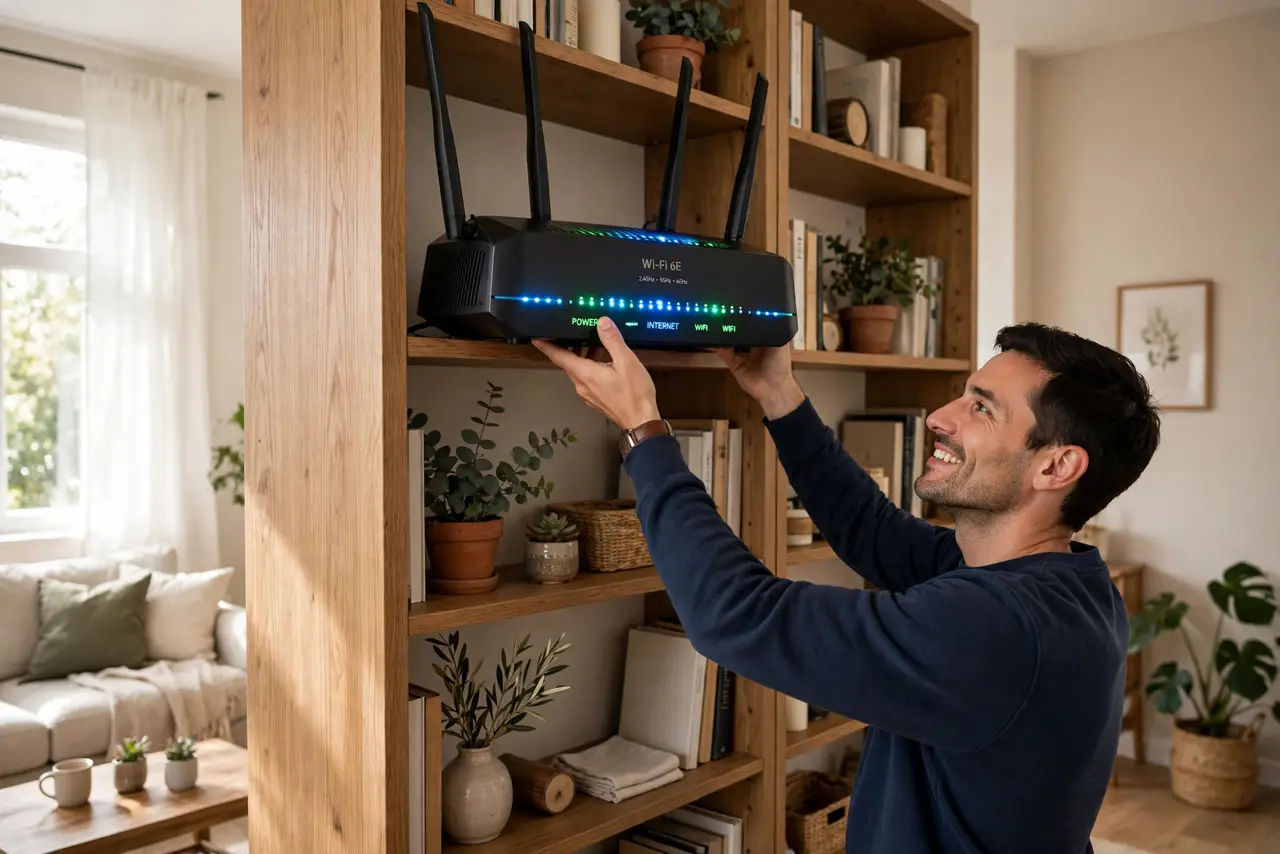
- Get it up high. Signals spread slightly downward from the antennas, so a router on the floor beams into the carpet. A shelf or bookcase at chest-to-head height is ideal. The height rule is simple: higher is almost always better.
- Clear the obstacles. Thick concrete walls, mirrors, metal filing cabinets, and fish tanks all eat signal. Microwaves and baby monitors interfere on 2.4 GHz when running. Give the router open air on all sides instead of burying it in a cabinet.
- Aim the antennas deliberately. Antennas broadcast sideways from their shaft, so straight up covers one floor best. For a two-story home, point one antenna sideways to push signal up and down. If the router has internal antennas, the high central shelf matters even more.
- Keep it away from other electronics. TVs, speakers, and other routers crammed next to it cause interference. A meter of separation from big electronics is a good rule. Your router does not need to hide behind the entertainment center.
- Test before you buy anything. Walk room to room with a speed test after each move. If the dead zone persists in exactly one far room, that is when an extender or mesh node earns its keep. Note that a crowded Wi-Fi channel can mimic a placement problem — rule that out too.
What NOT to do
- Do not hide the router inside a closed cabinet. Wood and doors weaken the signal, and trapped heat shortens the router's life.
- Do not place it next to the microwave or a baby monitor. Both blast the 2.4 GHz band and will wreck video calls whenever they run.
- Do not buy a mesh system before trying placement. Good placement is free; many 'dead zones' are just a router on the floor behind a TV.
- Do not stack it on top of other hot electronics. Heat is the quiet killer of routers — give it ventilation.
Frequently asked questions
Does router placement really matter that much?
Yes — it is the single biggest free improvement. Moving a router from a corner floor spot to a central shelf commonly doubles speeds in far rooms. No settings change competes with physics.
Should the router be near the modem?
They connect by cable, so put the modem wherever the line enters and run an Ethernet cable to a well-placed router. A long Ethernet cable is cheap; a badly placed router is expensive in frustration.
What about a two-story house?
Place the router centrally on the upper floor if possible, since signal spreads downward better than upward. Point one antenna horizontally to help the lower floor. Stubborn dead zones may need a mesh node.