Smart Lock Wi-Fi
Your smart lock chews through batteries every few weeks instead of lasting months. The lock is not broken — its Wi-Fi radio is working overtime on a weak signal, retrying constantly. Fixing the signal and updating the firmware usually returns battery life to normal. Here is the sequence.
TL;DR / Quick Fix
Quick fix: smart locks drain fast when Wi-Fi is weak — the radio works overtime. Improve the signal with a mesh node near the door and keep firmware updated. Use lithium batteries for longer life, and enable low-battery alerts so you are never locked out unexpectedly.
Follow these steps
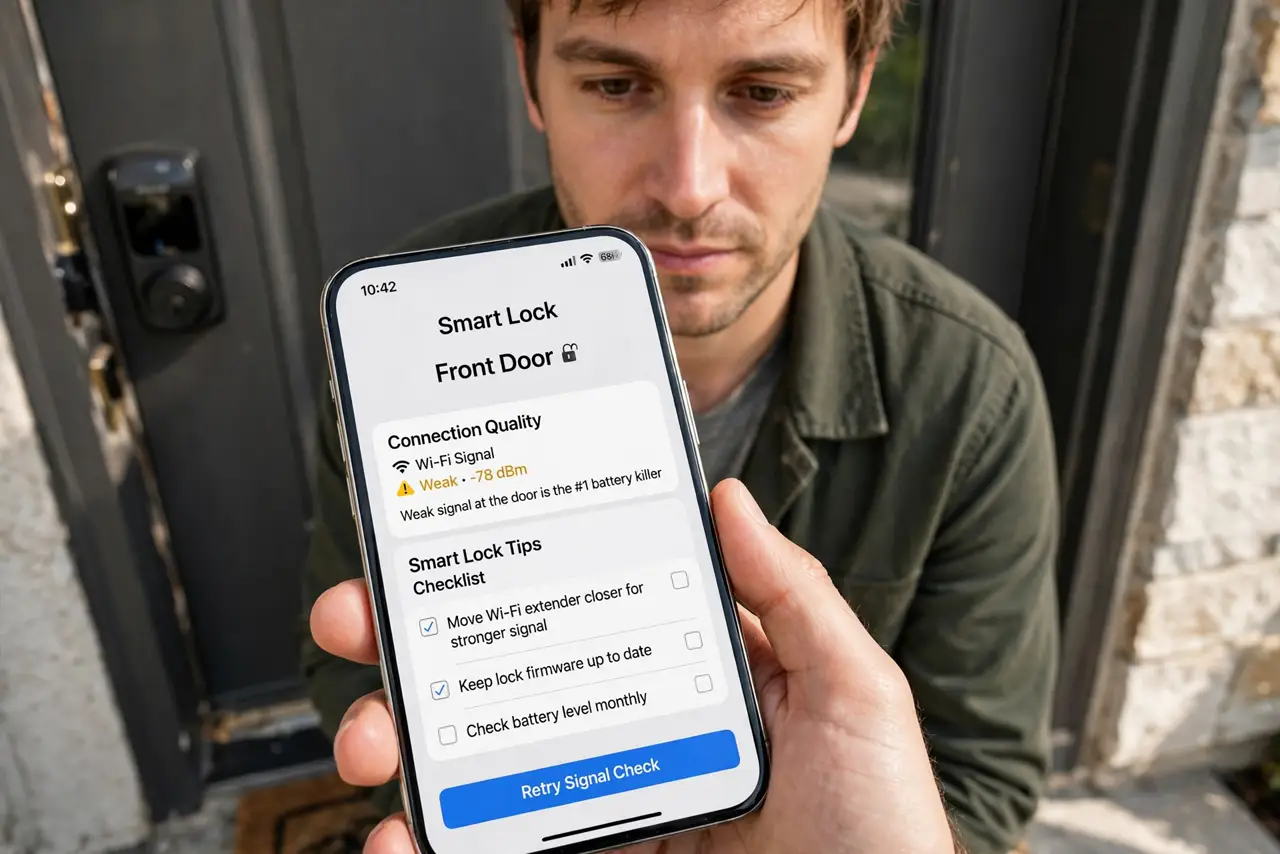
- Check the signal at the door. Open the lock app and look for Wi-Fi signal or connection quality. Weak signal at the door is the number one battery killer — see the smart lock tips for the full checklist.
- Improve the front-door signal. A mesh node or extender inside near the front door transforms lock reliability and battery life. The door is often the farthest point from the router.
- Update the lock firmware. Makers fix radio and power-management bugs regularly. Check for updates in the app — old firmware is a classic fast-drain cause.
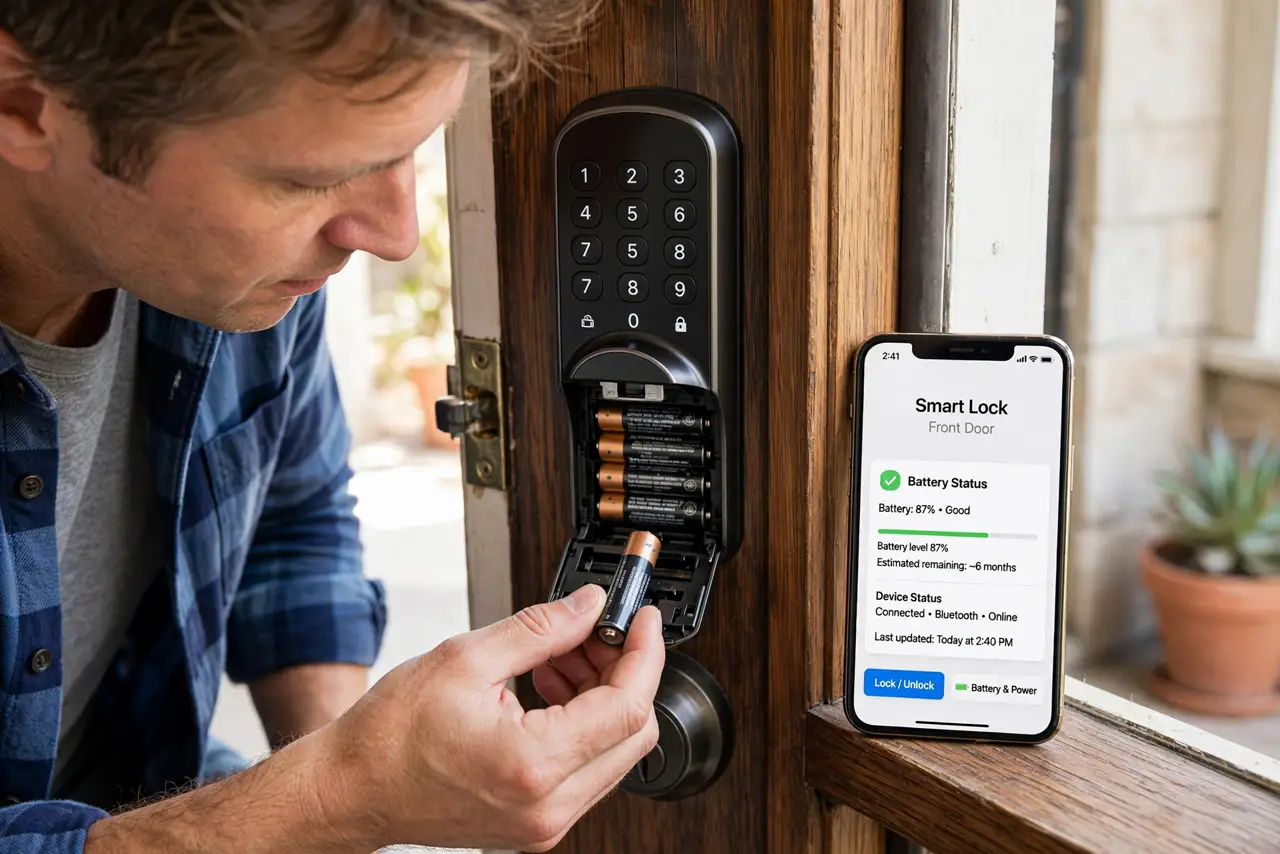
- Switch to lithium batteries. Lithium AAs last far longer than alkaline in smart locks and handle cold better. They cost more per battery and far less per year.
- Reduce unnecessary chatter. Turn off features you do not use — constant auto-lock polling and verbose logging drain power. Keep the features you actually rely on.
- Enable low-battery alerts. Turn on notifications for low battery, and keep a physical key as backup — see the guest code guide for managing access without draining the lock.
What NOT to do
- Do not use cheap alkaline batteries and wonder why they die. Smart locks are heavy radio users — lithium is the correct battery.
- Do not ignore the weak-signal warning. A lock retrying on bad Wi-Fi can drain in weeks what should last months.
- Do not skip firmware updates. Power-management fixes ship in updates; an outdated lock is a thirsty lock.
- Do not get locked out without a backup. Keep a physical key with a neighbor — electronics fail, keys do not.
Frequently asked questions
How long should smart lock batteries last?
Several months to a year with good signal and lithium batteries. Weeks means something is wrong — usually signal.
Why does cold kill the batteries faster?
Cold slows chemical reactions in batteries. Lithium handles it far better than alkaline — another reason to switch.
Will the lock work if Wi-Fi dies?
Yes — the keypad, fingerprint, or key still work locally. Only remote app control needs the internet.