5 GHz Network Not Showing? Fix It
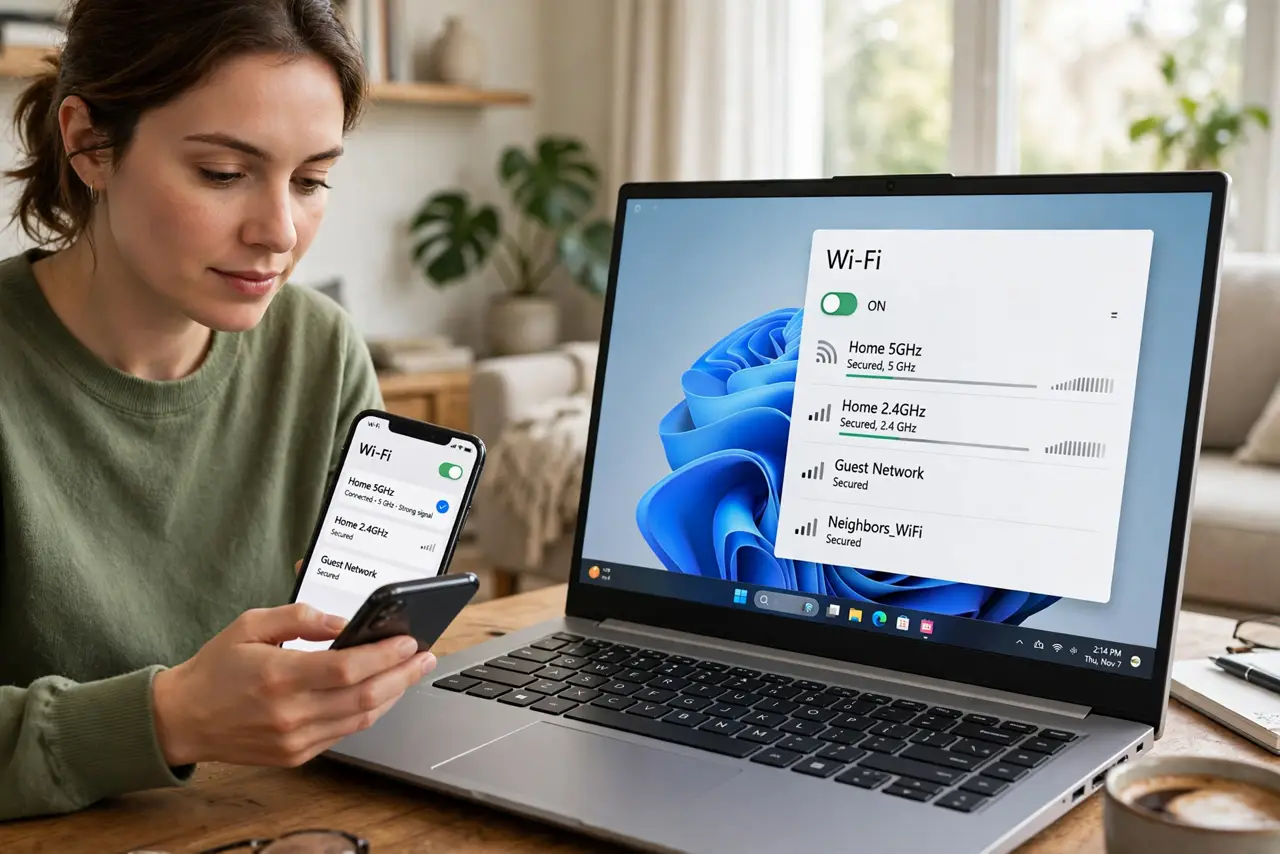
Your router broadcasts a fast 5 GHz network, your phone sees it, but the Windows laptop lists only the slower 2.4 GHz one. Usually the laptop's Wi-Fi adapter is set to the wrong band, or it is an older card that cannot see 5 GHz at all. Both are checkable in a minute.
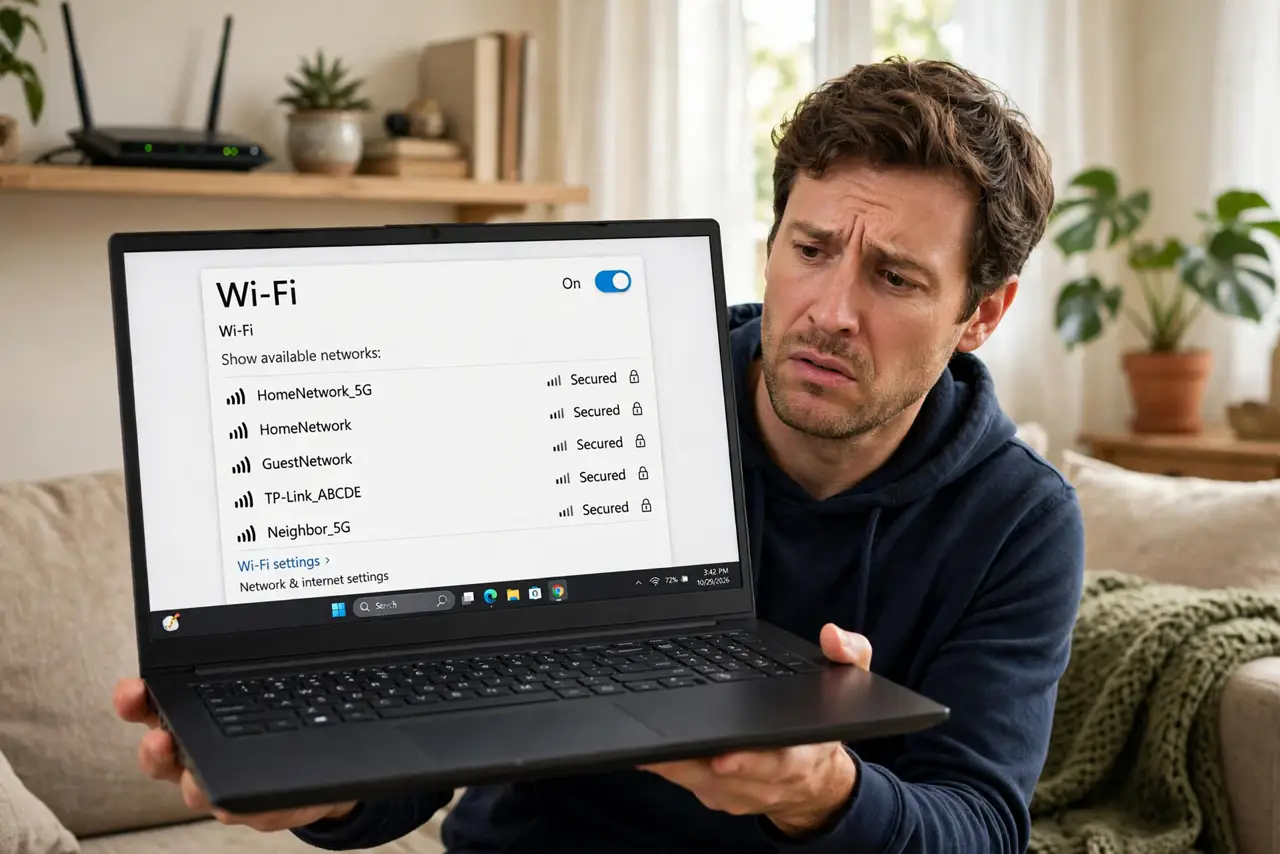
TL;DR / Quick Fix
Quick fix: check your Wi-Fi adapter's preferred band setting in Device Manager and set it to 5 GHz or Auto. If the 5 GHz network still never appears, the adapter may be 2.4 GHz only, and a small USB Wi-Fi adapter is the cheap fix.
Follow these steps
- Confirm another device sees the 5 GHz network. Check your phone's Wi-Fi list. If the 5 GHz name appears there, the router is fine and the laptop is the problem.
- Check the adapter's preferred band. Device Manager > Network adapters > your Wi-Fi adapter > Properties > Advanced tab. Find 'Preferred Band' or 'Band' and set it to 5 GHz or Auto instead of 2.4 GHz.
- Look at what the adapter supports. In the same Advanced tab, check for 802.11a/n/ac/ax modes. If the card only lists 802.11b/g/n, it is likely 2.4 GHz only — no setting can add a radio it lacks.
- Update the Wi-Fi driver. A fresh driver from the laptop maker's site sometimes unlocks band options that the generic Windows driver hides.
- Move closer and retest. 5 GHz fades faster through walls than 2.4 GHz. Stand near the router once to confirm the network appears — distance, not settings, may be the whole story.
- Consider a USB Wi-Fi adapter. If the built-in card is 2.4 GHz only, a small USB adapter with 5 GHz support is the practical upgrade — cheaper than replacing the laptop.
What NOT to do
- Do not rename the router's bands to match each other hoping the laptop picks 5 GHz. One combined name lets the router decide, often badly.
- Do not flash the router's firmware for this. A missing 5 GHz network on one device is a device-side issue.
- Do not assume 5 GHz is always better. At long range through walls, 2.4 GHz is slower but reaches — the channel guide matters more there.
- Do not buy a new router first. Check the laptop's adapter capabilities before spending anything.
Frequently asked questions
Why does my phone see 5 GHz but my laptop doesn't?
The laptop's adapter is probably locked to the 2.4 GHz band in its settings, or it is an older card without a 5 GHz radio. Phones have had dual-band radios for years; cheap laptop cards lagged behind.
Is 5 GHz always faster?
Close to the router, yes — more bandwidth and less interference. Far away or through thick walls, 2.4 GHz often wins on reliability.
Can a driver update add 5 GHz?
Only if the hardware already has the radio and the old driver hid it. No software can give a 2.4 GHz-only card a 5 GHz radio.