Clipboard Sync Fails Across Devices? Fix It
When clipboard sync fails across devices, copying on one computer never appears on the other, and the feature feels broken. Sync needs the same account, clipboard history on, and sync enabled on both sides, so one missing piece breaks the whole chain.
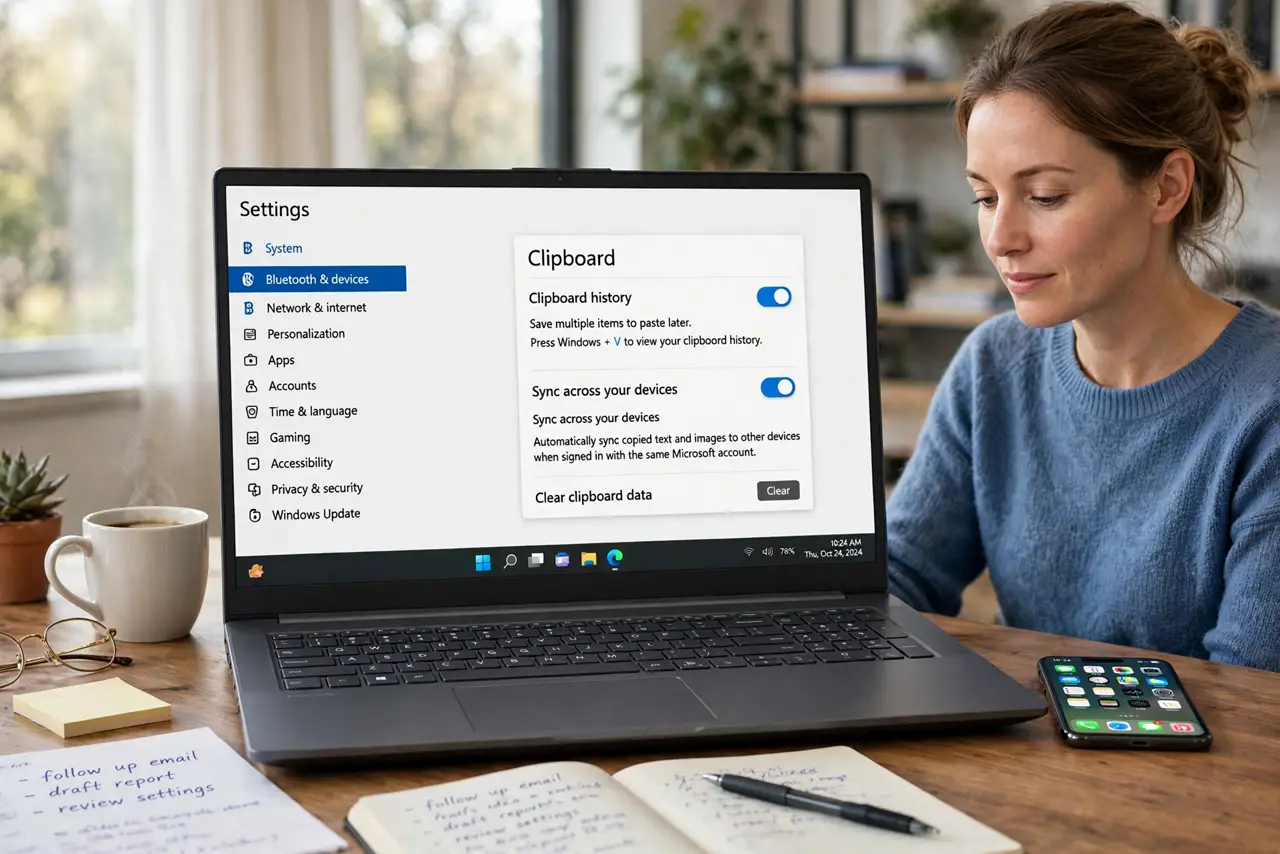
TL;DR / Quick Fix
Quick fix: on both devices, open Settings, then System, then Clipboard, turn on Clipboard history and Clipboard sync, and confirm both are signed in to the same Microsoft account. Copy a test phrase on one device, then press Windows and V on the other and check for it.
Follow these steps
- Turn on Clipboard history on both devices. On each device, open Settings, then System, then Clipboard, and turn on Clipboard history. Sync cannot share items that were never saved in the first place.
- Turn on Clipboard sync on both devices. On the same Clipboard page, turn on sync across devices. Set it to automatically sync, and do it on both devices, not just one.
- Confirm the same account on both devices. Check that both devices are signed in to the same Microsoft account. Sync is tied to the account, so different accounts will never share clipboard items.
- Copy a simple test phrase. On the first device, copy a short, simple phrase. Avoid passwords or private text for the test, because the phrase will travel to the other device.
- Check the other device history. On the second device, press Windows and V and look for the test phrase at the top of the list. If it appears, sync works, and the earlier failure was a setting, not the feature.
- Restart sync if the test fails. Turn sync off and back on, on both devices, then repeat the test phrase. A fresh sync session clears a stuck connection that a single setting change may not fix.
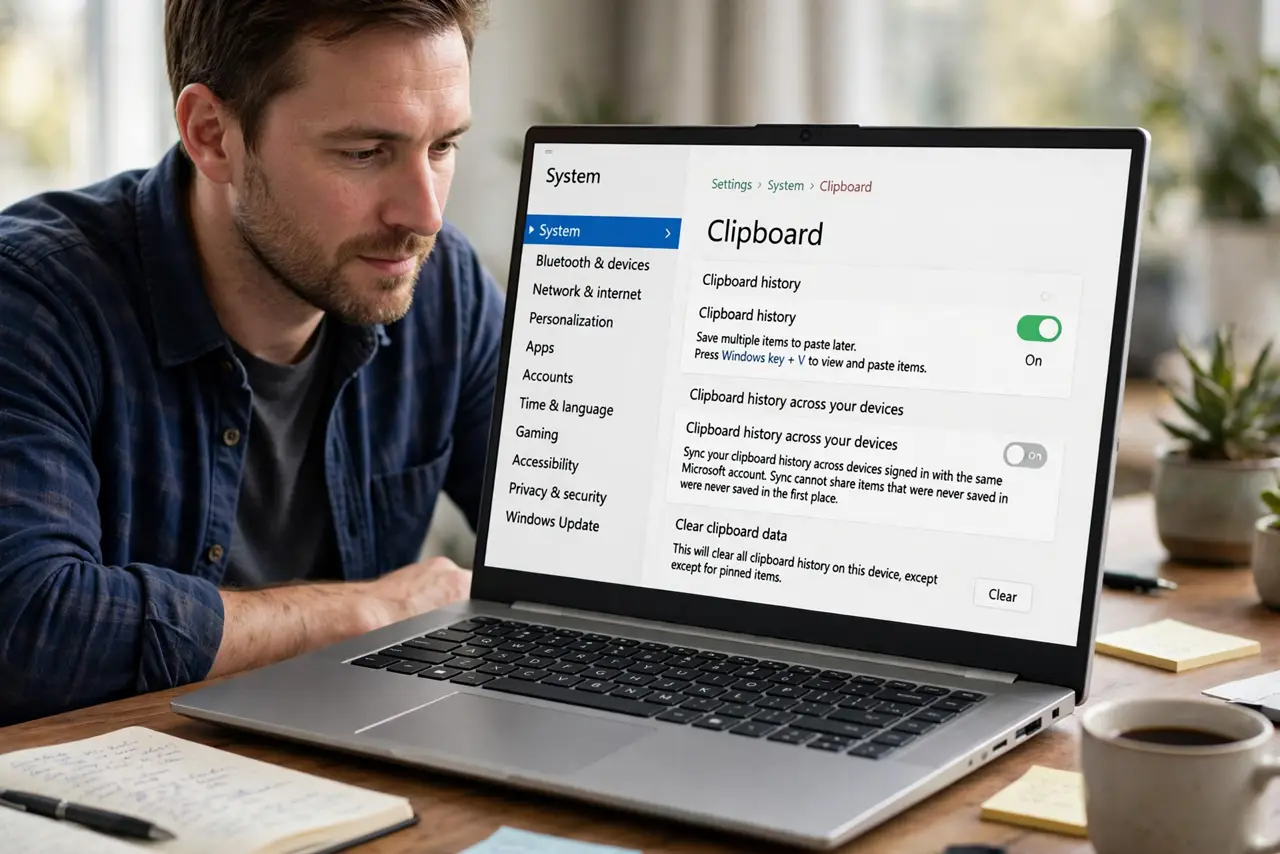
What NOT to do
- Do not sync passwords or private codes across devices unless you mean to. Synced clipboard items travel to every device on the account, so clear sensitive items right after use.
- Do not turn on sync on a shared or public computer. Anyone using that computer afterwards could see your synced clipboard items.
- Do not keep copying the same phrase in a loop hoping it appears. If the test phrase never arrives, check the account and sync settings first, instead of repeating the copy.
- Do not install a third-party clipboard sync tool from a pop-up. Windows already includes clipboard sync, and extra tools can collect what you copy.
Frequently asked questions
Why does sync work one way but not the other?
One device likely has sync off, or is signed in to a different account. Check history, sync, and account on both devices, not just the sending one.
Does clipboard sync work with a phone?
Windows clipboard sync works between Windows devices on the same account. Phone support depends on the phone companion app and its own settings.
Is clipboard sync safe to leave on?
For everyday text, yes, on your own devices. Turn it off, and clear history, before you copy passwords, codes, or private details.