Control Panel vs Settings?
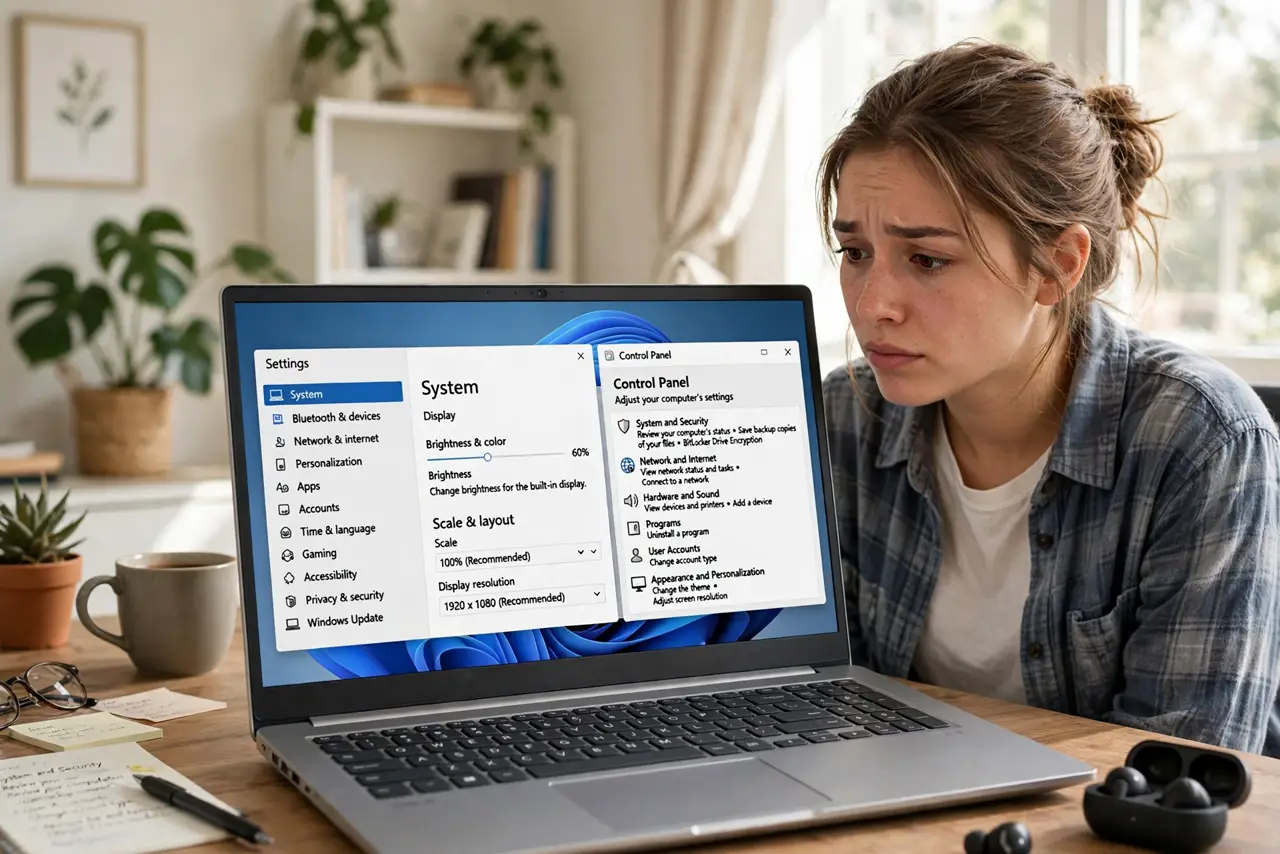
Windows has two places for settings: the modern Settings app and the ancient Control Panel — and they overlap confusingly. Microsoft has been migrating things for a decade without finishing, so some options live in one, some in the other, and some in both. Here's which to use when, and why both still exist.
TL;DR / Quick Fix
Quick fix: use the Settings app first — it's where Microsoft puts everything new and it's searchable. Drop into Control Panel only for legacy tools (like old network adapter settings) that haven't migrated. When in doubt, search in Settings; it often links straight to the Control Panel page you need.
Follow these steps
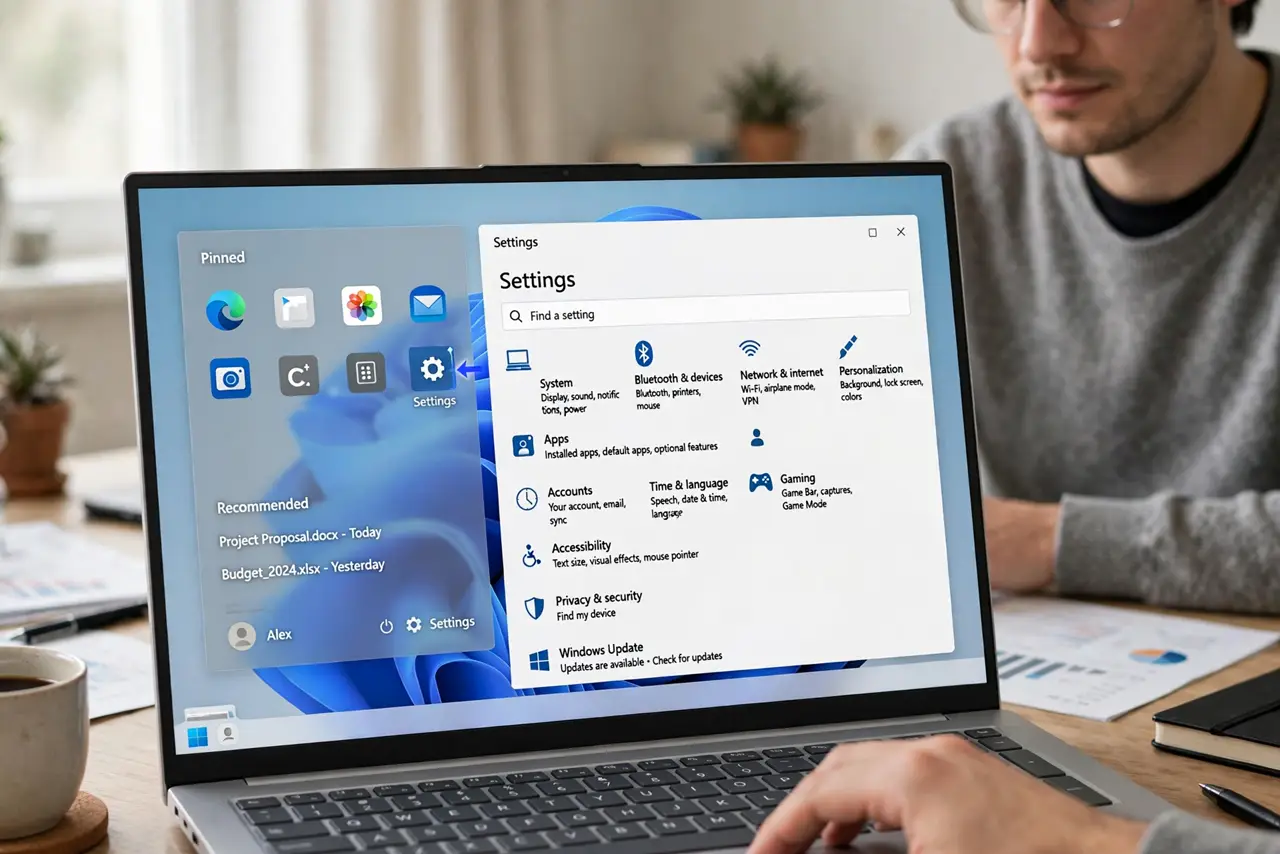
- Start with the Settings app. Settings is the modern, touch-friendly home for most options, and its search finds things fast. For day-to-day changes — display, network, accounts — start here every time.
- Know what still lives in Control Panel. Deep legacy tools — adapter settings, old backup tools, some administrative utilities — never migrated. When a guide says Control Panel, it's usually one of these holdouts.
- Use Settings search as a bridge. Searching in Settings often surfaces results that open the matching Control Panel page directly. You don't need to memorize which system hosts what — search handles the routing.
- Learn the God Mode shortcut. The famous God Mode folder lists 200+ settings from both worlds in one browsable view — handy when you know what you want but not where Microsoft hid it.
- Don't fear either one. Changing a setting in Control Panel vs Settings changes the same underlying option — they're two doors to the same rooms. Use whichever door you find first.
- Expect slow convergence. Microsoft migrates a few more pages every Windows update. The duplication is shrinking, just slowly — today's Control Panel holdout may be tomorrow's Settings page.
What NOT to do
- Do not follow decade-old guides blindly. Tutorials written for Windows 7-era Control Panel paths often don't match Windows 10/11 — prefer recent guides.
- Do not change legacy settings you don't understand. Old Control Panel dialogs lack the guardrails of modern Settings — one wrong toggle in adapter settings can kill your network.
- Do not assume Control Panel is going away tomorrow. Microsoft has threatened it for years; it's still here and still needed for some tools.
- Do not install third-party 'settings' tools to unify them. The built-in search already bridges both — extra tools add risk for no real gain.
Frequently asked questions
Which one should beginners use?
Settings, always. It's searchable, safer, and where all new features land. Control Panel is for the specific legacy tools that guides name explicitly.
Why does Windows have both?
Backward compatibility: businesses rely on old Control Panel tools and scripts. Microsoft can't remove it without breaking enterprise workflows built over decades.
Will Control Panel disappear?
Eventually, probably — but Microsoft has been 'eventually' for ten years. Learn Settings deeply; treat Control Panel as the basement you visit occasionally.