What Is a Copilot+ PC?
Laptop listings now shout 'Copilot+ PC' like it is a new species, with promises of AI that writes, draws, and remembers everything. Under the sticker it is simpler: a Copilot+ PC is a Windows laptop with a fast neural chip that runs AI features on the device instead of in the cloud. Some of it is genuinely useful; some of it is marketing glitter. Here is what the label actually guarantees and whether it is worth paying extra for. The Recall privacy guide covers the most controversial feature.
TL;DR / Quick Fix
Quick fix: a Copilot+ PC is a Windows laptop with a fast AI chip (NPU) for on-device features like live captions and photo tools. Buy one if you want those AI extras and long battery life — but a regular laptop runs the same apps just fine for most people.
Follow these steps
- Learn what the label requires. Copilot+ PCs must have an NPU fast enough for on-device AI, plus minimum RAM and storage specs. The sticker is a hardware certification, not just branding.
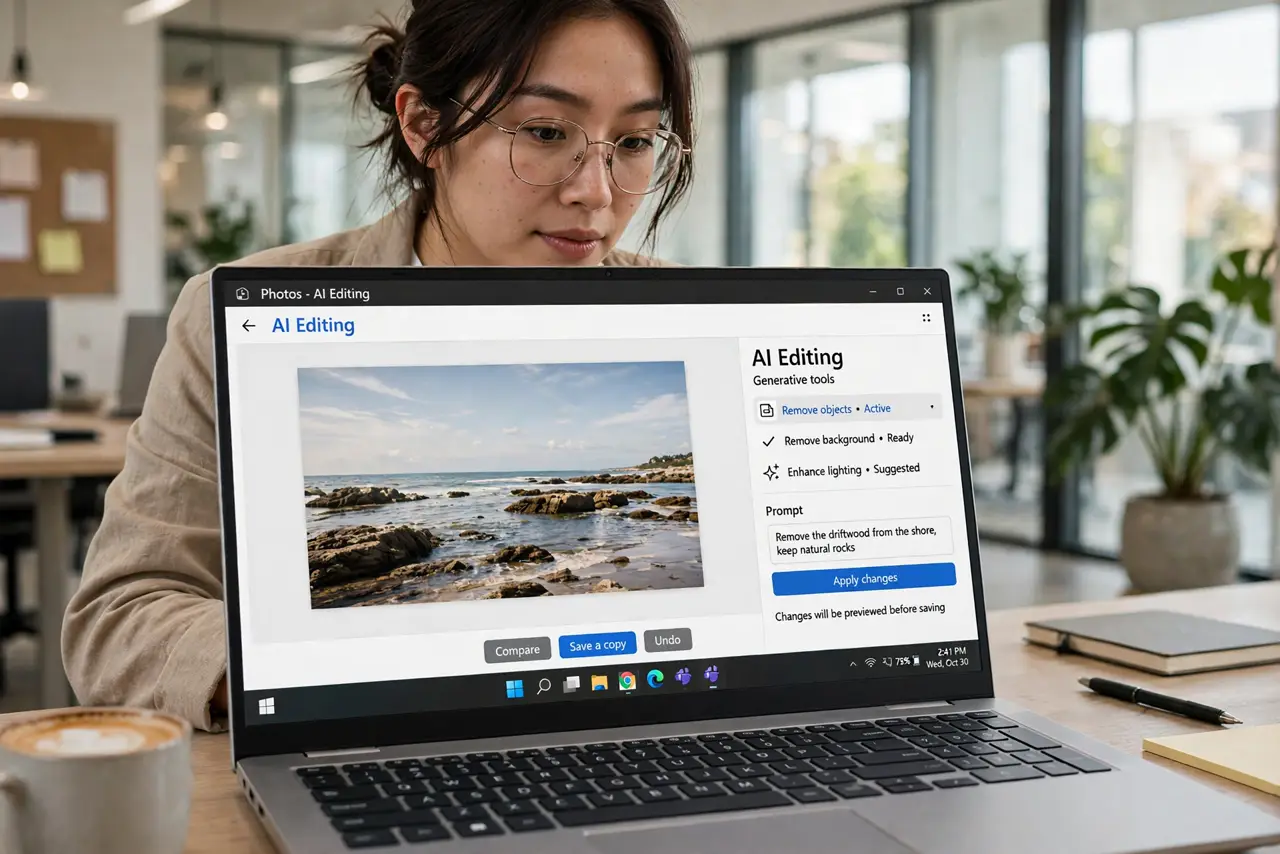
- Know which features need the NPU. Live captions with translation, AI photo tools, and enhanced video effects run on the neural chip. Regular apps — browsers, Office, games — run identically on any modern laptop.
- Weigh the battery life benefit. The ARM-based Copilot+ models especially deliver excellent battery life, since efficient chips sip power. If you live unplugged, this is the most tangible perk.
- Check app compatibility for ARM models. Some Copilot+ PCs use ARM chips, and a few older apps need emulation. The Prism emulation guide explains how that works before you buy.
- Decide if AI features matter to you. Be honest: will you use live captions, background blur, and AI photo editing weekly? If not, you are paying for a sticker.
- Compare against regular laptops at the price. A non-Copilot+ laptop at the same price often gives you more RAM, storage, or a better screen. Specs you use daily beat features you might try once.

What NOT to do
- Do not assume Copilot+ means faster at everything. The NPU only accelerates AI tasks — gaming and general speed depend on the CPU and GPU.
- Do not buy for one demo feature. Keynote demos are best-case; check real reviews of the exact feature you want.
- Do not ignore the ARM vs x64 question. Some Copilot+ PCs are ARM, with the compatibility tradeoffs that brings.
- Do not pay the premium for AI you will not use. Honest self-assessment saves hundreds here.
Frequently asked questions
Is a Copilot+ PC required for Windows AI features?
For on-device NPU features, yes. Cloud-based AI tools work on any PC with internet — the NPU only matters for local processing.
Do Copilot+ PCs run all my old programs?
x64-based models run everything normally. ARM-based models run most apps through emulation, with rare exceptions.
Is the NPU useful today or future-proofing?
A bit of both. Current features are modest but real; more software will use NPUs over time. Buy for today's benefits, not promises.