Defender Deleted a File You Trust? Fix It
Windows Defender quarantined a file you wrote yourself — your own script, your own compiled program, your own installer. Heuristic detection flags unfamiliar executables, especially ones you built. You can get the file back and teach Defender to trust your work folder, without turning protection off — the SmartScreen blocked installer guide covers the cousin problem at download time.
TL;DR / Quick Fix
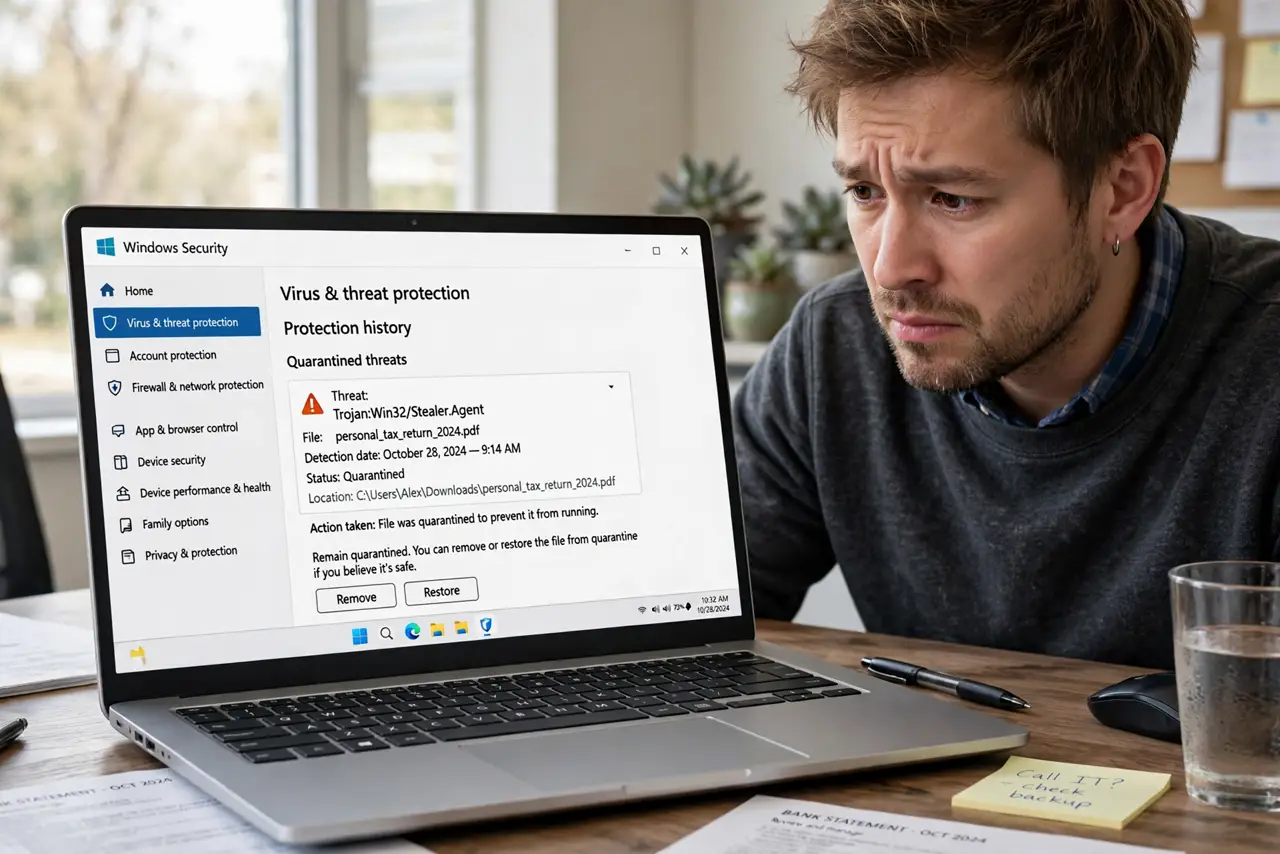
Quick fix: open Windows Security, go to Protection history, and restore your file from quarantine. Then add your project folder as an exclusion so your own builds stop getting flagged. Only exclude folders containing code you wrote yourself, and never turn real-time protection off as a shortcut.
Follow these steps
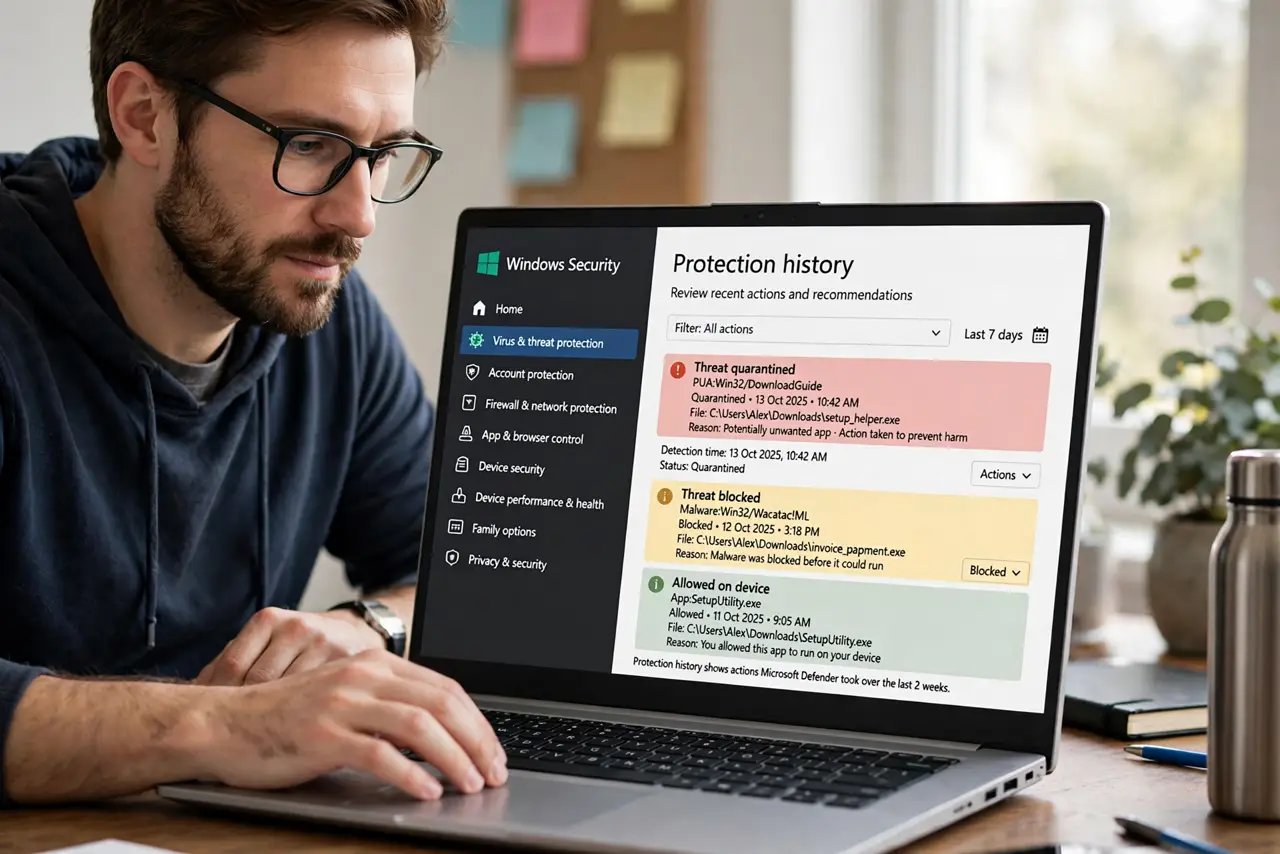
- Open Protection history in Windows Security. Go to Windows Security, then Virus and threat protection, then Protection history. Every quarantine action is logged there with the file name and the reason.
- Verify the flagged file is truly yours. Check the file path and date. Only proceed if you recognize the file as your own script, build, or installer — never restore a file you do not recognize.
- Restore the file from quarantine. Select the item in Protection history and choose Restore. The file returns to its original location, and Defender logs the restore.
- Add your project folder as an exclusion. In the antivirus settings, add an exclusion for the folder where you keep your own code and builds. Exclusions stop the repeated flagging of files you compile daily.
- Keep the exclusion narrow. Exclude one project folder, not your whole drive or Downloads. A narrow exclusion keeps protection strong everywhere else while your work folder stays quiet.
- Submit the file as a false positive if it recurs. If Defender keeps flagging your released program, submit it to Microsoft as a false positive. Enough submissions teach the detection to recognize your software.
What NOT to do
- Do not turn off real-time protection to solve this. Disabling protection for one flagged file leaves the whole PC exposed, while an exclusion solves it precisely.
- Do not restore files you do not recognize. Quarantine exists for a reason, and restoring a stranger file because you are annoyed is how infections happen.
- Do not exclude your Downloads folder. That is where risky files land, so excluding it defeats the purpose of the antivirus.
- Do not assume every detection is wrong. If a file you downloaded, not wrote, gets flagged, treat the warning as real until proven otherwise.
Frequently asked questions
Why does Defender flag my own programs?
Because freshly compiled executables look like unknown software to heuristic detection. Without a reputation, caution is the default.
Is adding an exclusion safe?
For a folder containing only code you wrote, yes. The risk comes from excluding folders where downloaded files land.
Will the exclusion survive updates?
Yes. Exclusions are settings, not files, and Windows updates do not clear them.