Bring Back the Delete Confirmation
Remember when deleting asked 'Are you sure?' Now files vanish into the bin with one keypress and no checkpoint. Microsoft removed the prompt by default to speed things up, but the checkbox to bring it back never left — it is one right-click away in the Recycle Bin's own settings.
TL;DR / Quick Fix
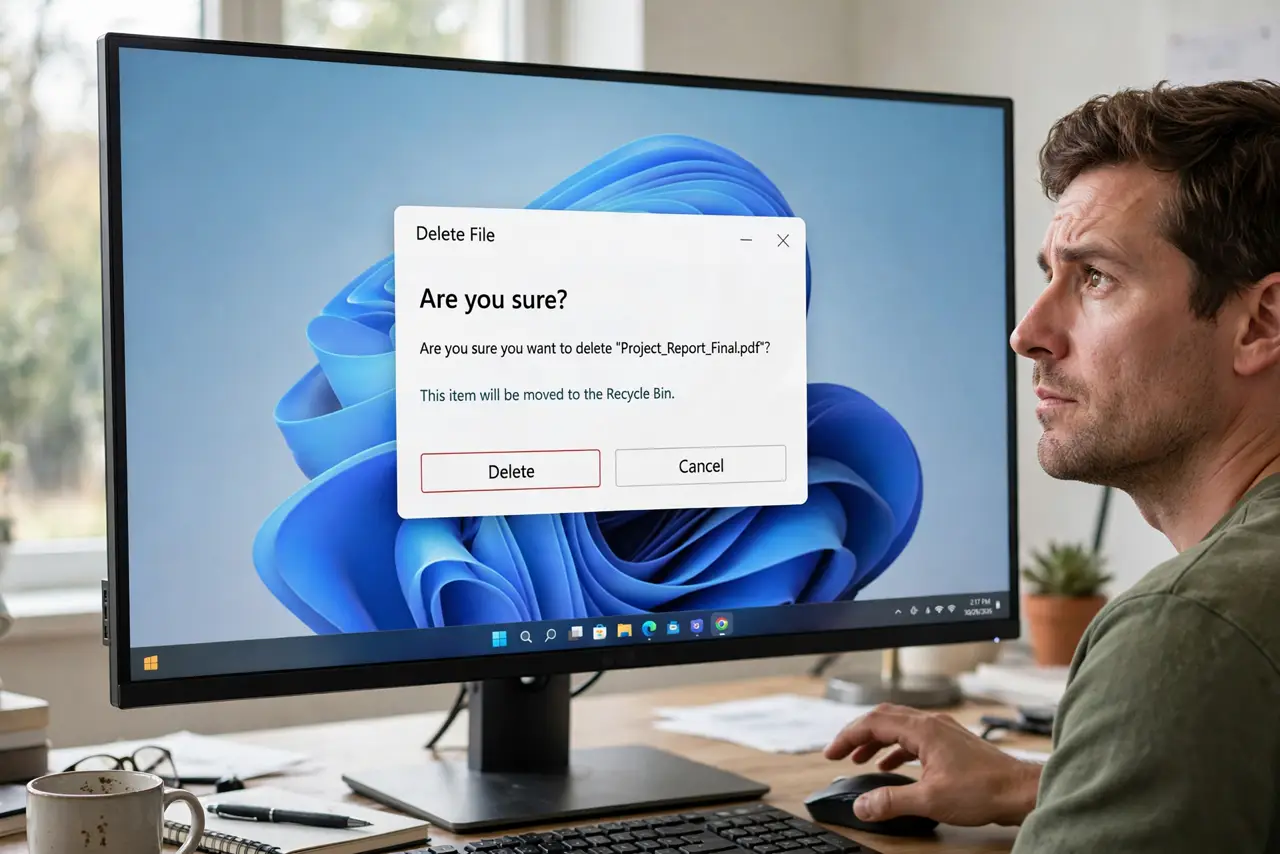
Right-click the Recycle Bin, open Properties, and check 'Display delete confirmation dialog' — the 'Are you sure?' prompt returns immediately. Microsoft turned it off by default years ago to speed up deletions, which is why new PCs never ask. The dialog appears for normal deletes; Shift+Delete still asks separately.
Follow these steps
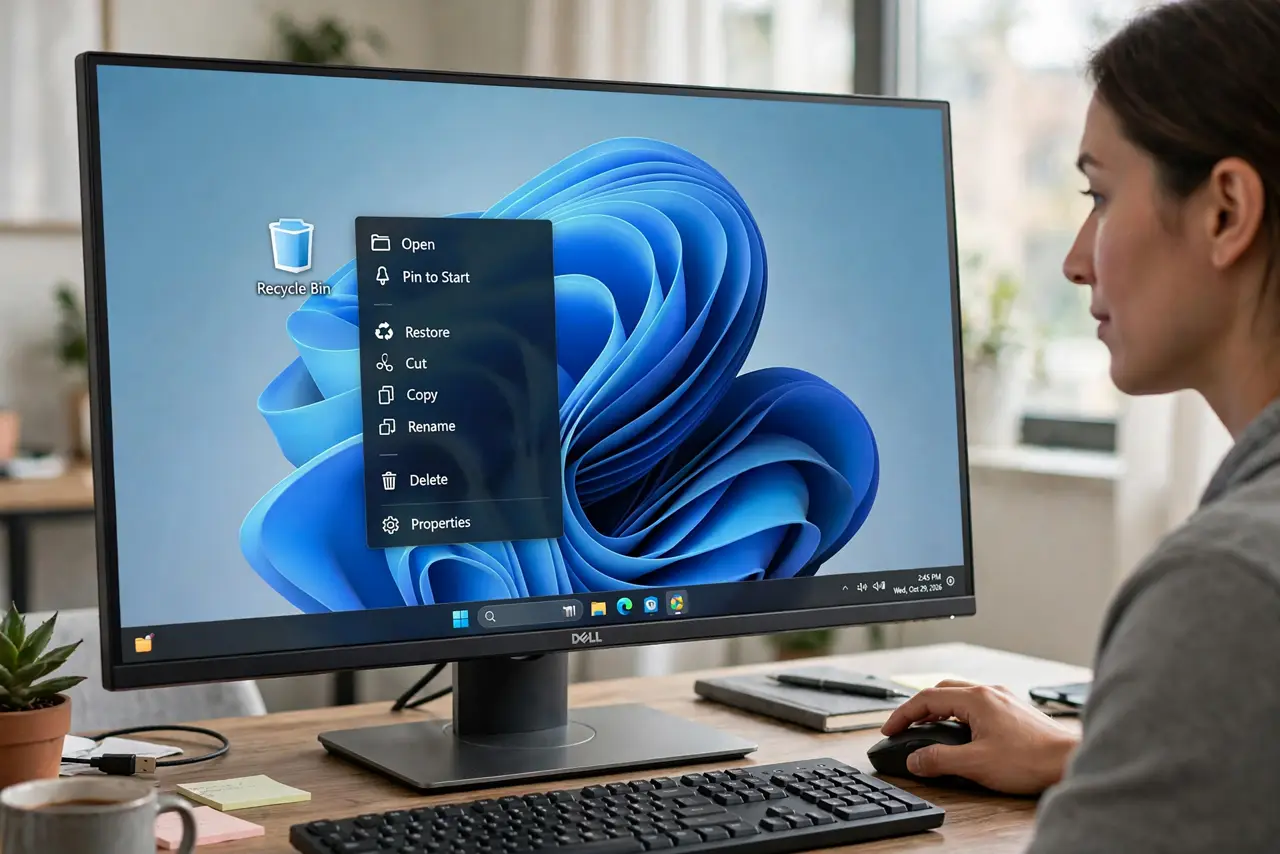
- Right-click the Recycle Bin icon. Use the desktop icon, or find Recycle Bin in File Explorer's address bar. Right-click it directly.
- Open Properties. Choose Properties from the context menu. The dialog shows per-drive settings plus the global options.
- Check 'Display delete confirmation dialog'. Tick the checkbox near the bottom of the dialog and click OK. The change is instant.
- Test it on a disposable file. Create a text file, press Delete, and confirm the 'Are you sure you want to move this file to the Recycle Bin?' prompt appears.
- Know Shift+Delete asks anyway. Permanent deletes always confirm, with or without this checkbox. The setting only affects normal, bin-bound deletes.
- Leave it on if you delete by reflex. Fast typists and mouse-heavy users benefit most — the half-second pause has saved many important files.
What NOT to do
- Do not expect the dialog for drag-to-bin deletes. Dragging to the Recycle Bin never confirmed, even in the old days — only the Delete key triggers it.
- Do not confuse this with admin permission prompts. 'Are you sure?' is the delete confirmation; User Account Control is a separate security dialog.
- Do not turn it off again out of impatience. The pause it adds is tiny compared to the cost of an accidental delete.
- Do not look for it in Windows Settings. This checkbox lives only in the Recycle Bin's own Properties — it was never moved.
Frequently asked questions
Why did Microsoft remove the confirmation?
Speed. Most deletes go to the bin and are recoverable, so Microsoft decided the prompt slowed people down for little safety gain.
Can I get the old Windows XP style dialog?
The current dialog is the modern equivalent — same job, updated wording. There is no XP skin for it.
Does the dialog slow down deleting many files?
One prompt covers a multi-file delete, so bulk deletes still ask just once. The cost is negligible.