What Is a Digital License?
Windows asks to be activated, and somewhere in Settings it says you have a digital license — no product key sticker, no code to type. A digital license is simply Microsoft's record that your hardware is entitled to Windows, stored on their servers and tied to your machine. Here is what it means in practice.
TL;DR / Quick Fix
Quick fix: a digital license means Microsoft has your PC's hardware registered as entitled to Windows — no product key needed. Link it to your Microsoft account in Settings so you can reactivate after hardware changes. Reinstalling Windows on the same PC reactivates automatically.
Follow these steps
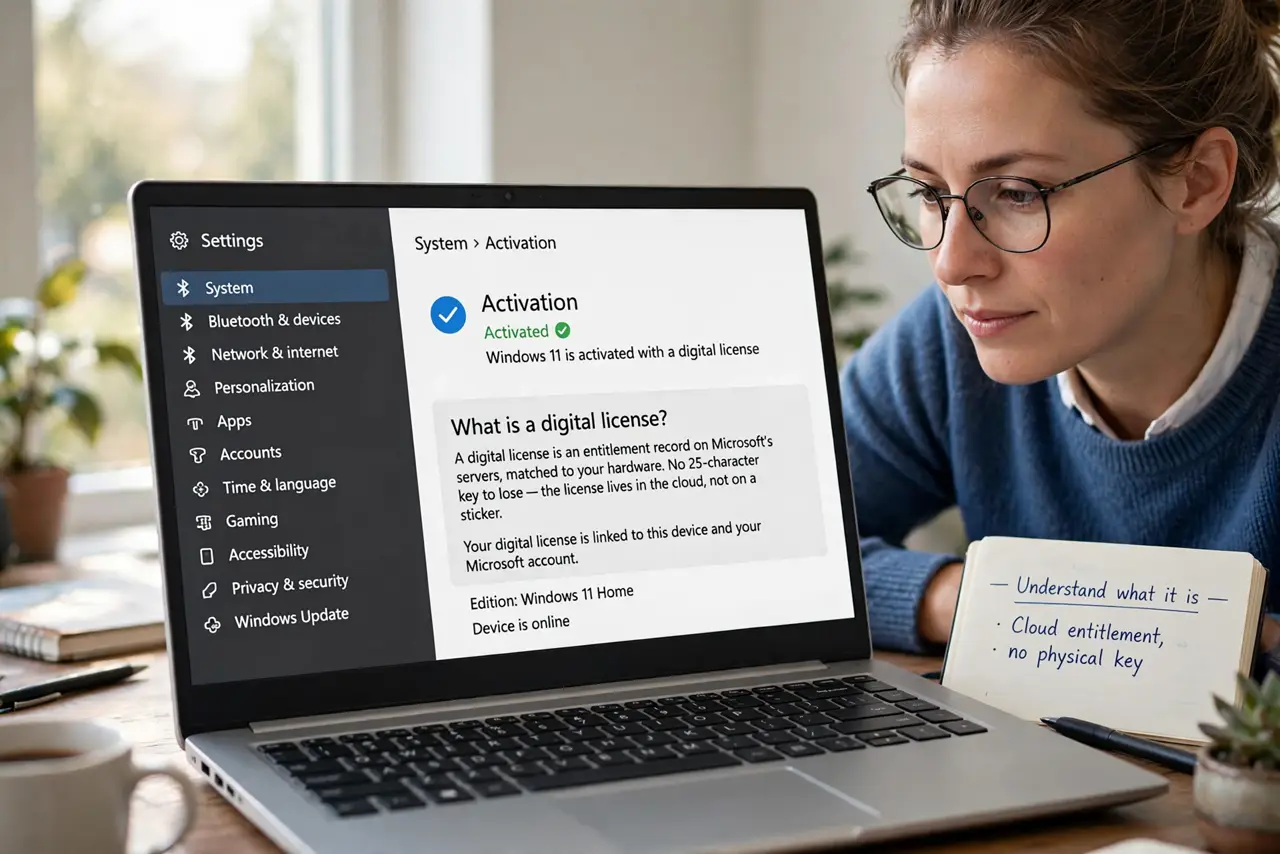
- Understand what it is. A digital license is an entitlement record on Microsoft's servers, matched to your hardware. No 25-character key to lose — the license lives in the cloud, not on a sticker.
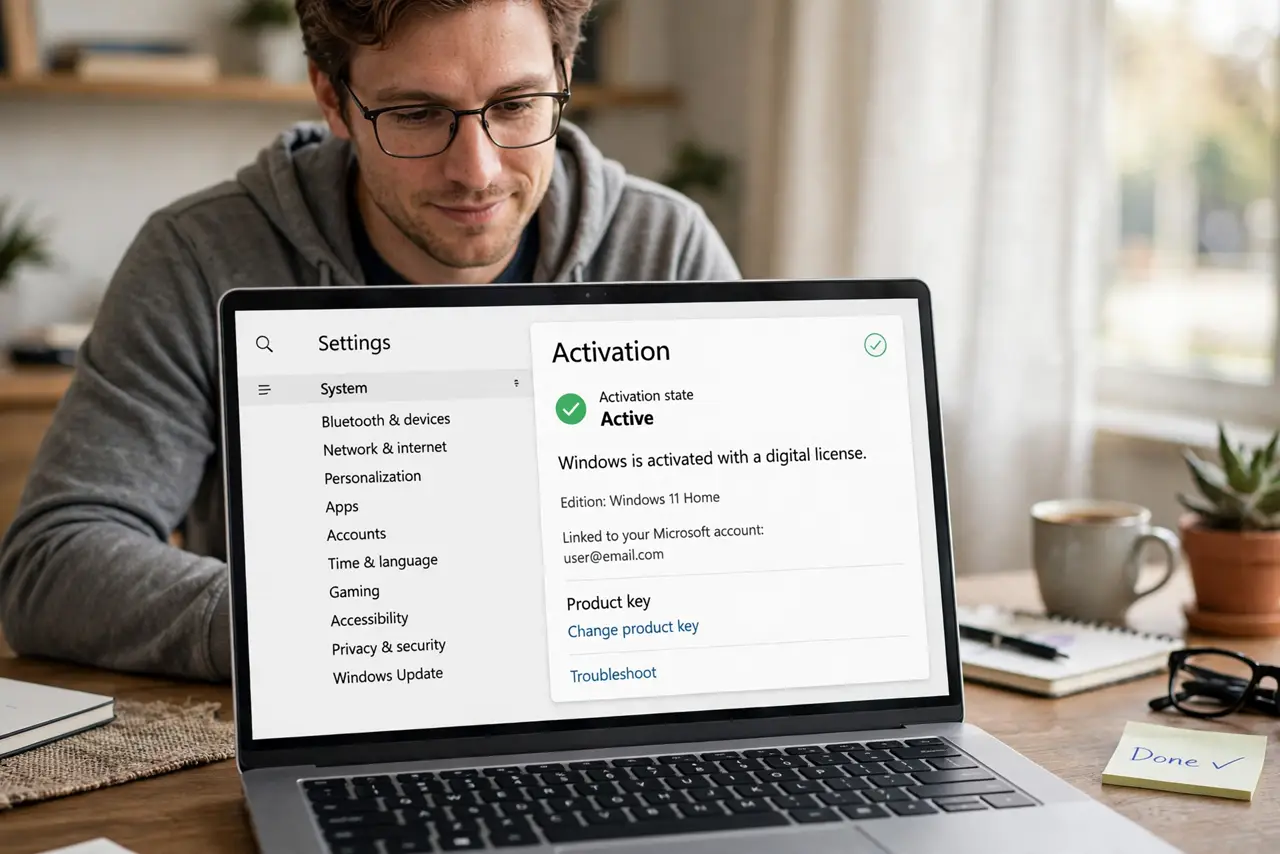
- Check your activation status. Go to Settings > System > Activation. 'Windows is activated with a digital license' means you are properly licensed.
- Link it to your Microsoft account. Sign in with a Microsoft account on the PC. This ties the license to you, not just the hardware — critical if you replace parts.
- Know what breaks it. A motherboard swap looks like a new PC to Microsoft. With the account link, the activation troubleshooter can transfer the license.
- Reinstall freely on the same PC. Clean-installing Windows on the same hardware reactivates automatically once online. Your install media and digital license are a natural pair.
- Keep proof of purchase. For retail licenses, keep the receipt or confirmation email. If activation ever disputes, proof of purchase settles it.
What NOT to do
- Do not buy cheap keys from gray-market sites. They get revoked, and your activation dies with them.
- Do not confuse digital license with subscription. It is a permanent entitlement, not something that expires yearly.
- Do not skip the Microsoft account link. An unlinked license is much harder to recover after hardware changes.
- Do not panic at activate Windows watermarks after reinstalling. Give it time online — automatic reactivation usually just needs a connection.
Frequently asked questions
Do I need a product key anymore?
Usually not — most modern PCs activate via digital license. Retail boxes still include keys, but you rarely type them.
Can I move my license to a new PC?
Retail licenses, yes. OEM licenses (preinstalled) stay with the original PC — that is the tradeoff for the lower price.
What if activation fails after a repair?
Run the activation troubleshooter while signed into your linked Microsoft account. It handles most hardware-change cases.