Lock Your PC When You Walk Away
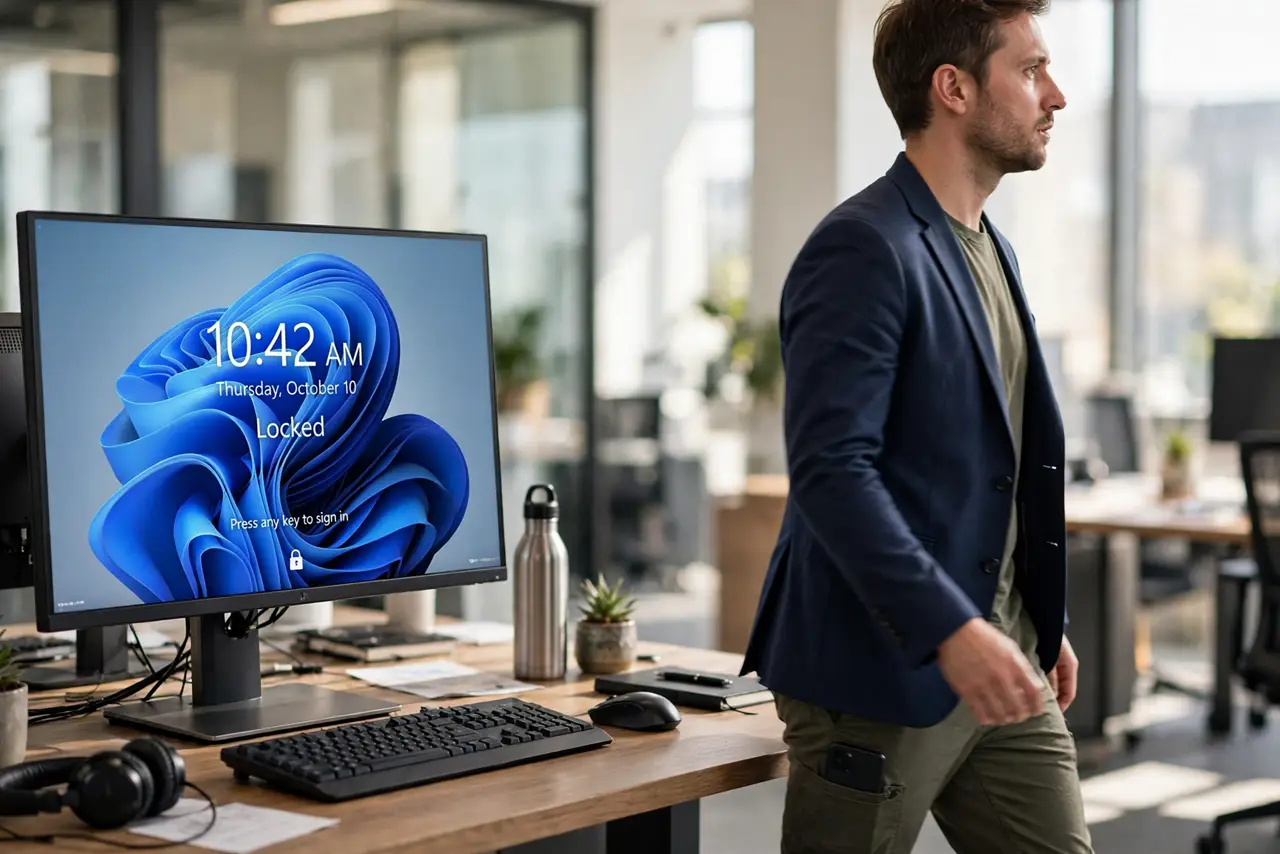
You walk to the kitchen and your PC sits unlocked for whoever passes by. Dynamic Lock pairs with your phone's Bluetooth and locks Windows automatically when you walk away — no remembering, no timeouts to outwait. Setup takes two minutes.
TL;DR / Quick Fix
Pair your phone over Bluetooth, then open Settings > Accounts > Sign-in options and check 'Allow Windows to automatically lock your device when you're away'. When the Bluetooth signal fades as you walk off, Windows locks. It takes about a minute to trigger, so don't sprint from a sensitive screen.
Follow these steps
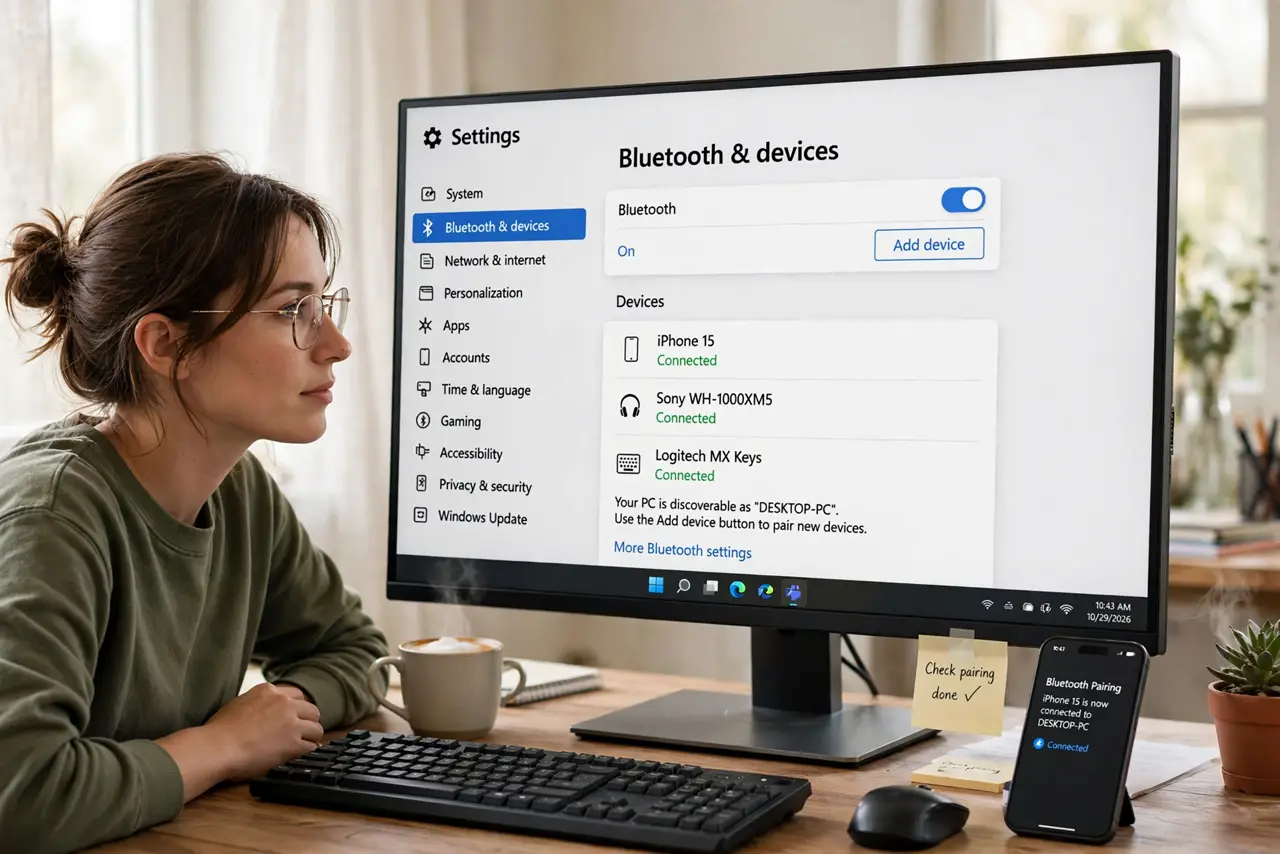
- Pair your phone via Bluetooth. Open Settings > Bluetooth & devices, pair your phone, and confirm it shows as Connected.
- Open Sign-in options. Press Win + I, go to Accounts > Sign-in options, and scroll to Dynamic Lock.
- Check the Dynamic Lock box. Enable 'Allow Windows to automatically lock your device when you're away'. That's the entire setup.
- Test it by walking away. Leave the room with your phone for a couple of minutes. Return to find the lock screen waiting — it takes about a minute to trigger.
- Keep Bluetooth on. Dynamic Lock watches the Bluetooth signal. If you toggle Bluetooth off on the phone, the feature goes blind.
- Don't rely on it for secrets. The minute-long delay means a fast snoop could beat it. For truly sensitive moments, press Win + L yourself — see the locks too soon note for tuning.
What NOT to do
- Do not expect instant locking. The Bluetooth fade takes about a minute — it's a safety net, not a deadbolt.
- Do not pair and forget. If you replace your phone, re-pair and re-check the Dynamic Lock box.
- Do not use it as your only lock. Short screen timeouts plus required sign-in remain the foundation; Dynamic Lock is the bonus.
- Do not panic if it locks while you're near. Thick walls and Bluetooth quirks can fake a walk-away — just sign back in.
Frequently asked questions
How does Dynamic Lock know I left?
It watches your phone's Bluetooth signal strength. When it fades past a threshold — roughly 10 meters — Windows locks.
Does it work with any phone?
Any phone that pairs over Bluetooth: iPhone, Android, anything. No app needed on the phone.
Will it drain my phone's battery?
Negligibly. It uses the existing Bluetooth connection, not a constant active scan.