Details Pane Shows Nothing? Fix It
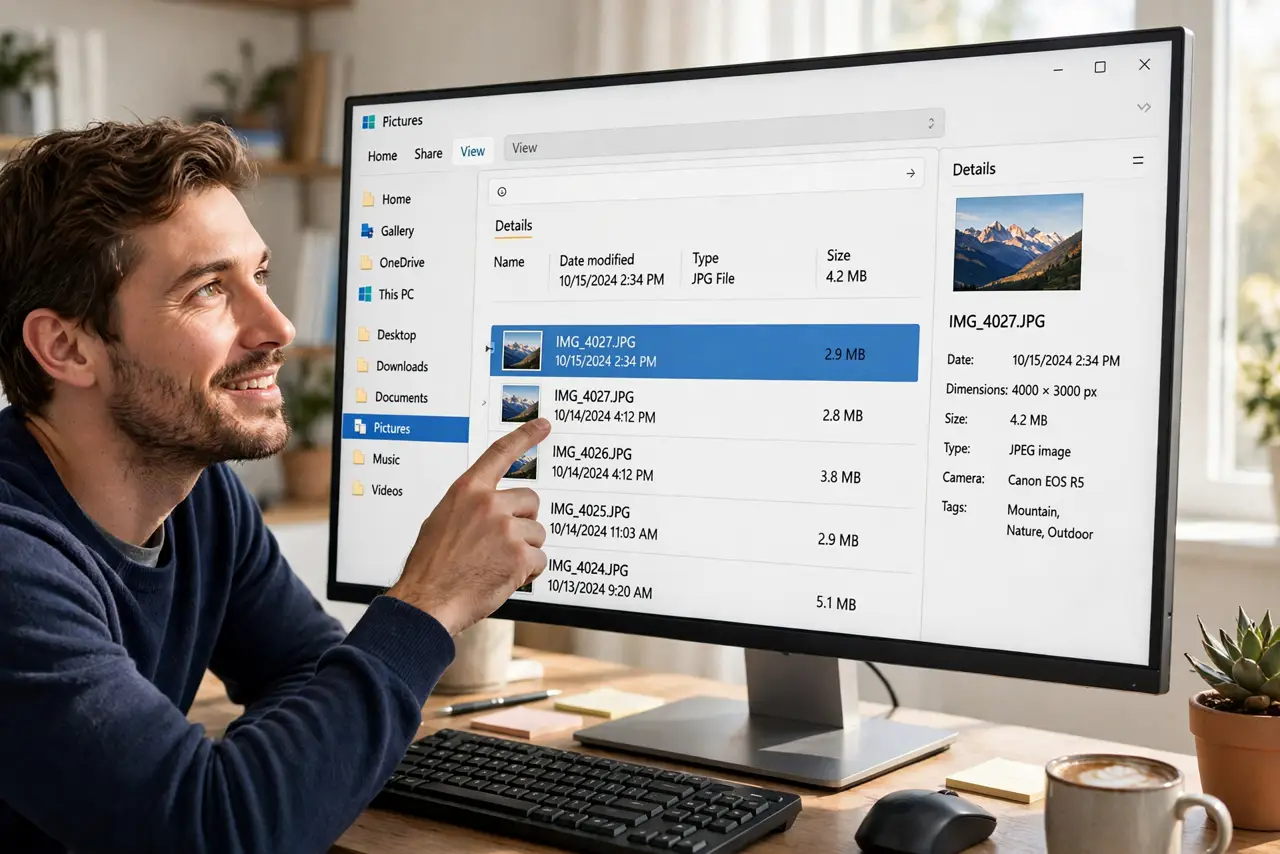
The Details pane sits open on the right, proudly showing nothing — no dates, no sizes, no dimensions. Before assuming it is broken, know its two honest behaviors: it only describes a single selected file, and it sometimes needs a toggle to wake up. Both take seconds to check.
TL;DR / Quick Fix
The Details pane fills in only when a single file is selected — click one file. If it stays blank, press Alt+Shift+P to toggle the pane off and on, which resets it. The pane never shows details for several selected files at once; that blank state is normal, not broken.
Follow these steps
- Select exactly one file. Click a single file in the folder. The Details pane populates with its properties: dates, size, and type-specific details like photo dimensions.
- Toggle the pane with Alt+Shift+P. Press Alt+Shift+P to hide the pane, then again to show it. This resets the pane when it is stuck blank.
- Open the pane if it is closed. The same Alt+Shift+P shortcut opens it if it wasn't visible at all — or use View > Show > Details pane in the command bar.
- Check the file actually has metadata. Some files genuinely have little to show. A plain .txt file shows dates and size; a photo shows much more.
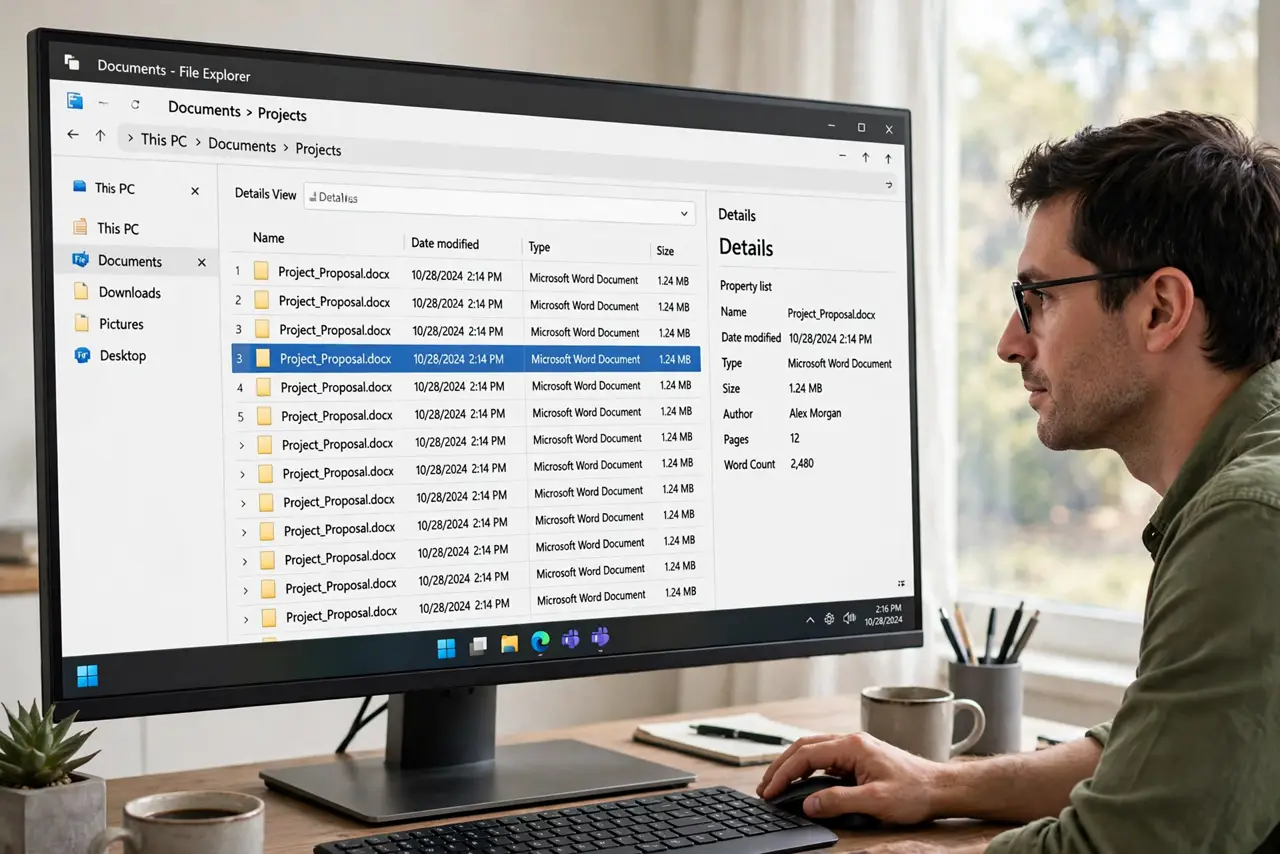
- Don't select multiple files. With two or more files selected, the pane goes blank by design — it can't summarize differing properties.
- Restart Explorer if it stays dead. Open Task Manager, restart Windows Explorer, and re-select a file. A wedged pane wakes up after the restart.
What NOT to do
- Do not reinstall Windows over a blank pane. Selection plus the toggle shortcut resolves nearly every case.
- Do not expect details for folders the same way. Folders show limited info — the pane shines on files, not directories.
- Do not confuse the Details pane with the Preview pane. Details shows metadata text; Preview shows the file's content — separate toggles.
- Do not assume blank means the file is corrupt. The pane reads metadata; a healthy file with sparse metadata simply shows little.
Frequently asked questions
Why is the Details pane blank with files selected?
It only works with exactly one file selected. Multiple selections blank it by design — click a single file.
What is the keyboard shortcut for the Details pane?
Alt+Shift+P toggles it. The same shortcut works in the preview pane neighborhood of View options.
Can the Details pane edit file properties?
Some of them — click a value like Title or Rating and you can often type a new one directly in the pane.