Sort Files by Date Created
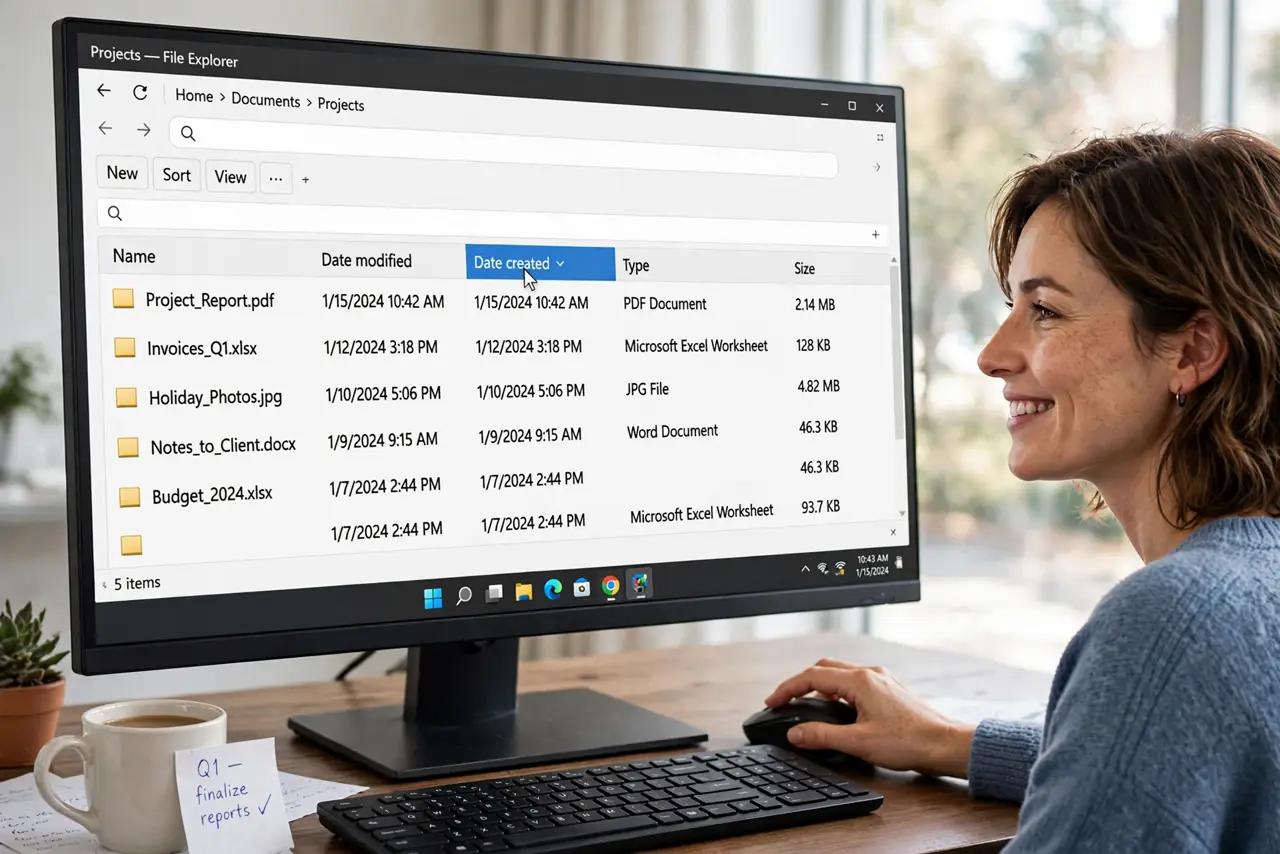
You need the photos from the day they were taken — but Explorer only offers Date modified, which reflects the last edit or copy. The Date created column exists; it is just hidden in the 'More' list with dozens of other columns. Two clicks add it, and then it sorts like any other.
TL;DR / Quick Fix
Right-click the column headers in Details view, choose 'More', and check 'Date created' — the column appears and sorts with one click. 'Date modified' is the default because most people track last changes. Sorting by Date created is ideal for finding photos from the day they were taken.
Follow these steps
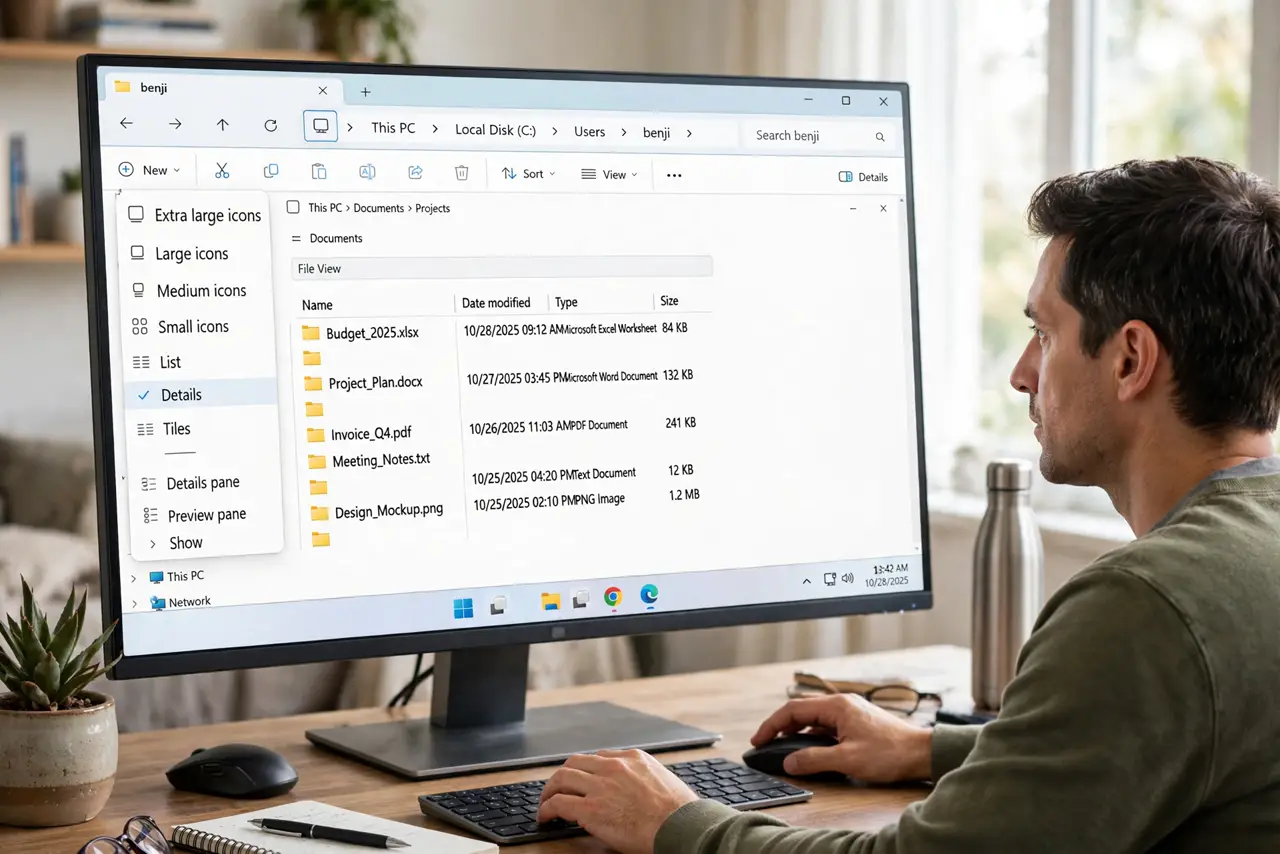
- Switch to Details view. In File Explorer, open the View menu and choose Details. Columns only exist in this view.
- Right-click the column header row. Right-click on Name, Date modified, or any header to open the column menu.
- Choose 'More' and check 'Date created'. The full column list appears. Tick 'Date created' and click OK — the column joins the header row.
- Click the new header to sort. One click sorts oldest-first; click again for newest-first. The arrow shows the direction.
- Drag the column where you want it. Drag the Date created header left or right to position it beside Date modified for easy comparison.
- Understand created vs modified. Created is when the file came into being; copying a file can update it. Modified is the last content change — each answers a different question.
What NOT to do
- Do not assume Date created never changes. Copying or moving across drives can stamp a new creation date — it is not forensic-grade.
- Do not look for the column in Icons view. Columns — and sorting by them — only work in Details view.
- Do not confuse it with Date taken. Photos have a separate 'Date taken' EXIF column that survives copies better than Date created.
- Do not add every column at once. A dozen columns make the view unreadable — add only the ones you sort by.
Frequently asked questions
What is the difference between Date created and Date modified?
Created marks the file's birth; modified marks its last content change. Editing a ten-year-old file updates modified but not created.
Why does a copied file show today's creation date?
Copying creates a new file on the destination, so Windows stamps the copy moment as its creation. The original keeps its own date.
Can I sort by Date created in every folder?
Yes, per folder — or apply the view to all folders via Folder Options > View > Apply to Folders.