Show File Extensions on Windows
Is that file a photo or a program? Without extensions, 'vacation-photo' could be a JPG — or an EXE wearing a photo's icon. Windows hides extensions to look tidy, but the security cost is real: the classic malware trick is exactly this disguise. One checkbox ends the guessing.
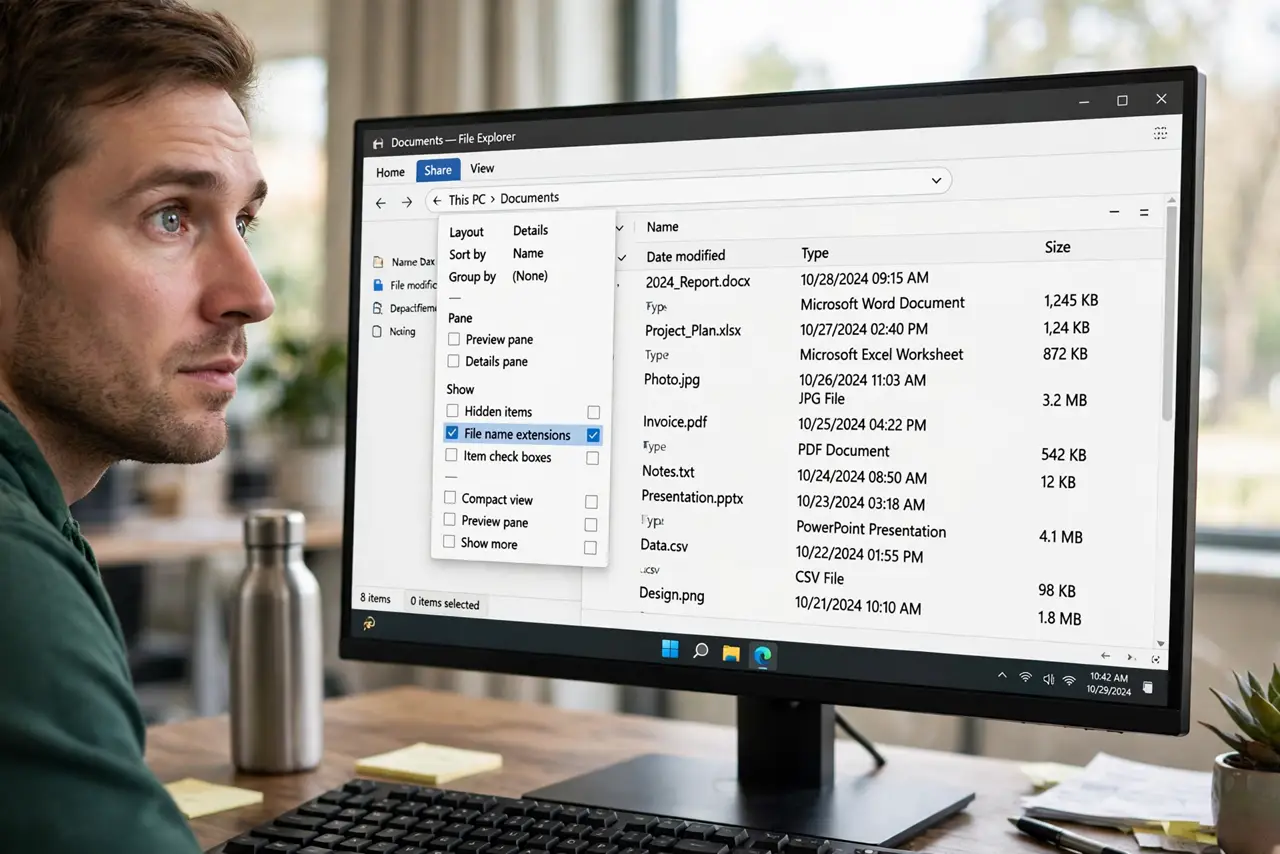
TL;DR / Quick Fix
In File Explorer's View menu, check 'File name extensions' — every file now shows its .docx, .jpg, or .pdf ending. Seeing extensions stops the classic 'photo.jpg.exe' malware trick cold. Windows hides them by default to look cleaner, but knowing the real type of each file is worth the visual noise.
Follow these steps
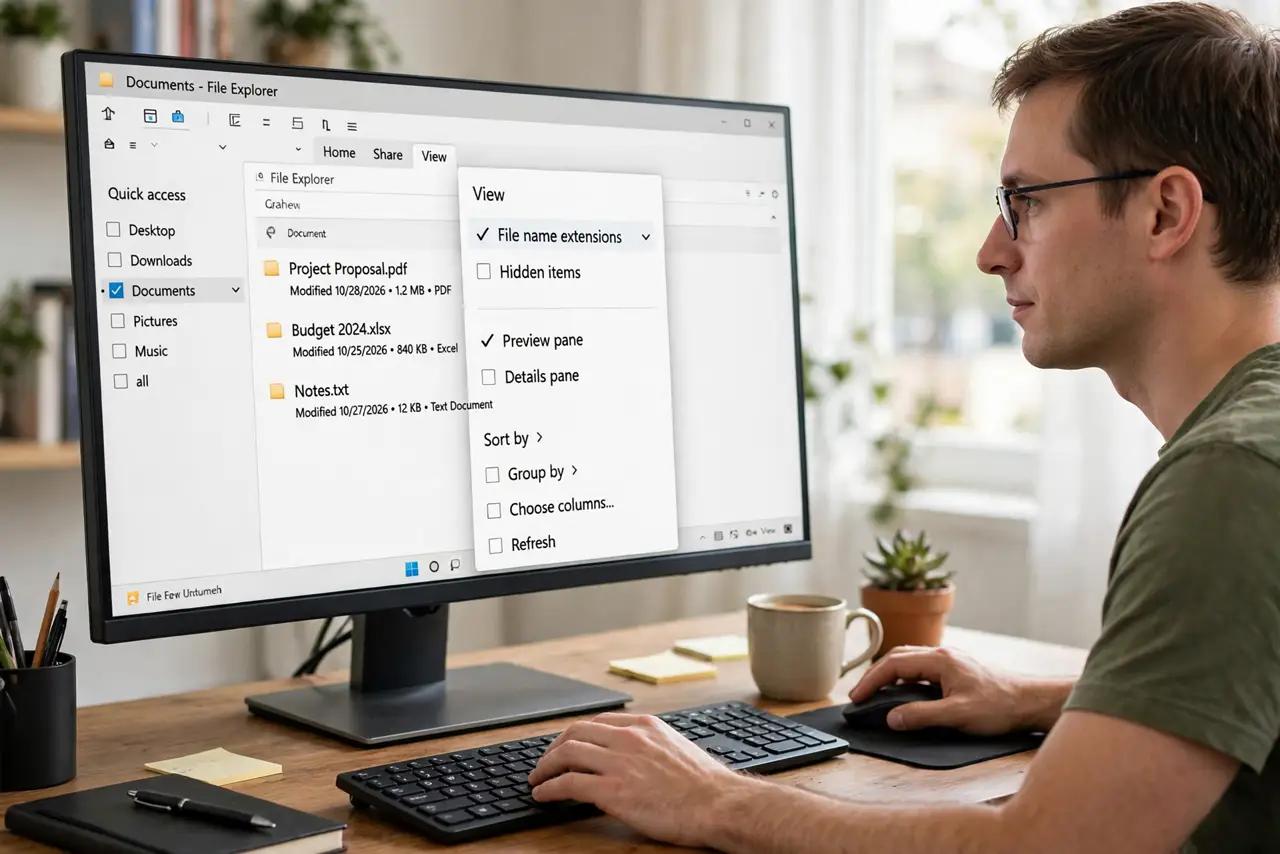
- Open the View menu. In File Explorer, open View (or View > Show on Windows 11) to find the display checkboxes.
- Check 'File name extensions'. Tick the box. Every file immediately shows its extension — .pdf, .zip, .exe — right in the name column.
- Spot the double-extension trick. A file named 'invoice.pdf.exe' is a program, not a PDF. With extensions visible, the disguise fails instantly.
- Rename carefully from now on. When renaming, keep the extension intact — changing 'notes.txt' to 'notes' without the .txt can confuse programs.
- Teach it once on shared PCs. Family members benefit most. Enable it on every user account that handles downloads or email attachments.
- Leave it on permanently. Unlike hidden files, there is no reason to toggle extensions off. Visible types are pure upside — see the hidden-by-default background.
What NOT to do
- Do not rename a file and drop its extension accidentally. 'report' without .docx may not open with Word — keep the dot-ending.
- Do not assume an icon tells the truth. Icons can be faked; the extension is the file's honest label.
- Do not hide extensions again for tidiness. The clean look isn't worth losing the ability to spot disguised executables.
- Do not confuse extensions with file type icons. The icon is decoration; the extension is what Windows actually uses to pick a program.
Frequently asked questions
Why does Windows hide extensions by default?
Aesthetics, mostly — Microsoft decided cleaner names looked friendlier. Security folks have disagreed for decades.
Can showing extensions break anything?
No. It changes only the display — files work exactly as before, just with honest names.
What does a double extension like .pdf.exe mean?
It means the file is an .exe program. Windows only honors the last extension — everything before it is costume.