Memory Integrity Won't Turn On? Fix It
The Memory Integrity toggle in Core isolation refuses to turn on — it flips back or shows an incompatible driver. Memory Integrity is a real security feature, and it only fails when a specific driver is incompatible. The fix is finding that driver and updating or removing it, not forcing the toggle — with the blue screen after a driver update guide for the messier driver failures.
TL;DR / Quick Fix
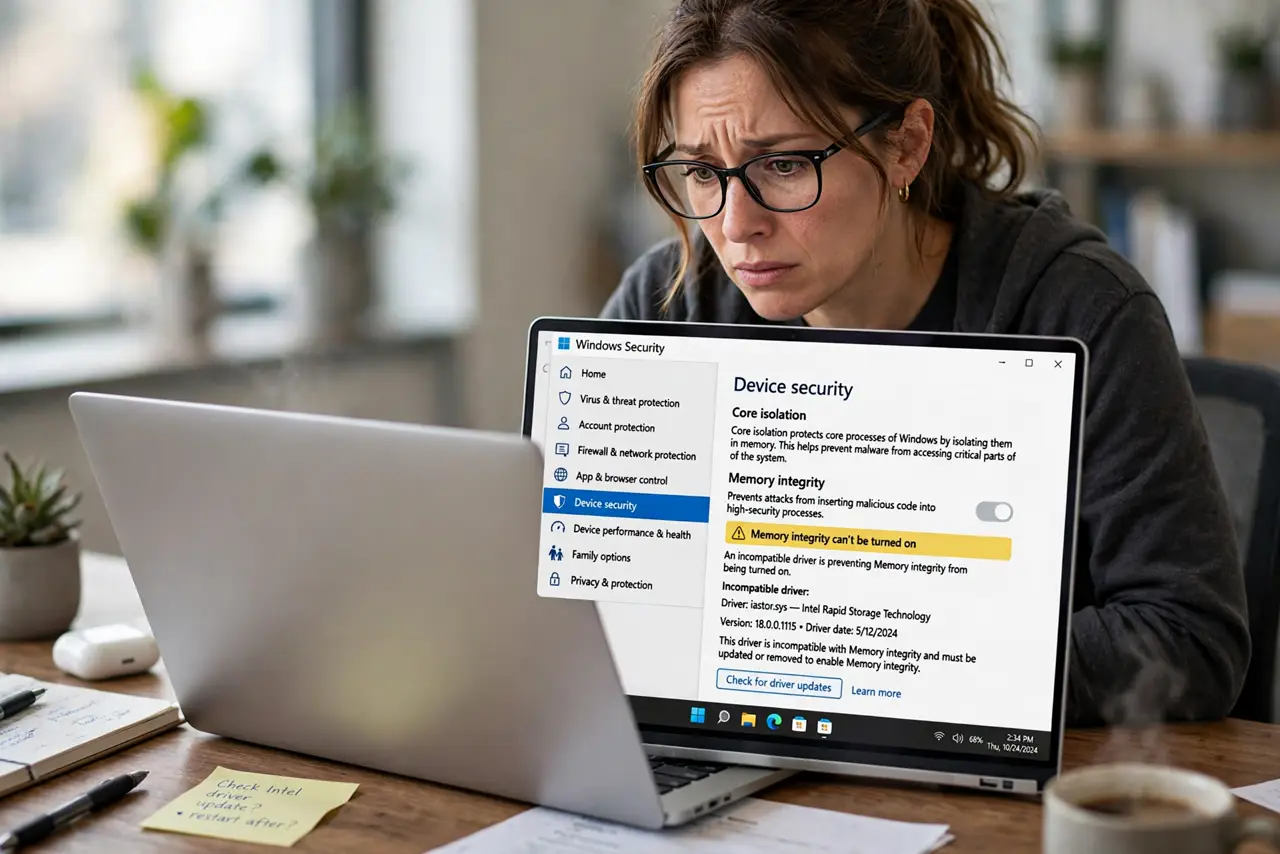
Quick fix: open the incompatible driver notice — Windows names the exact driver blocking the feature. Update that driver from the maker's site, or uninstall the device if unused. Then turn Memory Integrity on and reboot. The toggle sticks once the incompatible driver is gone.
Follow these steps
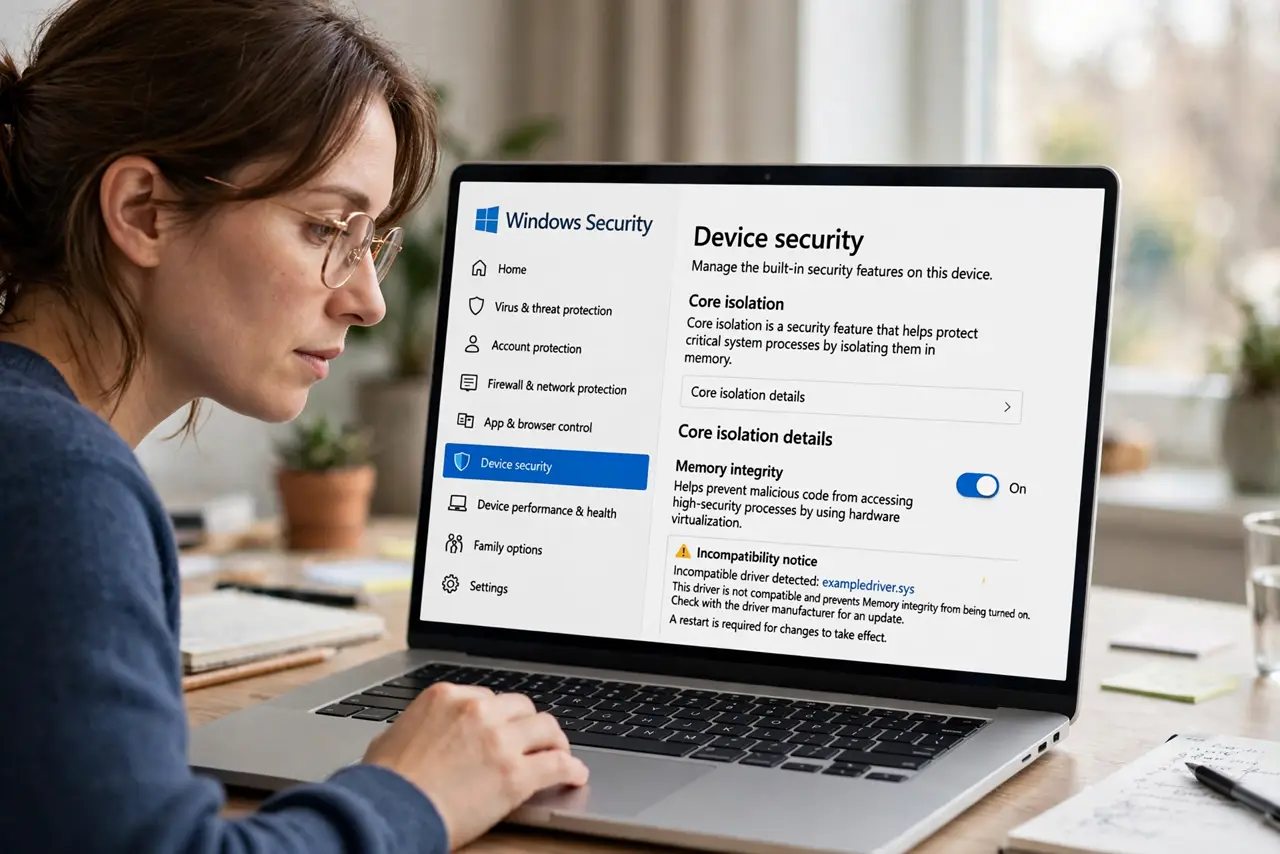
- Open Core isolation settings. Go to Windows Security, then Device security, then Core isolation details. The Memory Integrity toggle and any incompatibility notice live here.
- Read the incompatible driver notice. Click through to see the exact driver file name Windows blames. This is a precise diagnosis, not a guess — the named driver is the whole problem.
- Identify what the driver belongs to. Search the driver file name to find its device — often an old printer, audio interface, or peripheral utility. Knowing the device tells you whether you still need it.
- Update the driver from the maker. Get the current driver from the hardware manufacturer's site. Makers fixed most incompatibilities years ago, so an update usually resolves it.
- Remove the device if it is obsolete. If the driver belongs to hardware you no longer own, uninstall the device and its driver. A ghost driver should not block a security feature.
- Turn Memory Integrity on and reboot. Flip the toggle and restart when prompted. The reboot activates the protection, and the toggle should now stay on.
What NOT to do
- Do not force the toggle with registry edits. Forcing it past an incompatible driver risks boot failures; removing the driver is the safe path.
- Do not ignore the feature entirely. Memory Integrity blocks real driver-level attacks, so the incompatible driver is worth fixing rather than the feature worth abandoning.
- Do not delete drivers blindly. Identify the device first; deleting the wrong driver breaks hardware you actually use.
- Do not assume a new PC cannot have this. Old peripherals dragged to a new PC bring their old drivers, which is the classic source of the conflict.
Frequently asked questions
What is Memory Integrity?
A Core isolation feature that runs drivers in a protected space so malicious drivers cannot tamper with the system. It is meaningful protection, not decoration.
Why does one old driver block it?
Because Memory Integrity requires all drivers to meet its security standard. A single incompatible driver fails the whole feature.
Will turning it on slow my PC?
On modern hardware the impact is negligible. Very old CPUs might feel it, but the security gain outweighs the cost.