Metered Connection Setting Keeps Resetting
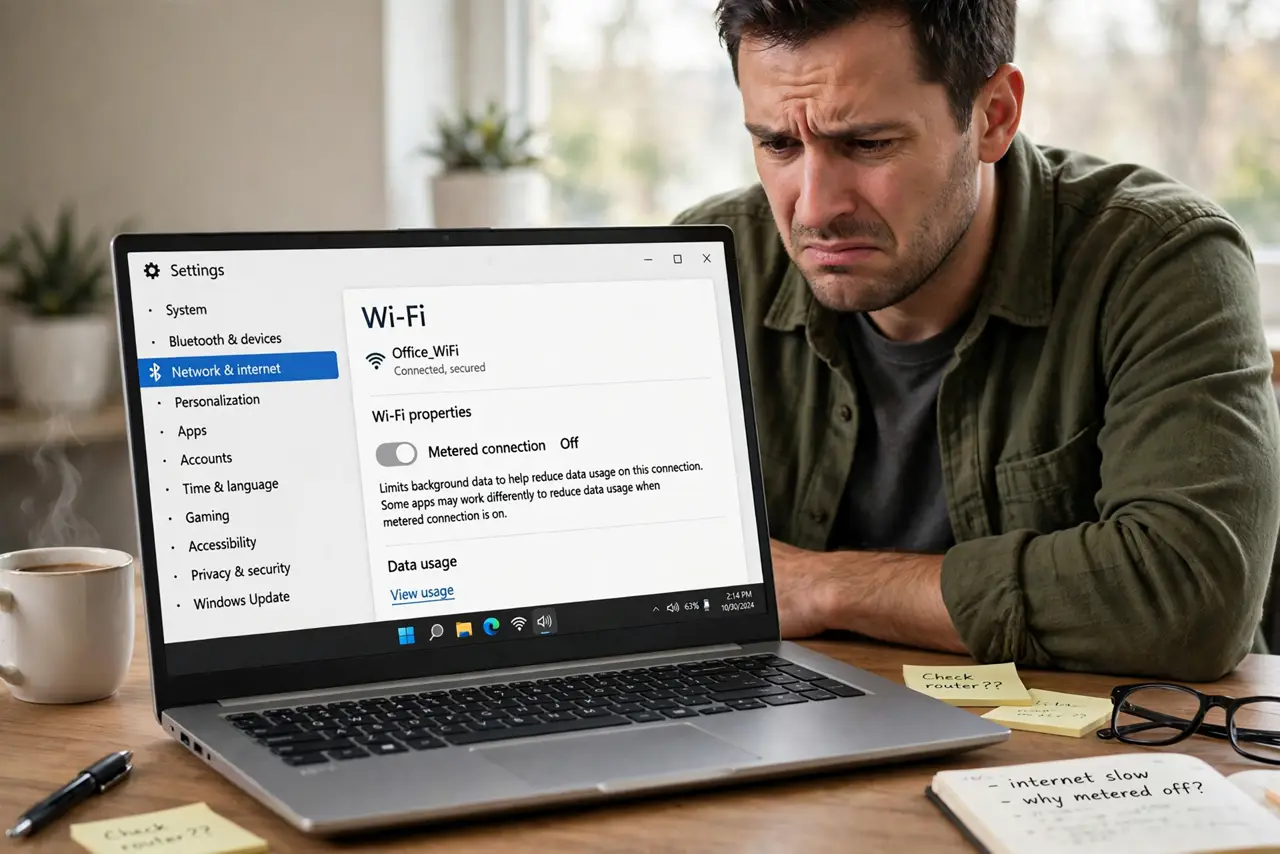
You set your mobile hotspot as a metered connection to stop Windows Update from eating your data, and later the flag is off again. Windows stores the metered flag per network, and driver reinstalls, network resets, and some updates clear it. The fix is knowing where the flag lives and what clears it — paired with the metered connections blocking updates guide for the other side of the story.
TL;DR / Quick Fix
Quick fix: reopen the network's properties and turn the metered toggle back on — the flag is per network, not global. Then check what cleared it: driver reinstall, network reset, or feature update are the usual culprits. Re-set the flag after any of those events and verify it stuck.
Follow these steps
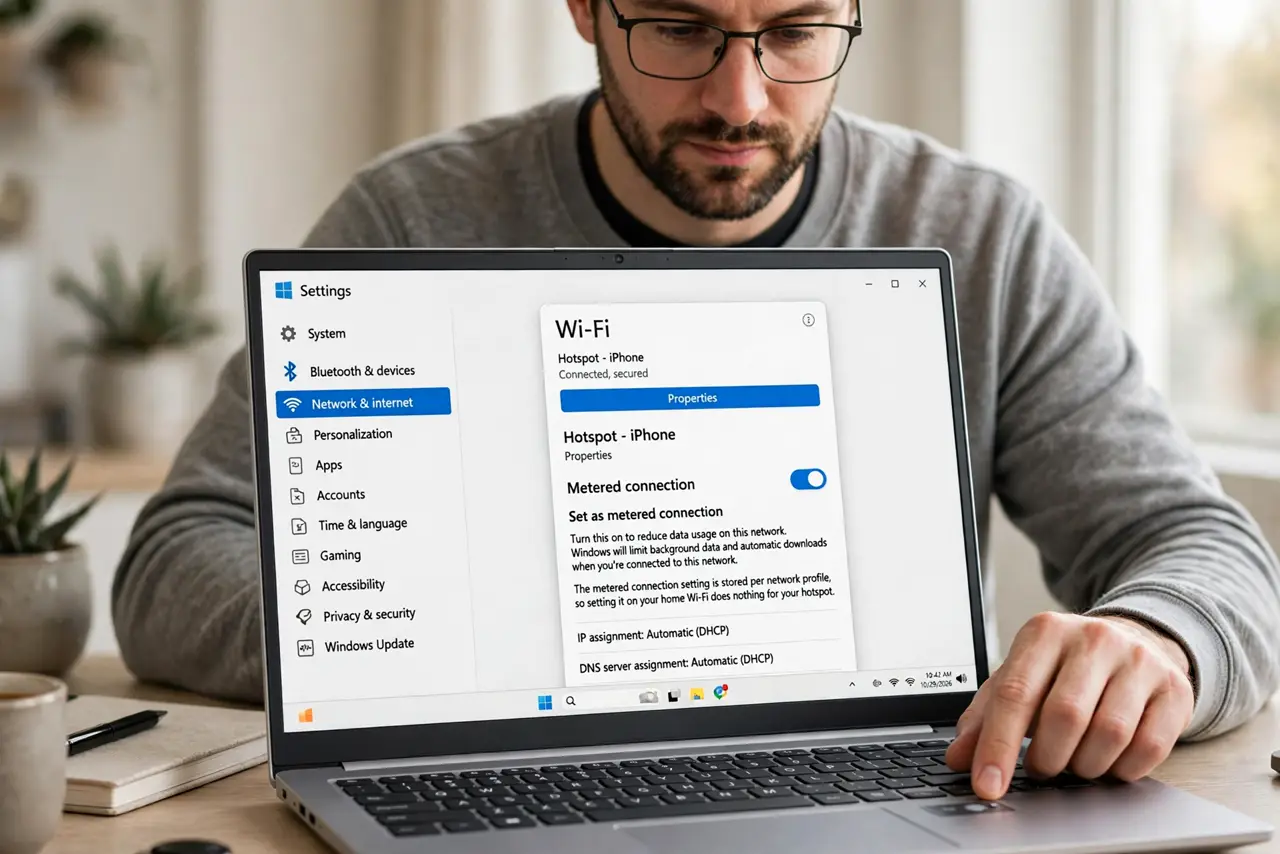
- Re-set the flag on the right network. Open the Wi-Fi network's properties and turn on Set as metered connection. The flag is stored per network profile, so setting it on your home Wi-Fi does nothing for your hotspot.
- Confirm it stuck before moving on. Close settings, reopen the same network's properties, and check the toggle is still on. A flag that will not stick points to a policy or a corrupted network profile.
- Check for a recent driver reinstall. If the Wi-Fi driver was reinstalled or updated, Windows may have rebuilt the network profile without the flag. This is the most common silent reset.
- Check for a network reset or feature update. Both rebuild network profiles from scratch, which wipes per-network flags. After either event, walk through your metered networks and re-flag them.
- Forget and rejoin the network if the flag will not stick. Remove the network profile entirely, reconnect, and set the flag fresh. A corrupted profile can refuse to save the setting no matter how often you toggle it.
- Watch data usage after re-setting. Open the data usage page for that network and confirm background usage drops. The flag is only useful if it actually throttles background activity.
What NOT to do
- Do not assume one toggle covers all networks. Metered is per network, so every hotspot and capped connection needs its own flag.
- Do not use metered as your only update control. It pauses most updates, but critical security updates can still come through, which is by design.
- Do not forget to un-meter unlimited networks. Leaving home Wi-Fi metered slows OneDrive sync and Store updates for no reason.
- Do not blame Windows Update for the reset. The flag is cleared by profile rebuilds, not by the update service acting against you.
Frequently asked questions
Why does the metered setting turn itself off?
Because the network profile was rebuilt — by a driver reinstall, a network reset, or a feature update — and the new profile defaults to unmetered.
Does metered stop all Windows Updates?
No. It pauses most updates and background data, but critical security updates may still download.
Should my home Wi-Fi be metered?
Only if your home connection has a data cap. On unlimited broadband, metered just slows useful background syncing.