High Performance Plan Missing? Fix It
The High performance power plan vanished from your laptop — only Balanced and Power saver remain. Microsoft hides it on modern portable PCs to protect battery life, but the plan still exists underneath. One command brings it back, and it's worth knowing when to actually use it.
TL;DR / Quick Fix
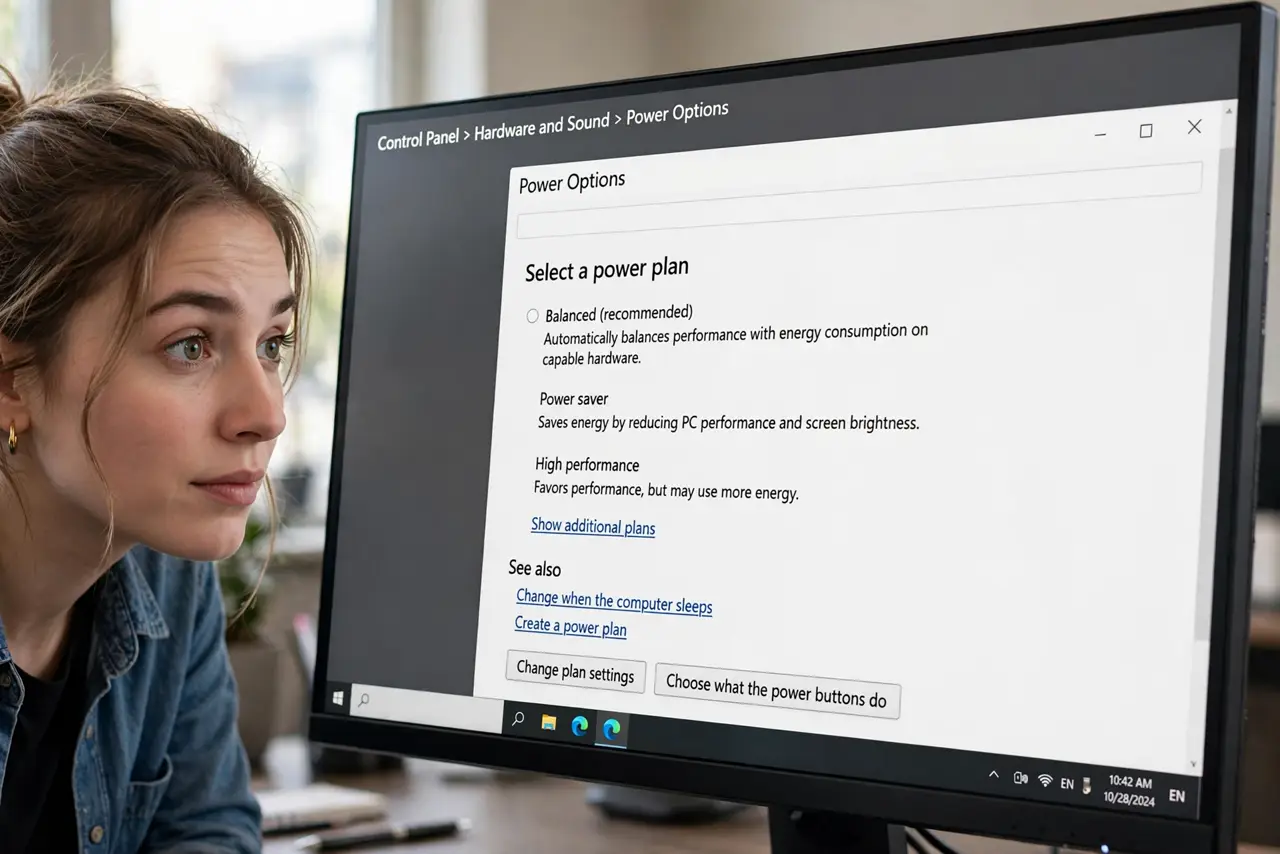
Microsoft hides the High performance plan on modern laptops — run 'powercfg -duplicatescheme 8c5e7fda-e8bf-4a96-9a85-a6e23a8c635c' in an admin Command Prompt to bring it back. On desktops it usually sits in Control Panel > Power Options already. Only use it plugged in: it trades battery life for maximum speed.
Follow these steps
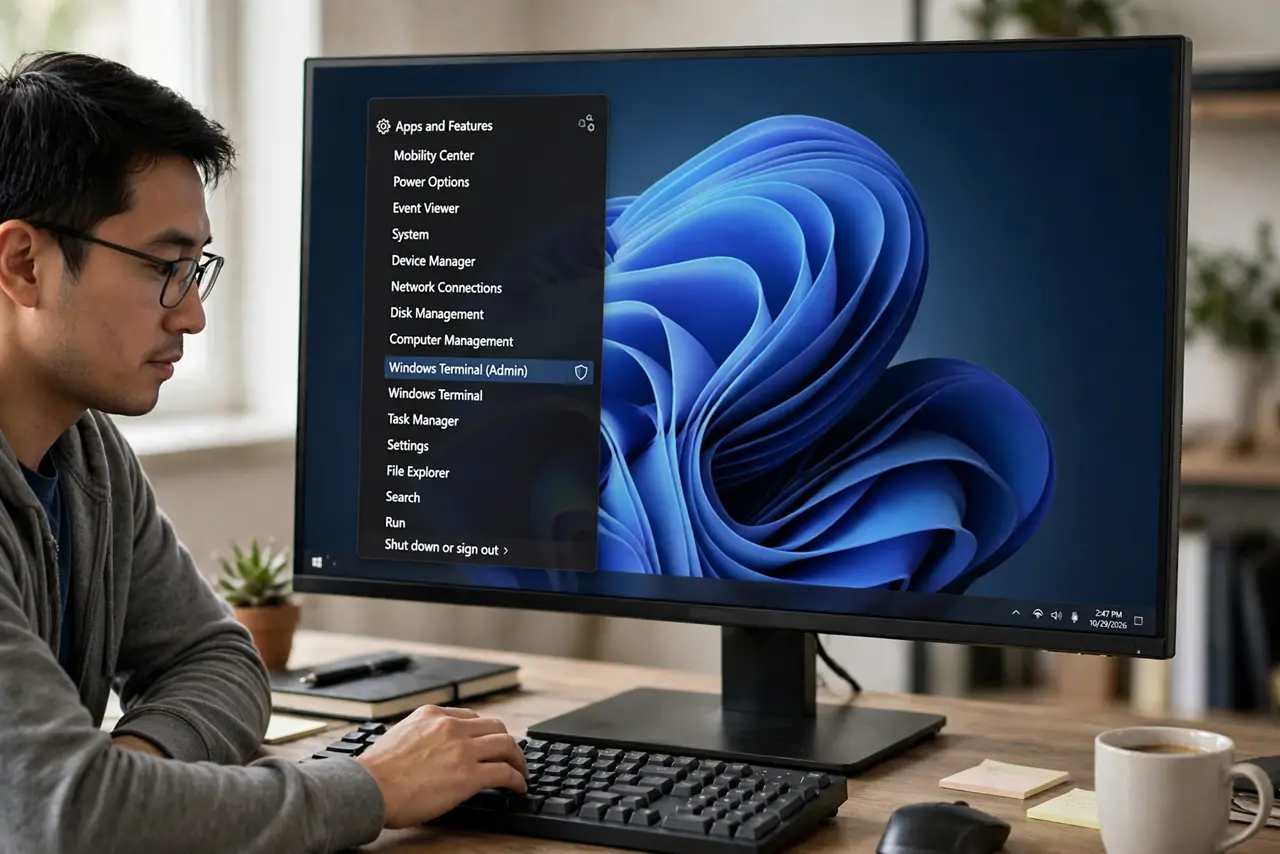
- Open an admin Command Prompt. Press Win + X and choose Terminal (Admin). Confirm the permission prompt.
- Run the restore command. Type powercfg -duplicatescheme 8c5e7fda-e8bf-4a96-9a85-a6e23a8c635c and press Enter. Windows confirms with the plan's GUID.
- Find it in Power Options. Open Control Panel > Power Options and expand 'Show additional plans'. High performance now appears.
- Use it plugged in only. High performance keeps the CPU awake and ready, which drinks battery. Switch back to Balanced on battery power.
- Consider Ultimate Performance on desktops. Workstation editions offer an even stronger 'Ultimate Performance' plan via the same command with a different GUID — overkill for most people.
- Know when it actually helps. It smooths demanding games, renders, and compiles. For browsing and office work, Balanced performs identically — the plan isn't magic.
What NOT to do
- Do not run High performance on battery. You'll trade hours of battery for speed you'll never feel in light work.
- Do not expect it to fix a slow PC. A plan change can't cure an old hard drive or too little RAM.
- Do not delete the Balanced plan. Keep it as your daily driver and switch plans for demanding sessions only.
- Do not run the command twice. Duplicating the scheme again just creates a second identical entry to clean up.
Frequently asked questions
Why did Microsoft hide High performance?
Battery life. Modern laptops ship tuned for efficiency, and an always-max CPU undermines that — so the plan hides on portables.
Is High performance safe for the hardware?
Yes. It runs the CPU hotter and louder under load, which is within design limits — just expect more fan noise.
What's the difference between High performance and Ultimate Performance?
Ultimate removes even micro-latency power saving for workstations. For gaming and creating, High is already plenty.