Check for a Precision Touchpad
Your friend's laptop does three-finger swipes and yours doesn't — same Windows, different touchpad. Microsoft's 'precision touchpad' standard is what unlocks the full gesture set; older or cheaper laptops use vendor drivers with a fraction of the features. Here's how to check which you have and what it means.
TL;DR / Quick Fix
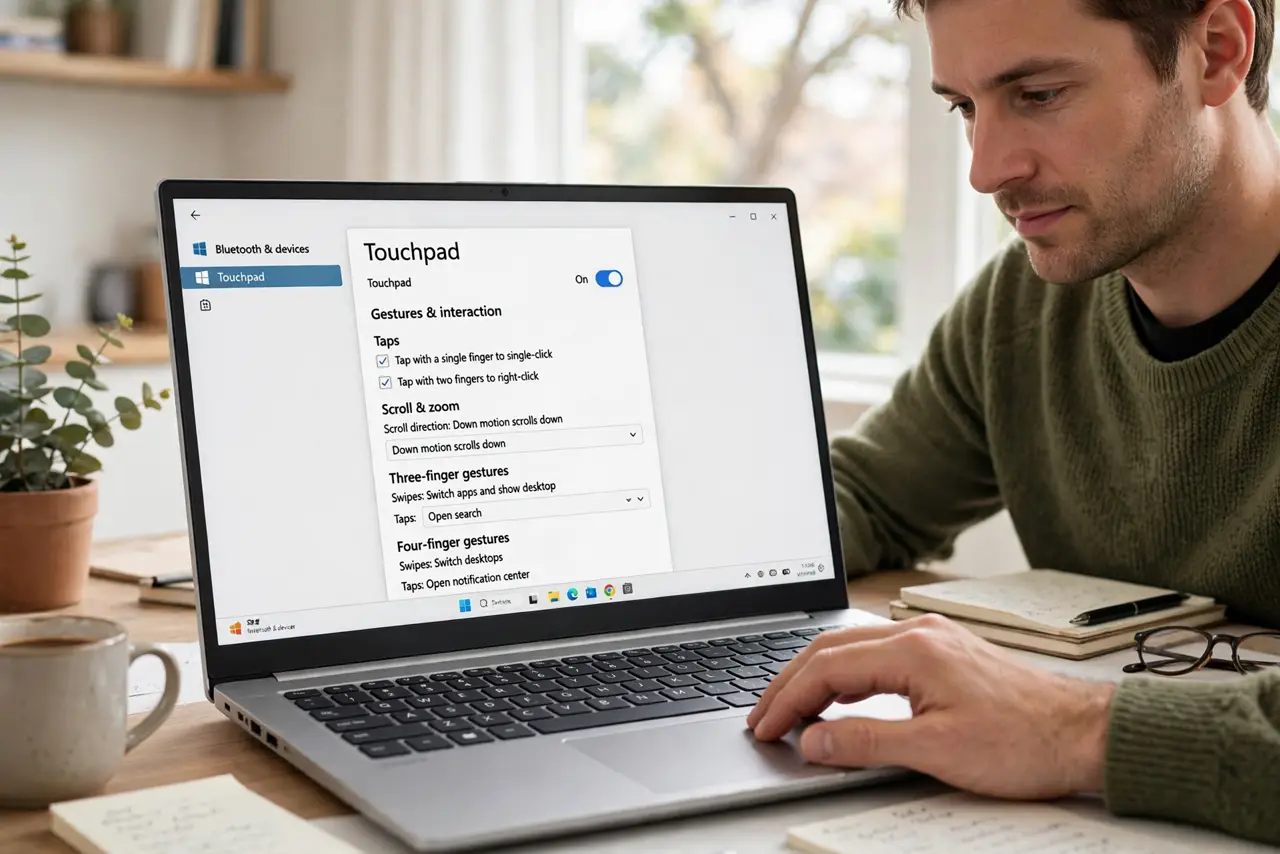
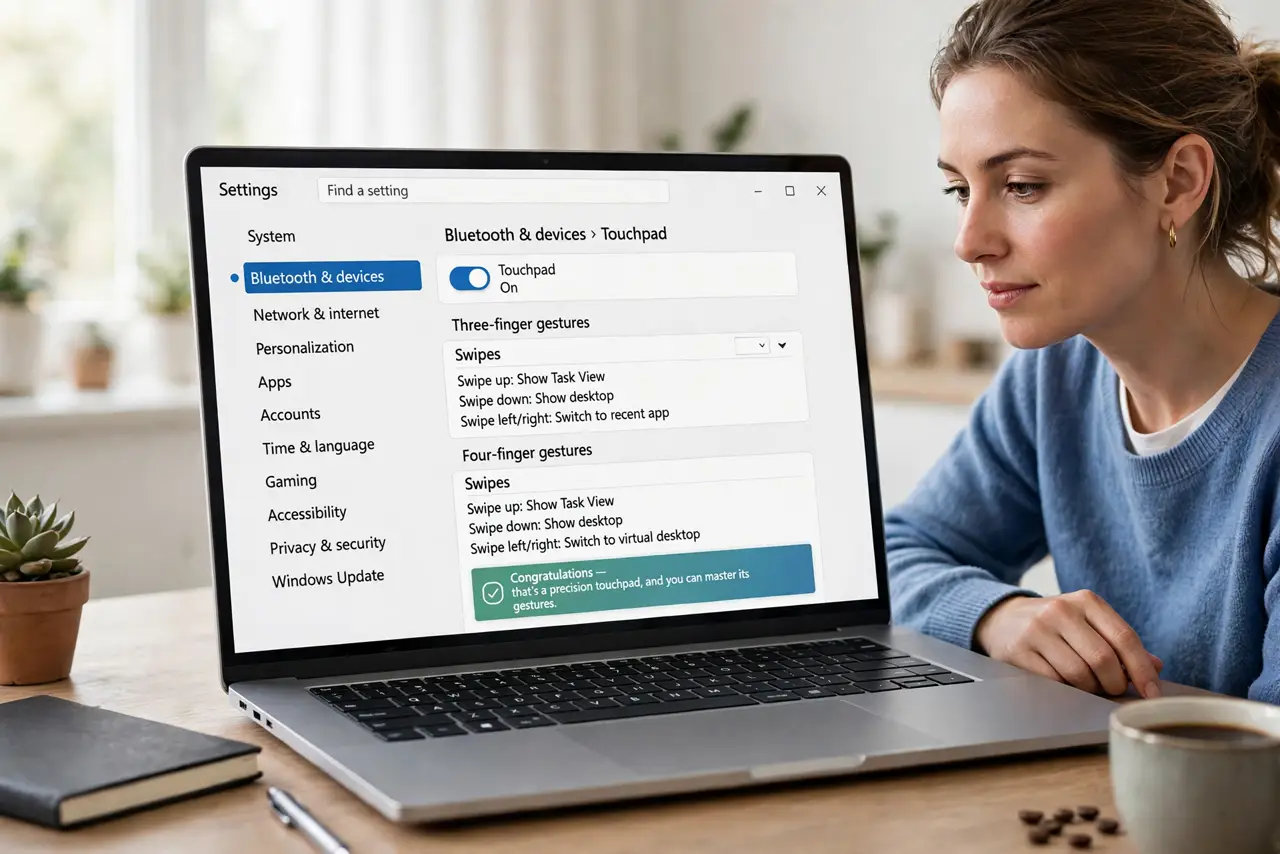
Quick fix: open Settings > Bluetooth & devices > Touchpad — if you see gesture options, you have a precision touchpad. Or check Device Manager under Human Interface Devices for a precision touchpad entry. No entry means the laptop uses older drivers with fewer gestures.
Follow these steps
- Check Settings first. Open Settings > Bluetooth & devices > Touchpad. If the page shows gesture sections (three-finger, four-finger), congratulations — that's a precision touchpad, and you can master its gestures.
- Confirm in Device Manager. Open Device Manager, expand Human Interface Devices, and look for a precision touchpad entry. This is the authoritative check when Settings is ambiguous.
- Understand what 'precision' means. It's a Microsoft driver standard: consistent gestures, no vendor bloatware, settings in one place. Non-precision pads rely on the laptop maker's own driver with its own (usually worse) control panel.
- Update the driver. A precision-capable pad showing as generic may just need the driver from Windows Update or the laptop maker. Updated drivers have restored gestures for many owners.
- Know the missing-device case. If Device Manager shows no precision entry at all, the hardware likely predates the standard — see when it is missing for what that means.
- Work around a non-precision pad. Vendor control panels still offer basic gestures — scrolling, tap zones — just not the full Windows set. An external precision touchpad or mouse fills the gap cheaply.
What NOT to do
- Do not install random 'precision drivers' from forums. Wrong drivers can kill the touchpad entirely — use Windows Update or the laptop maker's official driver.
- Do not assume a new laptop has it. Budget models still ship non-precision pads; check before buying if gestures matter to you.
- Do not confuse a disabled touchpad with a missing one. Check the function-key toggle and Settings before concluding the hardware lacks support.
- Do not expect a driver to add hardware. If the pad genuinely predates the standard, no software conjures precision gestures — that's a hardware fact.
Frequently asked questions
Can I upgrade to a precision touchpad?
Not practically — it's the physical pad plus firmware. An external precision touchpad is the realistic upgrade path.
Why do gestures work on one laptop but not another?
Different driver standards. Precision pads share Microsoft's gesture set; vendor-driver pads each do their own thing.
Does it matter for a mouse user?
Barely — if you always use a mouse, the touchpad standard is irrelevant. It matters for trackpad-first laptop users.