Printer Shows Offline? Fix It
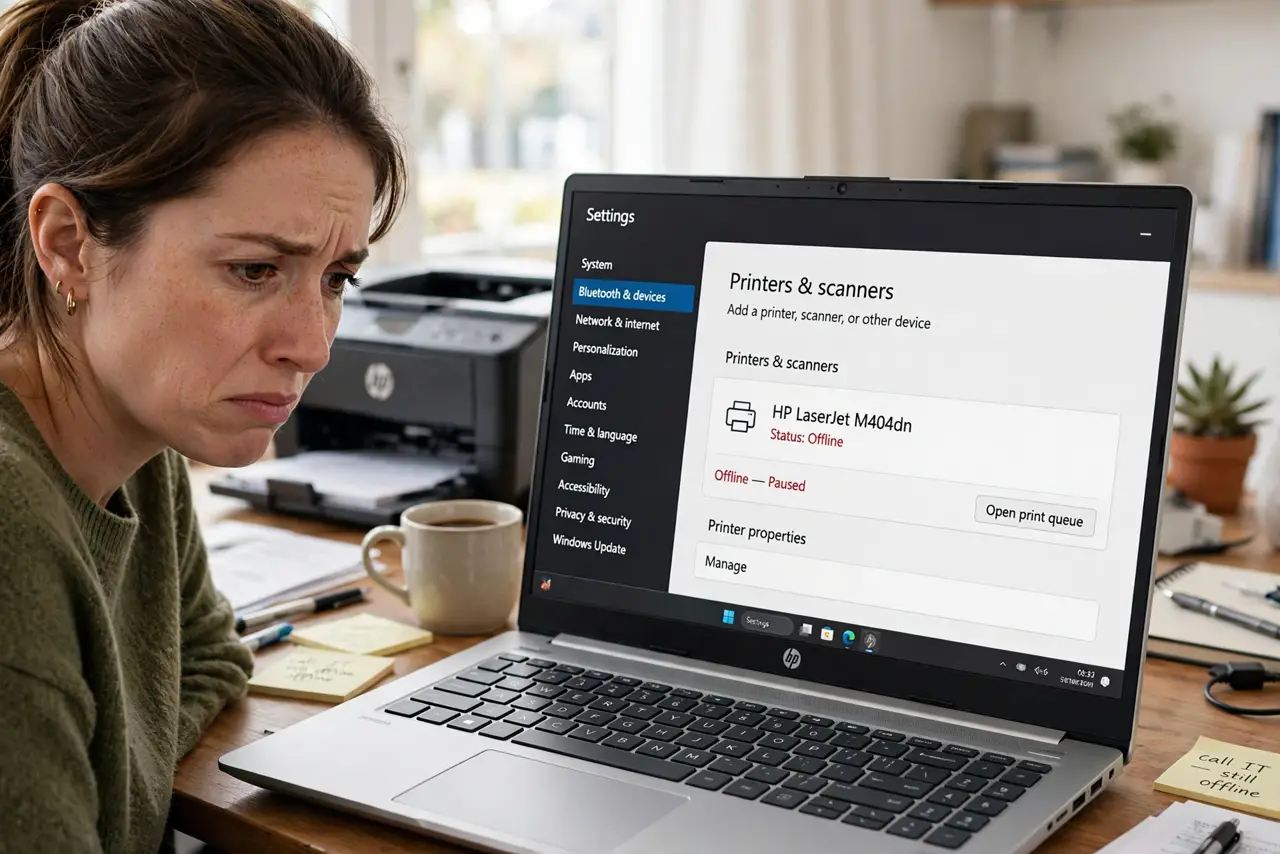
The printer worked yesterday; today Windows insists it is offline — while it sits there, powered on, mocking you. 'Offline' almost never means the printer is broken; it means Windows lost the conversation with it. A short ladder of checks restores the connection, usually without touching the printer itself.
TL;DR / Quick Fix
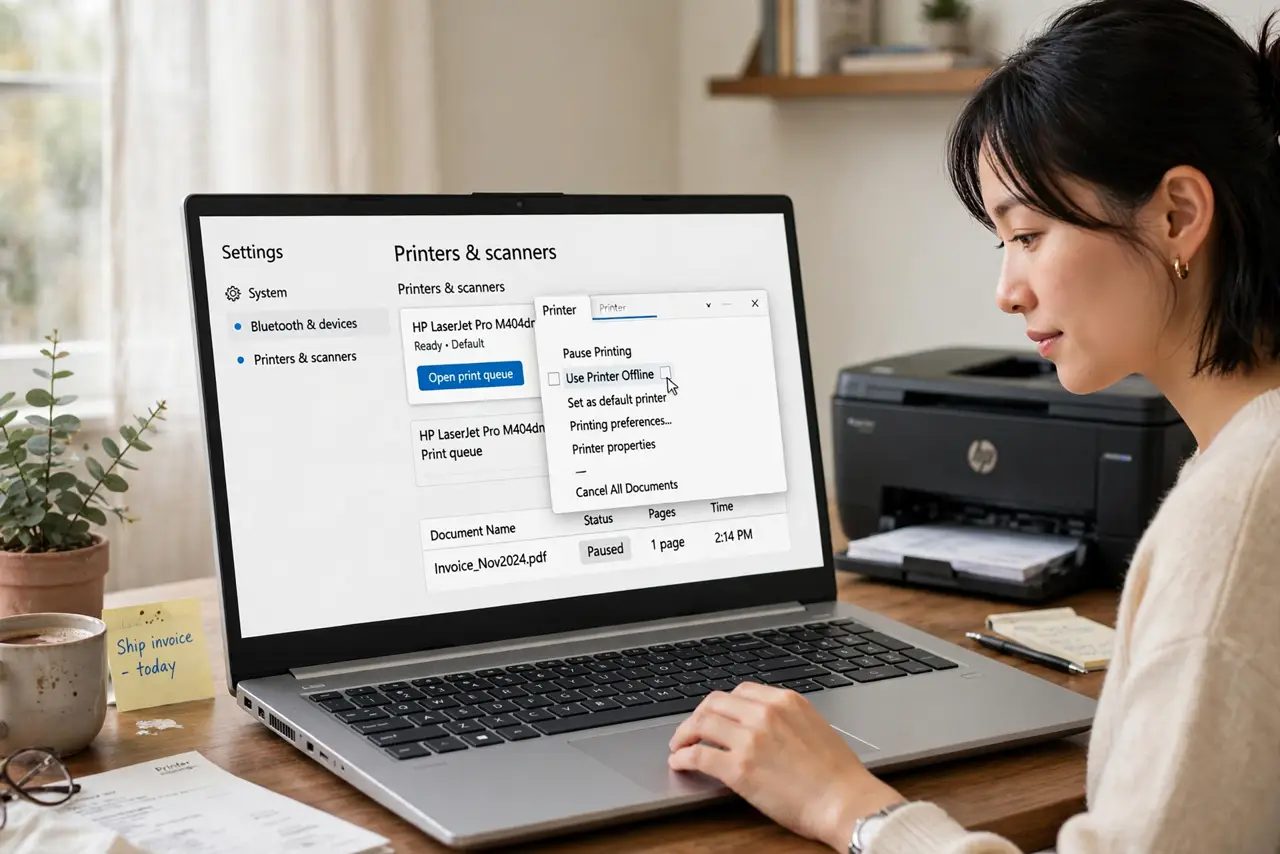
Quick fix: open Settings, go to Bluetooth and devices, then Printers, and open your printer's queue — turn off 'Use Printer Offline' if ticked. Then restart the printer and the PC. If it still shows offline, remove the printer and add it again. The printer itself is almost never broken.
Follow these steps
- Uncheck 'Use Printer Offline.' Open the printer's queue from Settings and look in the Printer menu. If Use Printer Offline is ticked, untick it — this single checkbox causes an absurd share of cases.
- Restart the printer properly. Power it fully off, wait thirty seconds, and power it on. Printers are small computers; they crash and need reboots like any other.
- Restart the PC too. The print pipeline lives in Windows. A restart clears the stuck queue state that keeps reporting offline.
- Check the connection path. USB: reseat the cable. Wi-Fi: confirm the printer is on your network — printers love silently joining the wrong network or none at all.
- Remove and re-add the printer. In Printers settings, remove the device and add it fresh. This rebuilds the driver link that confusion corrupted.
- Suspect the spooler if it recurs. Repeated offline flapping points at the print spooler — restart that service and the pattern usually stops.
What NOT to do
- Do not buy a new printer over an offline message. The printer is fine in the overwhelming majority of cases — the link is the problem.
- Do not reinstall drivers before the checkbox check. 'Use Printer Offline' takes five seconds; driver reinstalls take twenty minutes.
- Do not factory-reset the printer first. That erases Wi-Fi settings and creates new problems while the old one was in Windows.
- Do not ignore the queue. A single stuck job can hold everything offline — clear it before deeper surgery.
Frequently asked questions
Why does it say offline when it is on?
Because Windows cannot reach it over the expected path — wrong network, stuck queue, or the offline checkbox. Power state and reachability are different things.
It goes offline every few days — why?
Usually the printer's Wi-Fi sleeping or grabbing a new IP address. A static IP or the spooler restart often ends the cycle.
USB printer showing offline?
Reseat the cable, try another USB port, and avoid unpowered hubs. USB printers are refreshingly simple to diagnose.