Recycle Bin Says It's Corrupted? Fix It
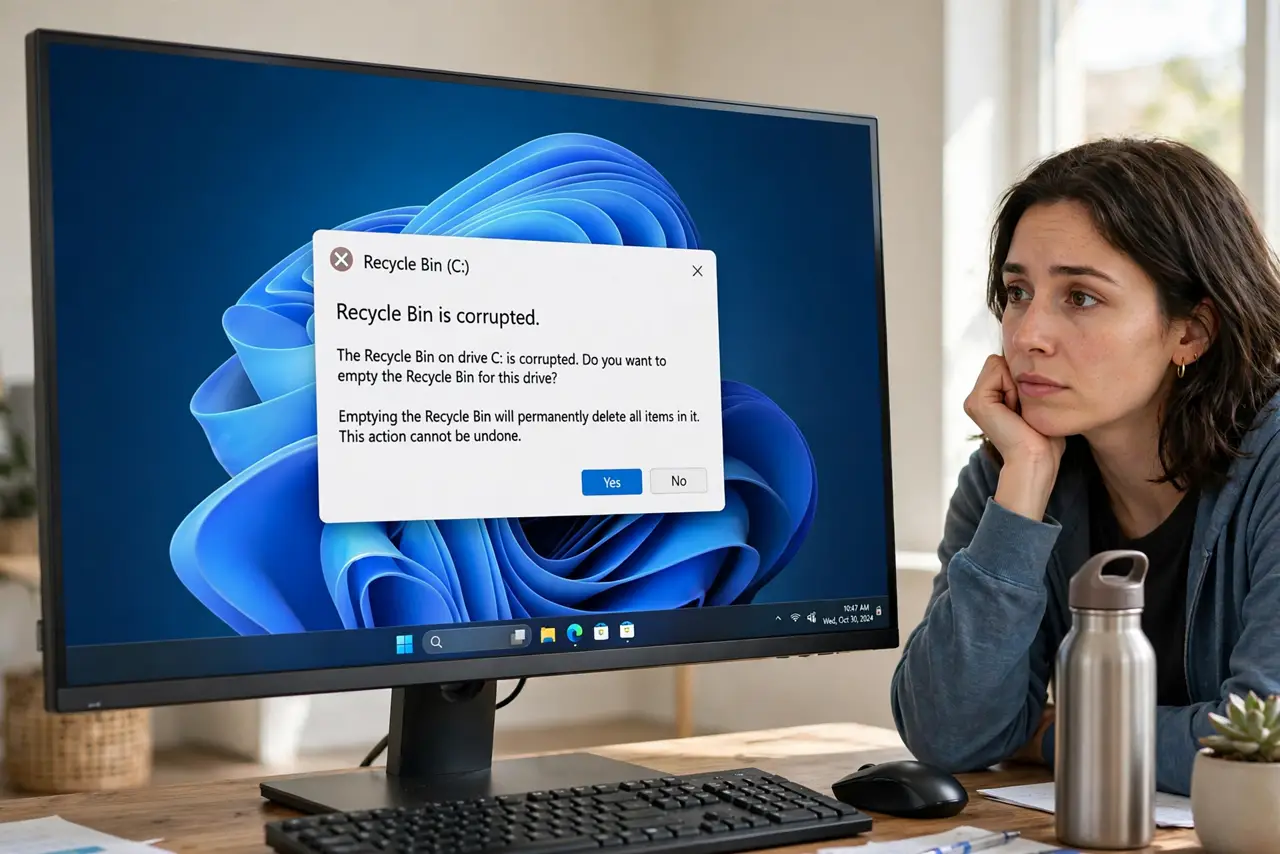
You delete a file and Windows greets you with 'The Recycle Bin on C:\ is corrupted. Do you want to empty it?' Saying yes feels like deleting evidence, and saying no leaves the error forever. The safe fix rebuilds the bin's index from scratch — your files stay exactly where they are.
TL;DR / Quick Fix
Open Command Prompt as administrator, run 'rd /s /q C:\$Recycle.bin', and restart — Windows rebuilds a fresh Recycle Bin on boot. Your files are untouched; only the bin's index is rebuilt. If the error names another drive, swap C: for that letter. This is the standard fix.
Follow these steps
- Open Command Prompt as administrator. Press Win + X and choose Terminal (Admin) or Command Prompt (Admin). Confirm the permission prompt.
- Run the rebuild command. Type rd /s /q C:\$Recycle.bin and press Enter. This removes the corrupted bin folder — not your files, just the bin's bookkeeping.
- Restart the PC. Reboot normally. Windows notices the missing bin folder and builds a fresh, healthy one during startup.
- Test with a disposable file. Create a text file, delete it, and confirm it lands in the Recycle Bin without the error. Then restore it to be thorough.
- Repeat for other drive letters. If the error named D:\ or E:\, run the same command with that letter. Each drive keeps its own bin folder.
- Check the disk if it recurs. Corruption that returns quickly can signal disk trouble. Run chkdsk C: /f from the same admin prompt and let it scan on reboot.

What NOT to do
- Do not click 'Yes' to empty a corrupted bin blindly. Emptying works, but the rebuild command fixes the cause instead of just clearing it.
- Do not run the command on the wrong drive letter. Double-check the letter in the error message before pressing Enter.
- Do not panic about your files. The corruption is in the bin's index, not your data — documents elsewhere on the disk are unaffected.
- Do not skip the restart. The fresh bin is only created during boot — the command alone changes nothing until then.
Frequently asked questions
Will I lose the files already in the Recycle Bin?
The corrupted bin's contents are usually unrecoverable either way — but files elsewhere on your drives are completely untouched by this fix.
Why does the Recycle Bin corrupt in the first place?
Interrupted deletes, disk errors, and forced shutdowns mid-delete are the usual causes. It is bookkeeping damage, not a virus.
Does this work for external drives too?
Yes — use the external drive's letter in the command, with the drive plugged in, then restart.