Safely Eject Is Grayed Out? Fix It Safely
When Safely Remove Hardware is grayed out, Windows believes a program is still using the drive. Pulling the drive out anyway risks a half-written file. The safe fix is to find what is using the drive, close it, and then eject.
TL;DR / Quick Fix
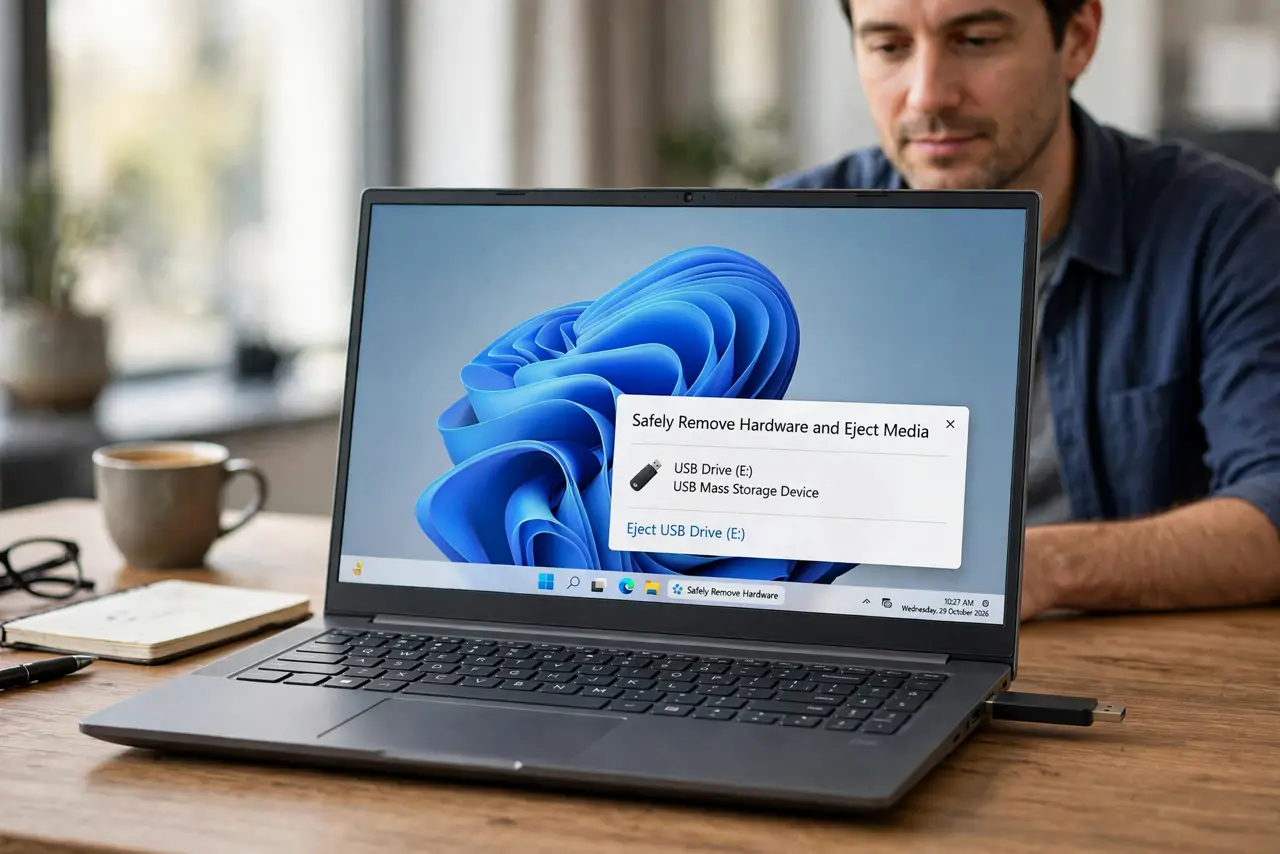
Quick fix: close every file and program opened from the USB drive, wait a few seconds, then click the Safely Remove Hardware icon again. If it is still grayed out, sign out and back in, or shut the computer down fully, and only then unplug the drive.
Follow these steps
- Close files opened from the drive. Close any document, photo, or video you opened from the USB drive, including preview windows. A single open file is enough to keep the drive busy.
- Close programs that may scan the drive. Close backup tools, media players, and photo apps that might be reading the drive in the background. Then wait about ten seconds for them to release it.
- Try the eject icon again. Click the Safely Remove Hardware icon in the taskbar and choose the drive. If Windows says it is safe to remove, unplug it now.
- Sign out and back in if it stays grayed out. Signing out closes your programs cleanly. Sign back in, do not open anything from the drive, and try the eject icon again.
- Shut down as the last safe step. If signing out does not work, save your work and shut the computer down fully. Once it is off, unplugging the drive cannot interrupt a write.
- Test the drive on the next use. Plug the drive back in later and open a file from it. If files open normally, the earlier greyed-out eject did no harm, because you waited for a clean stop.

What NOT to do
- Do not just pull the drive out while files are copying. A half-written file can be damaged even if it looked finished on screen.
- Do not force the eject with a third-party tool from a pop-up ad. Forcing a drive out while Windows is writing is exactly the damage you are trying to avoid.
- Do not leave the drive plugged in forever to dodge the problem. A drive that never ejects cleanly will eventually be unplugged at a bad moment.
- Do not reformat the drive because eject is grayed out. The option is grayed out because something is using the drive, not because the drive is broken.
Frequently asked questions
Why is Safely Remove grayed out at all?
Windows grays it out while a program holds the drive open. Closing that program, or signing out, releases the hold.
Is it ever safe to just pull the drive out?
Only after Windows confirms it is safe, or after a full shutdown. Pulling it during a write is the risk, and you cannot always tell when a write is happening.
What if this happens with every drive?
A background program may be scanning every new drive. Close backup and media tools first, then test eject with a drive you have not opened any file from.