Sign In With a Security Key
Passwords get phished; a physical security key can't be tricked into logging into a fake site. A FIDO2 key — a little USB or NFC stick — replaces typing with insert-and-tap. Windows and Microsoft accounts support it natively, and setup is a guided few minutes.
TL;DR / Quick Fix
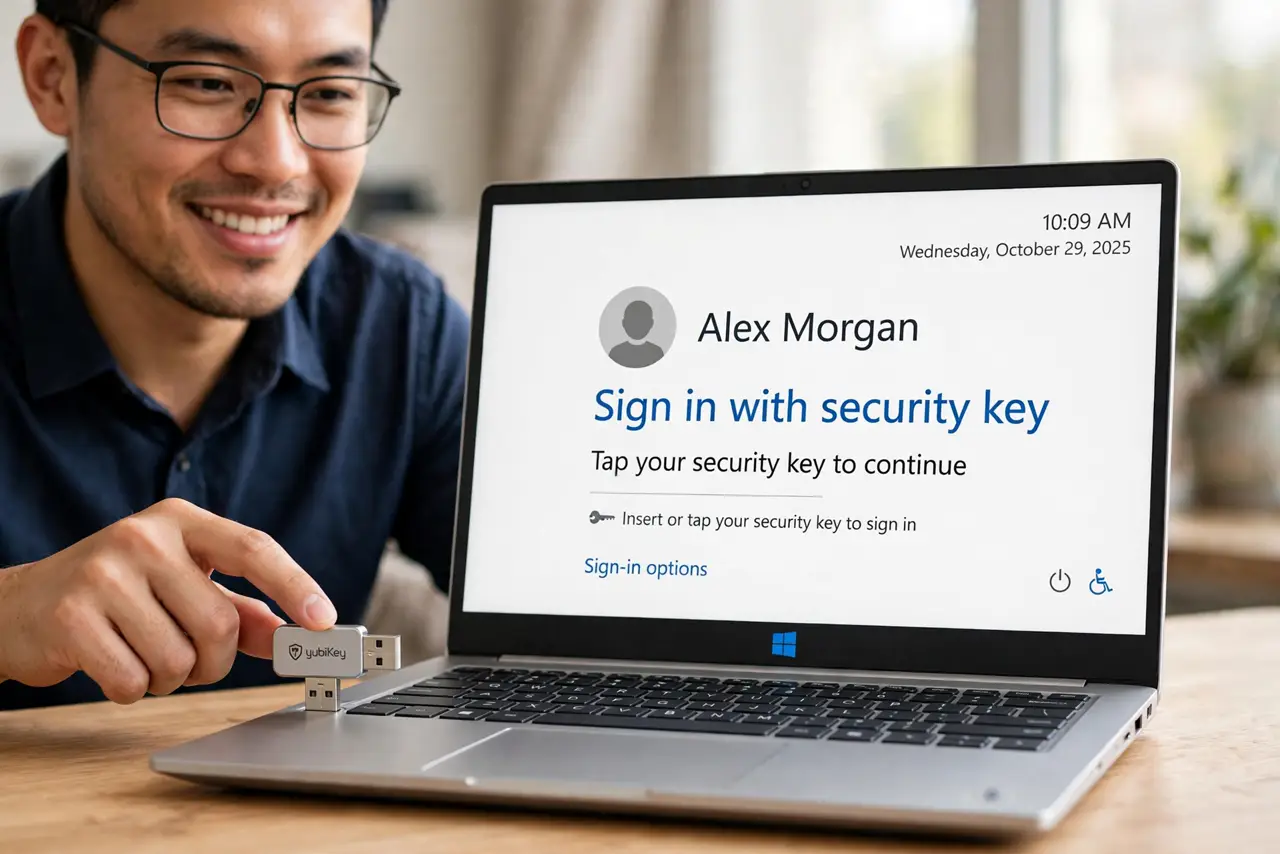
Plug in your FIDO2 security key, open Settings > Accounts > Sign-in options > Security key, and register it with your Microsoft account. At sign-in, insert the key and tap it instead of typing a password. It resists phishing better than passwords, since the key only answers the real site.
Follow these steps
- Get a FIDO2 key. Buy a key from a reputable maker — USB-A, USB-C, or NFC to match your devices. One key can serve many accounts.
- Plug it in and open settings. Insert the key, then go to Settings > Accounts > Sign-in options > Security key > Manage.
- Register it with Windows. Follow the prompts: tap the key when asked, set a key PIN. Windows Hello ties the key to this PC.
- Add it to your Microsoft account. Visit your Microsoft account security page and register the same key there — then it works for web sign-ins too.
- Test a passwordless sign-in. Lock with Win + L, choose the key option, insert and tap. No typing, no phishing surface.
- Keep a backup sign-in method. Register a second key or keep your authenticator app. A single lost key with no backup means account recovery — plan for it now.
What NOT to do
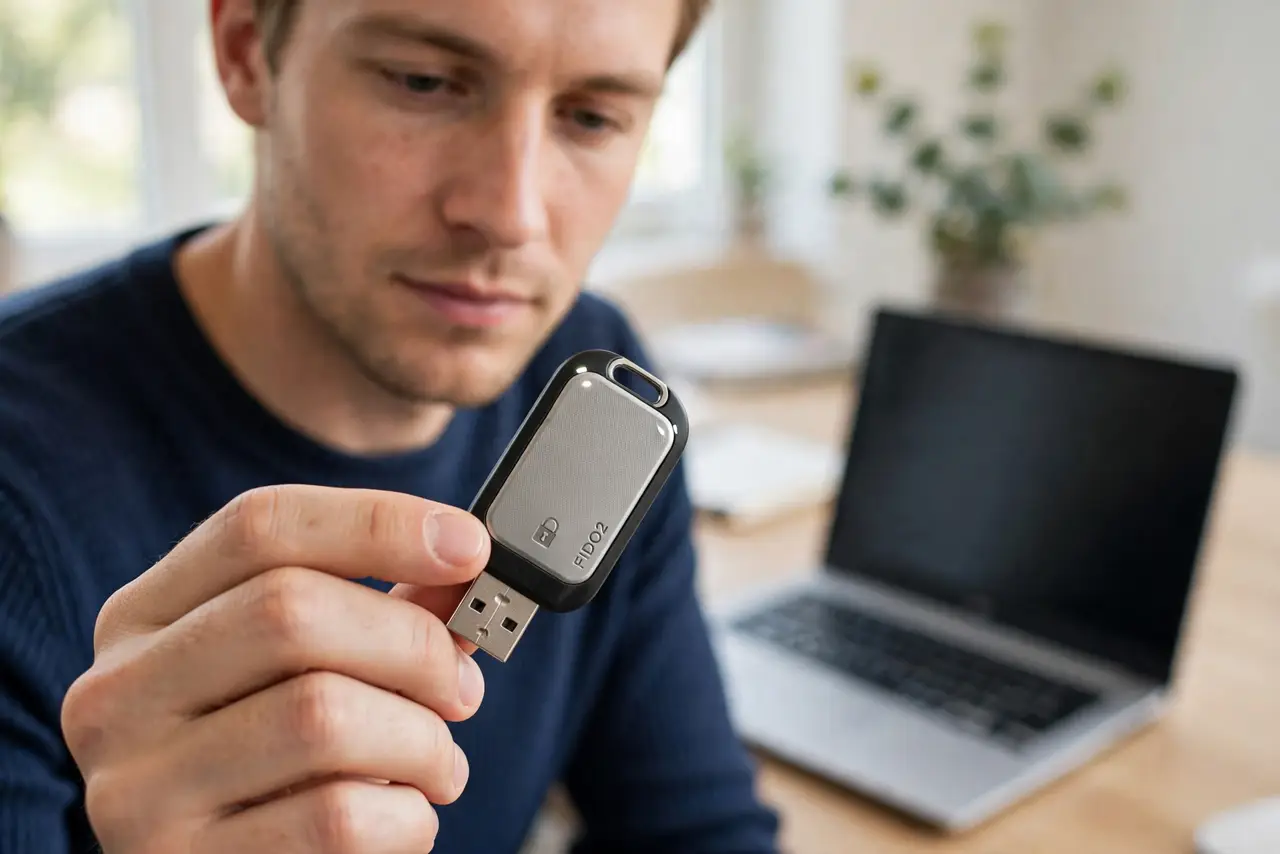
- Do not buy no-name keys from marketplaces. A security key holds your identity — reputable makers only.
- Do not set it up with no backup method. One lost key shouldn't mean one lost account.
- Do not expect it on every site. FIDO2 is widespread but not universal; passwords still exist elsewhere.
- Do not share the key. It's a physical credential — lending it is lending your identity.
Frequently asked questions
What's the difference between a security key and a USB drive?
Everything inside: the key is a cryptographic chip that proves identity without revealing secrets. It stores no files.
Can a phishing site trick my security key?
No — that's the point. The key checks the site's real identity cryptographically and stays silent for impostors.
What happens if I lose the key?
Use your backup method — second key, authenticator, or recovery codes. Then remove the lost key from your accounts.