Settings Keyboard Shortcuts
Every settings change means Start, Settings, click, click, click — a maze for things you toggle weekly. Windows has direct keyboard shortcuts and Run commands that jump straight to any settings page: Bluetooth, Wi-Fi, display, sound. Learn the handful you use and the maze disappears.
TL;DR / Quick Fix
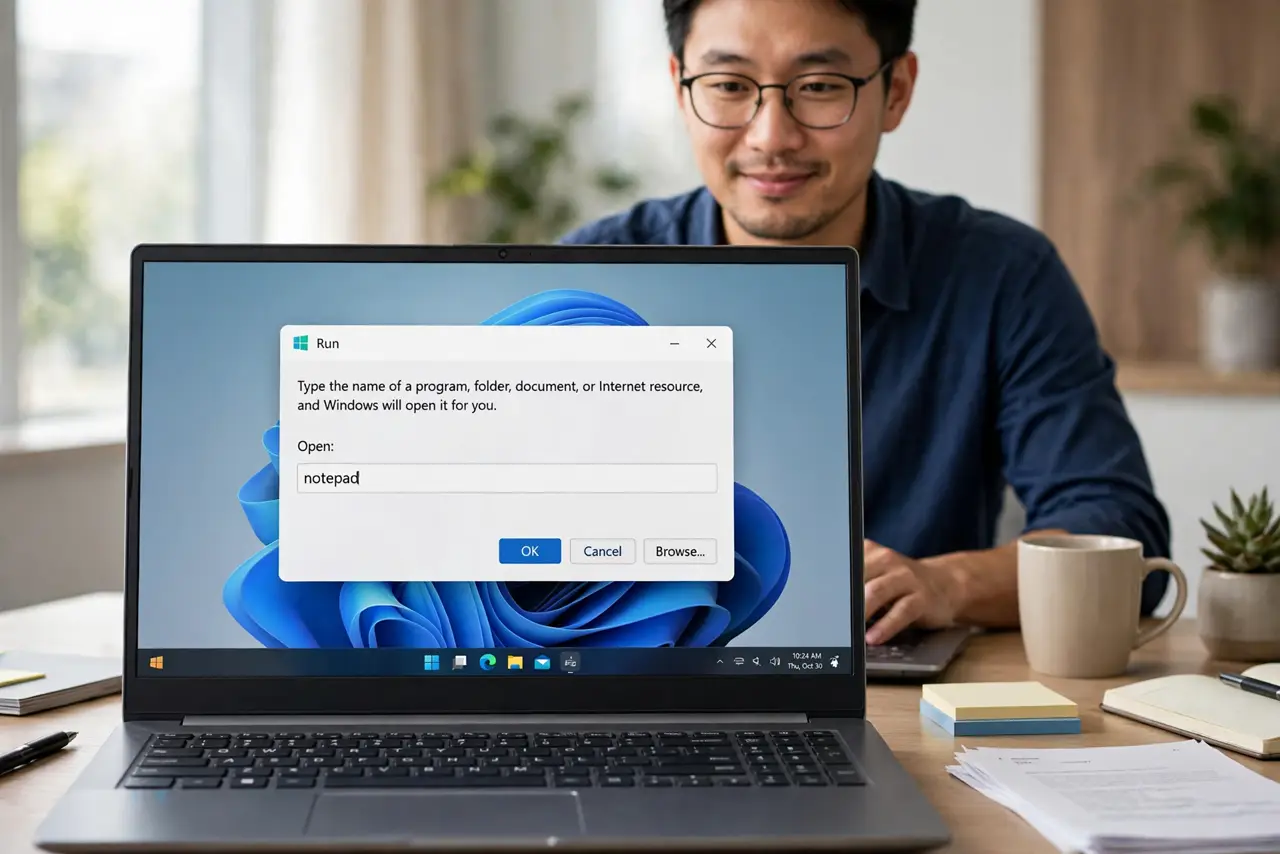
Quick fix: press Win+I to open Settings instantly. Press Win+R, type a settings command like ms-settings:bluetooth, and hit Enter to jump straight there. Pin your most-used settings pages to Start for one-click access. Learn five shortcuts for the pages you visit weekly and skip the clicking maze.
Follow these steps
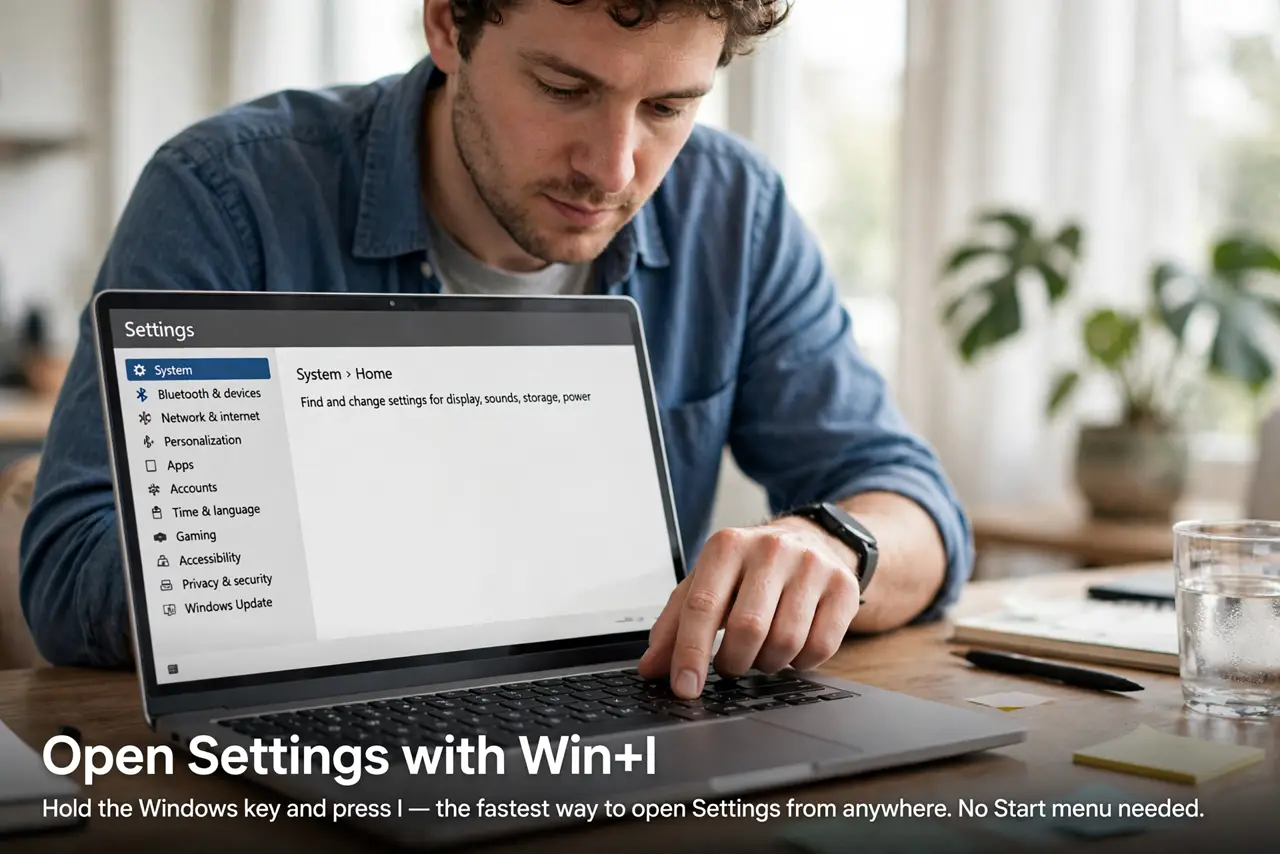
- Open Settings with Win+I. Hold the Windows key and tap I. This is the single most useful settings shortcut — it opens Settings from anywhere, no Start menu needed.
- Jump to any page with Win+R. Press Win+R, type ms-settings: followed by the page name — ms-settings:bluetooth, ms-settings:network, ms-settings:display — and press Enter. You land directly on that page.
- Learn the direct toggles. Win+A opens Quick Settings for Wi-Fi, Bluetooth, and brightness. Win+N opens notifications. These skip Settings entirely for the things you flip daily.
- Pin pages to Start. Right-click any settings page header and choose Pin to Start. Your top five pages become one-click tiles — faster than any shortcut for mouse users.
- Use search inside Settings. Win+I, then just start typing. Settings search finds pages by plain words — type printer and it offers every printer page without you knowing the category.
- Chain shortcuts for routines. Morning routine? Win+I, type bluetooth, Enter — three keystrokes to a page that took six clicks. Muscle memory builds in a week.
What NOT to do
- Do not memorize dozens of shortcuts at once. Learn the five pages you actually visit — the rest stay discoverable via search.
- Do not type Run commands from memory on a work PC. A typo can open the wrong page; use Settings search when unsure.
- Do not skip the Quick Settings panel. Win+A covers the daily toggles faster than any ms-settings: command.
- Do not forget shortcuts work everywhere. Win+I works mid-game, mid-call, mid-anything — no need to close what you are doing.
Frequently asked questions
What is the fastest way to open Bluetooth settings?
Win+R, type ms-settings:bluetooth, Enter. Or Win+A and click the Bluetooth tile — two keystrokes either way.
Do these shortcuts work on Windows 10 too?
Win+I, Win+R, and Win+A all work on Windows 10. The ms-settings: page names are nearly identical across both versions.
Can I make my own settings shortcuts?
Yes — right-click a pinned Start tile and you can assign workflows around it, or create desktop shortcuts to any ms-settings: page.