Pinned Start Apps Disappear on Windows
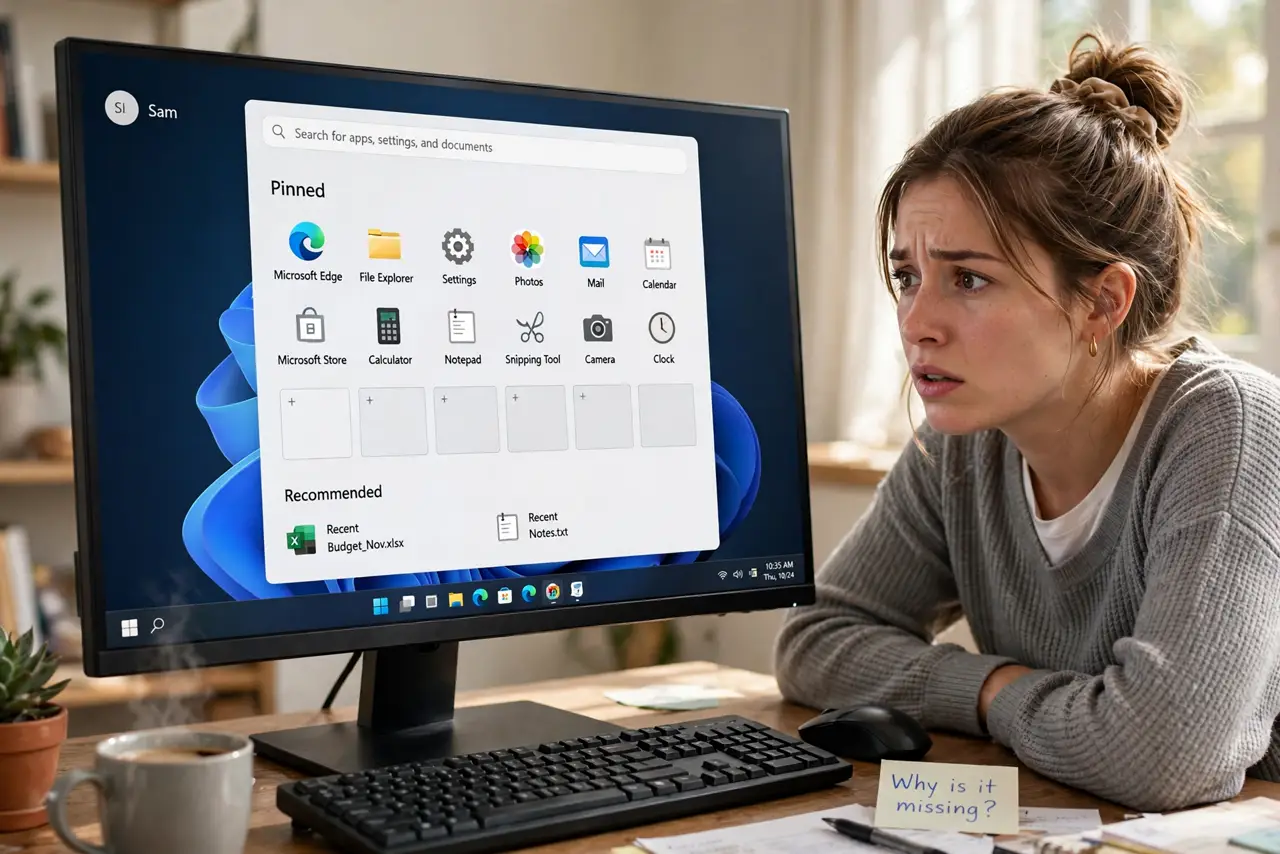
Apps you pinned to the Start menu keep vanishing, sometimes after a reboot, sometimes after an update. The Start layout is stored in a database that cleanup tools love to wipe and updates occasionally reset. The fix is stopping the wiper, re-pinning, and knowing the one settings page that controls it — see also the missing All apps list guide for a related Start problem.
TL;DR / Quick Fix
Quick fix: check whether a cleanup or privacy tool is wiping the Start layout on a schedule and turn that option off. Then re-pin your apps, restart, and confirm they survive. If they still vanish, test in a fresh user profile to see whether your profile's Start database is damaged.
Follow these steps
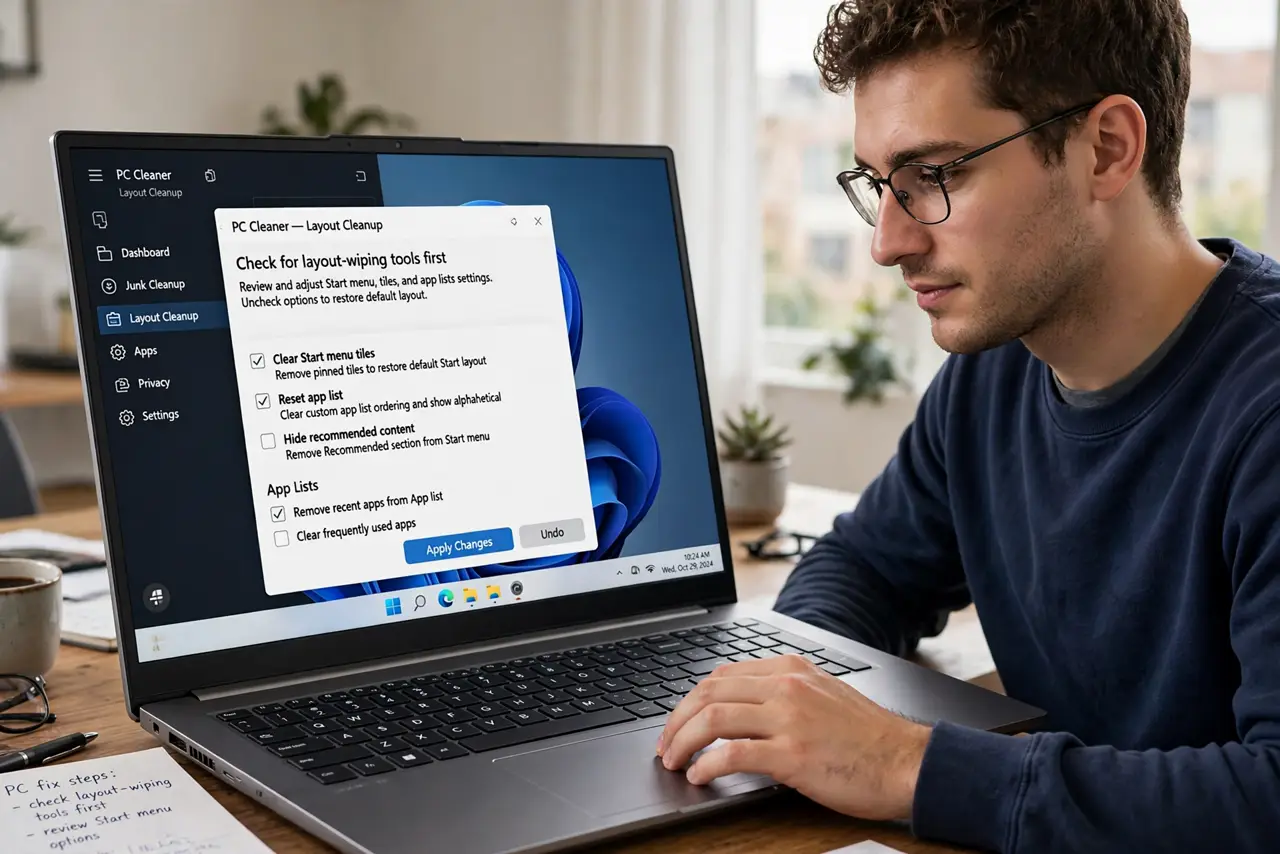
- Check for layout-wiping tools first. Open every PC cleaner, debloater, or privacy tool you have installed and look for options about Start menu, tiles, or app lists. These tools are the number one cause of vanishing pins.
- Turn off the wiping option. Disable the specific option that clears the Start layout or pinned apps. You do not need to uninstall the tool, just stop it from touching Start.
- Re-pin your apps deliberately. Pin your core apps again from the All apps list or by right-clicking their executables. Re-pin slowly so you can tell if a specific app refuses to stick.
- Restart and check the pins. Reboot the computer and open Start. Pins that survive a reboot have beaten the most common cause; pins that vanish again point to a deeper profile issue.
- Test with a fresh user profile. Create a new local user, pin an app there, and reboot. If pins stick in the new profile, your main profile's Start database is damaged and migrating is cleaner than repairing.
- Leave the database alone otherwise. Do not delete Start menu database files by hand unless the fresh-profile test proved damage. Manual deletion is a last resort, not a first step.
What NOT to do
- Do not run debloater scripts to fix this. Many debloaters are what cause vanishing pins in the first place, so more debloating makes it worse.
- Do not pin apps from a broken shortcut. A pin pointing at a deleted shortcut vanishes on refresh, so pin from the installed app itself.
- Do not assume a Windows update stole them permanently. Updates sometimes reset the layout once, but pins vanishing repeatedly is a tool or profile problem.
- Do not edit the Start database files directly. They are finicky binary files, and a wrong edit breaks Start completely instead of just losing pins.
Frequently asked questions
Why do my pins vanish after every reboot?
Because something wipes the Start layout on each boot or shutdown — almost always a cleaner, a script, or a corrupted profile database.
Can a Windows update remove pinned apps?
Occasionally, yes, especially feature updates that migrate the Start database. But it should be a one-time event, not a weekly one.
Will creating a new profile lose my files?
No. Your files stay in the old profile's folders and can be copied over; only settings need rebuilding.