What 'Startup Impact' Means
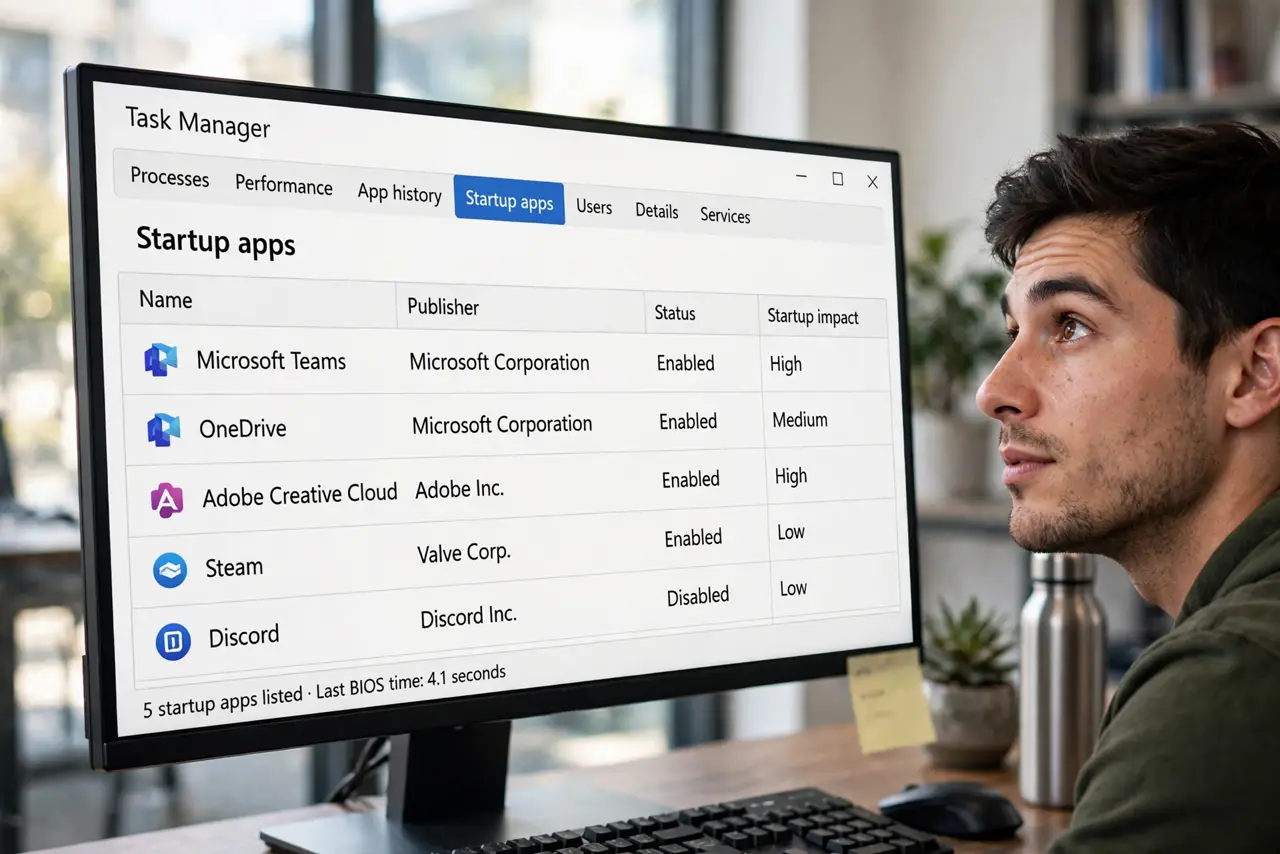
Task Manager labels your startup apps High, Medium, or Low impact — and one says 'Not measured', which sounds broken. The Impact column is Windows' estimate of how much each app slows your login, based on real timing data. Here's how to read it and what to do with each rating.
TL;DR / Quick Fix
In Task Manager's Startup apps tab, the Impact column estimates how much each app slows your login — High, Medium, Low, or Not measured. It scores CPU and disk use during startup, not the app's everyday weight. 'Not measured' means Windows hasn't timed it yet; give it a few restarts.
Follow these steps
- Open the Startup apps tab. Press Ctrl + Shift + Esc, then choose Startup apps. The Impact column sits beside each entry.
- Read High as 'slows login most'. High-impact apps use the most CPU and disk during startup. These are your first candidates to disable or delay.
- Treat Medium and Low as fine. Medium and Low apps cost little at login. Leave them unless you're trimming aggressively.
- Understand 'Not measured'. Windows hasn't timed that app across enough startups yet. It resolves itself after a few restarts — it's not an error.
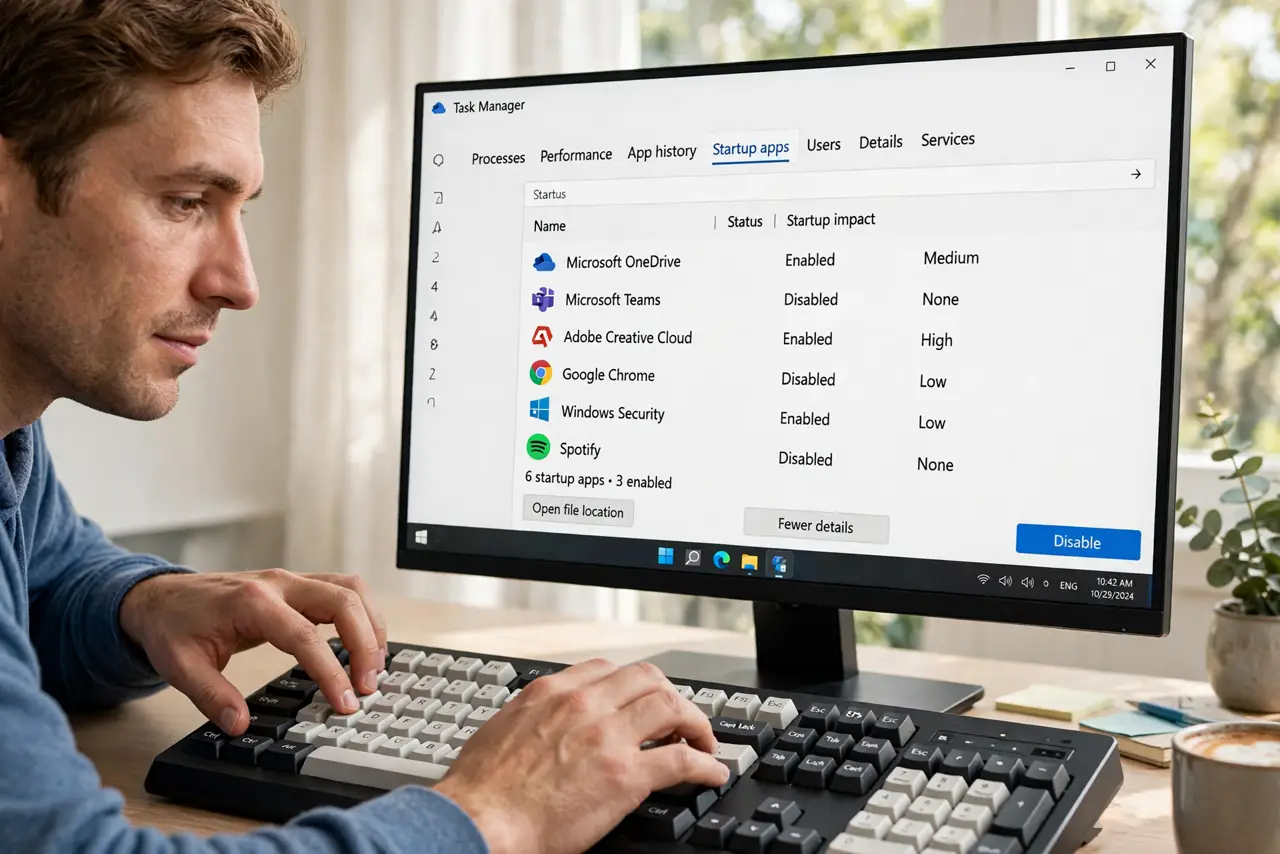
- Sort by impact. Click the Startup impact header to sort. The worst offenders float to the top for easy decisions.
- Act on the High list. Disable High-impact apps you don't need at login. You can still open them manually anytime — disabling startup never uninstalls.
What NOT to do
- Do not disable your antivirus over a High rating. Security software is High impact for a reason — it protects the boot itself.
- Do not panic at 'Not measured'. It's missing data, not a broken app — a few restarts fill it in.
- Do not confuse startup impact with everyday heaviness. A High-impact starter can be feather-light once running.
- Do not disable hardware utilities blindly. Audio, touchpad, and graphics helpers often show impact but keep devices working.
Frequently asked questions
How does Windows measure startup impact?
It times each app's CPU and disk use during login across several startups, then buckets the result into High, Medium, or Low.
Why do some apps always say Not measured?
They may launch too rarely, or Windows hasn't completed enough timed startups. Regular restarts — not sleep — provide the data.
Does disabling a startup app uninstall it?
No. Disabling only stops the auto-launch; the app stays installed and opens normally when you click it.