Is 5G Home Internet Enough?
The cable company wants a technician visit and a two-year contract; the 5G box just plugs in. Home internet over cellular has grown up — but 'up to' speeds hide tower congestion realities. This guide sets honest expectations and tests whether 5G is enough for your household.
TL;DR / Quick Fix
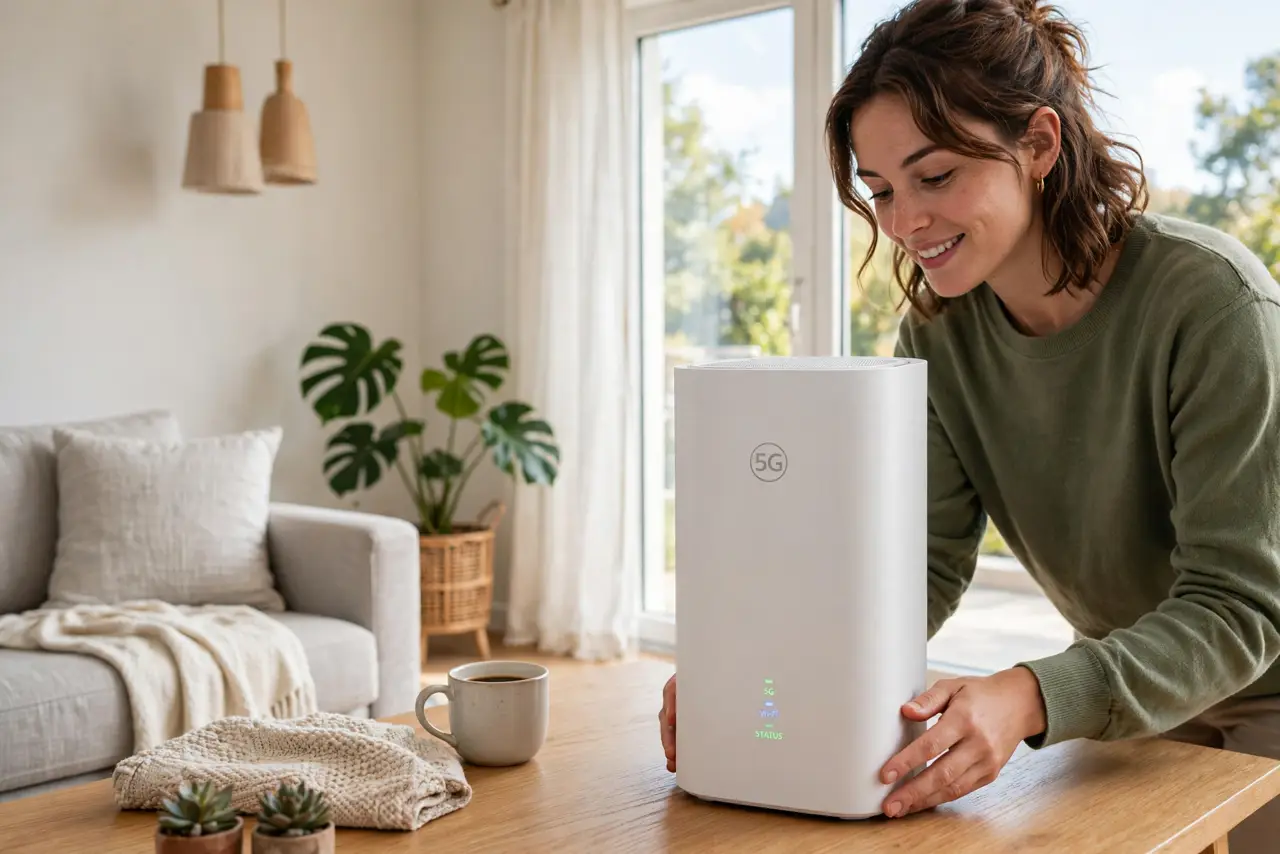
Quick fix: 5G home internet replaces cable with a cellular gateway — setup is plug-in-and-go with no technician. Speeds vary by tower load and your distance from it, so test during evening hours before committing. It suits renters and areas without fiber; heavy gamers may miss cable's consistency.
Follow these steps
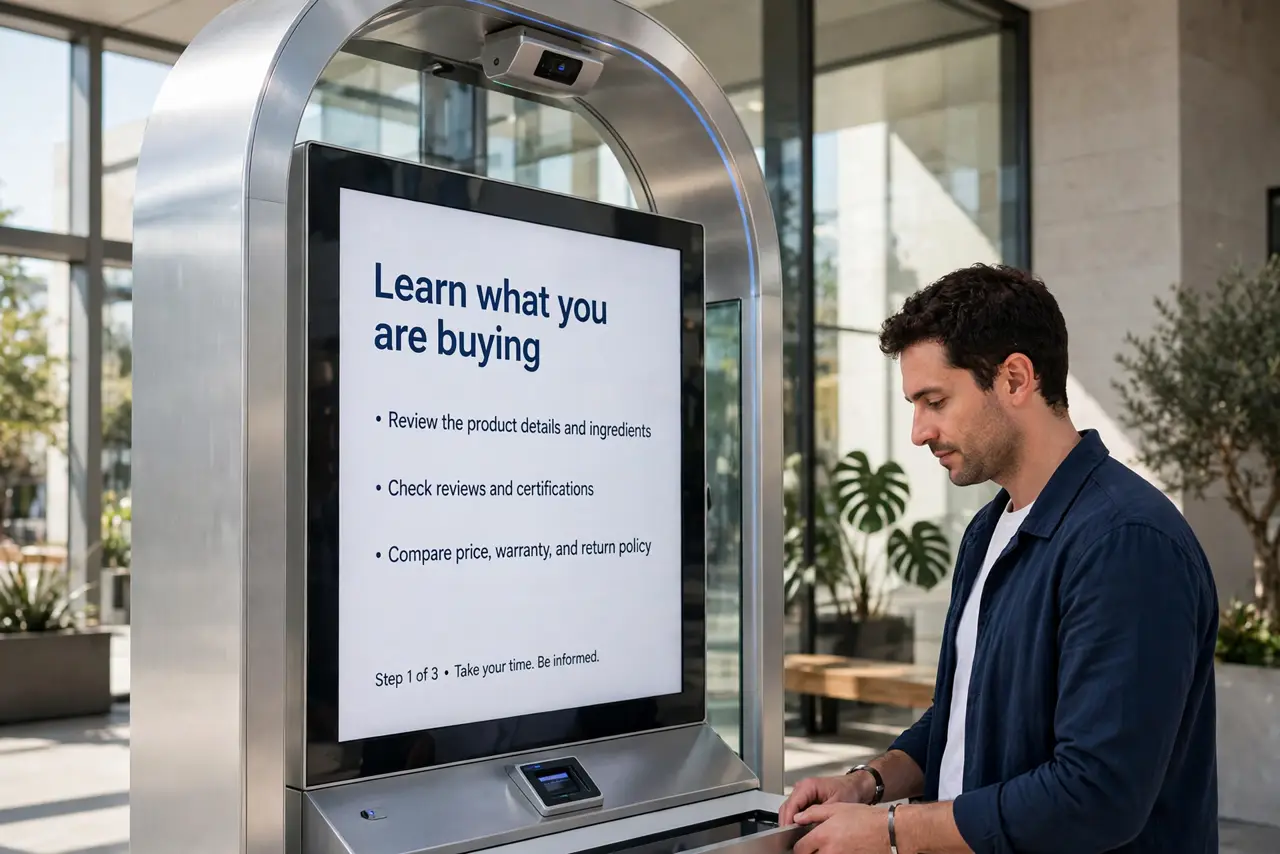
- Learn what you are buying. A cellular gateway connecting to the carrier's 5G network — no cables, no technician. Your home internet becomes a very capable hotspot.
- Check your address, not the map. Coverage maps lie by optimism. The carrier's address checker, neighbor reviews, and a trial period tell the truth about your specific spot.
- Place the gateway by a window. Signal strength rules everything — high, near a window facing the tower. Moving it six feet can double speeds; experiment before judging.
- Test at peak hours. Run speed tests at 8pm, not 8am. Evening congestion is the reality check — judge 5G by its worst hour, not its best.
- Mind the deprioritization fine print. Many plans slow heavy users during congestion. Read the threshold — 100GB, 200GB — and match it to your household's appetite.
- Compare against the alternative. No fiber on your street? 5G often beats DSL and rivals cable. Fiber available? See the fiber vs 5G comparison — fiber usually wins where it reaches.
What NOT to do
- Do not judge by the first speed test. Placement, time of day, and tower load swing results wildly — test for a week.
- Do not hide the gateway in a cabinet. Signal needs line-of-sight-ish placement; burying it in furniture strangles speeds.
- Do not ignore the data terms. 'Unlimited' with deprioritization is not unlimited-feeling at 8pm for a heavy household.
- Do not cancel cable on day one. Run both for the trial period — overlap beats an internet gap if 5G disappoints.
Frequently asked questions
Is 5G home internet good for gaming?
Casual gaming yes; competitively, fiber's lower latency wins. Test ping to game servers before committing.
Can I use my own router?
Usually yes — put the gateway in bridge/passthrough mode and use your router for Wi-Fi. Check the carrier's instructions.
What speeds should I expect?
100-300 Mbps down is common in good conditions, less at peak. Uploads typically 10-50 Mbps — verify against your needs.