How Starlink Works
Rural internet has always meant slow DSL or expensive satellite with terrible latency. Starlink changed the equation: thousands of low-orbit satellites beaming broadband to a pizza-box dish. This guide explains how it works, what it costs in practice, and who it is actually for.
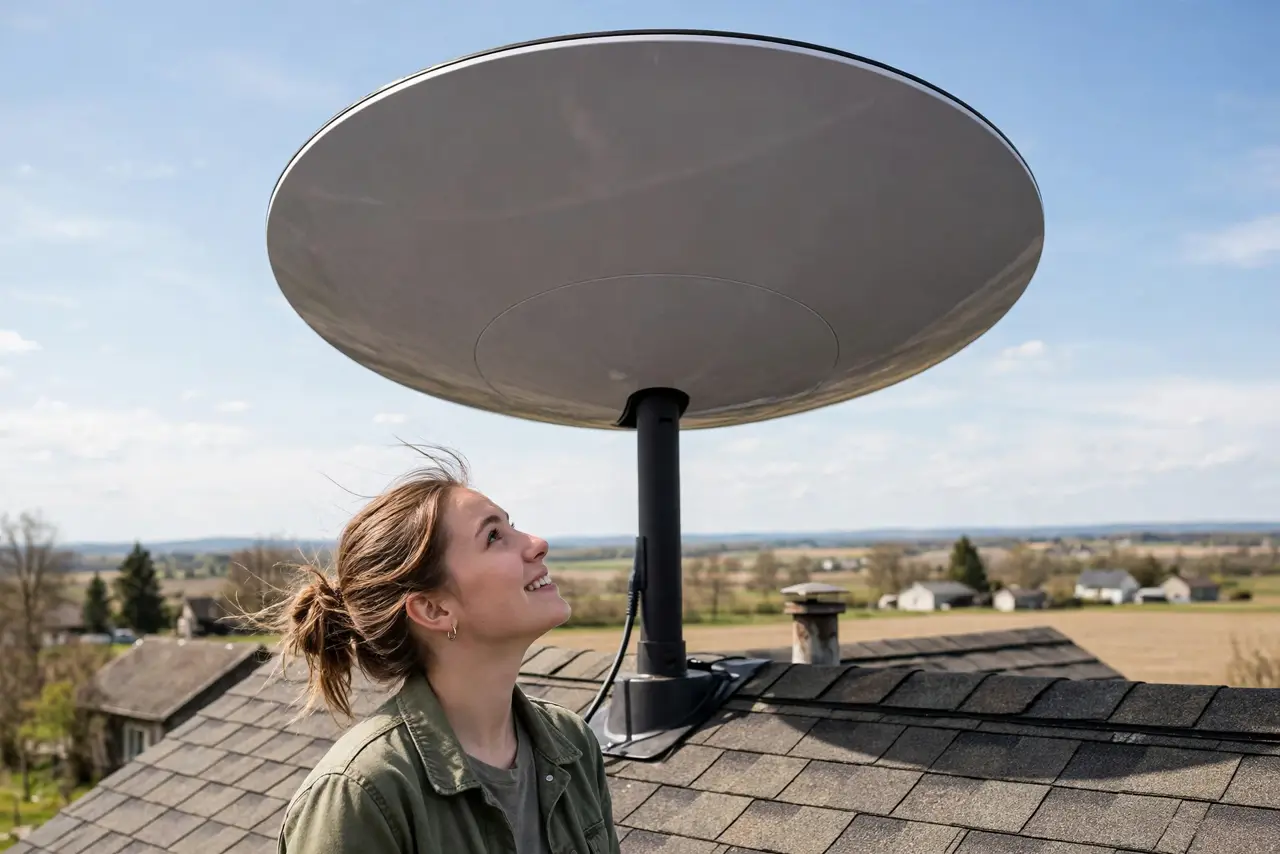
TL;DR / Quick Fix
Quick fix: Starlink beams internet from low-orbit satellites to a dish at your home — it shines where cable and fiber never reach. You need a clear sky view; trees and buildings degrade it. Expect 50-200 Mbps with higher latency than fiber, and compare monthly cost to local options.
Follow these steps
- Learn the orbit trick. Traditional satellites sit 35,000 km up — hence the lag. Starlink orbits at ~550 km, cutting latency to 25-60ms. Low orbit is the whole breakthrough.
- Check the sky view. The dish needs a wide clear view of the sky. Trees, buildings, and heavy obstructions cause dropouts — the app's obstruction checker maps your sky before you buy.
- Understand the speeds. Typically 50-200 Mbps down, 10-40 up — wildly better than rural DSL, below fiber. Enough for streaming, calls, and remote work simultaneously.
- Know the costs. Hardware upfront plus a monthly fee higher than cable. Compare against your actual alternatives — where fiber exists, fiber usually wins on price and latency.
- Expect weather effects. Heavy rain and snow degrade the signal; the dish heats to melt snow. It is resilient, not immune — plan for the occasional weather dip.
- Decide if it is for you. No cable, no fiber, bad DSL: Starlink is transformative. Good terrestrial options available: usually the better deal — weigh it against 5G home internet too, which suits less remote spots.

What NOT to do
- Do not mount without checking obstructions. A dish staring at trees drops constantly — the app's sky scan is mandatory homework.
- Do not expect fiber latency. 25-60ms is excellent for satellite but double fiber — competitive gamers notice.
- Do not ignore the upfront cost. The dish is a real purchase on top of the monthly fee — budget both.
- Do not assume it is portable everywhere. Roam plans exist, but residential service ties to your address.
Frequently asked questions
Does Starlink work in bad weather?
Light rain fine; heavy storms degrade it. The dish's heater handles snow reasonably.
Can I use my own router?
Yes — put the Starlink router in bypass mode and use yours. Many do for better Wi-Fi coverage.
Is there a data cap?
Residential plans are effectively unlimited with fair-use policies; check current terms for your region.