Report an Account Cloning You on Social Media
Someone copied your name and photos into a fake account and is messaging your friends. Reporting it correctly — with proof it is you — gets it removed faster than angry comments on the fake profile.
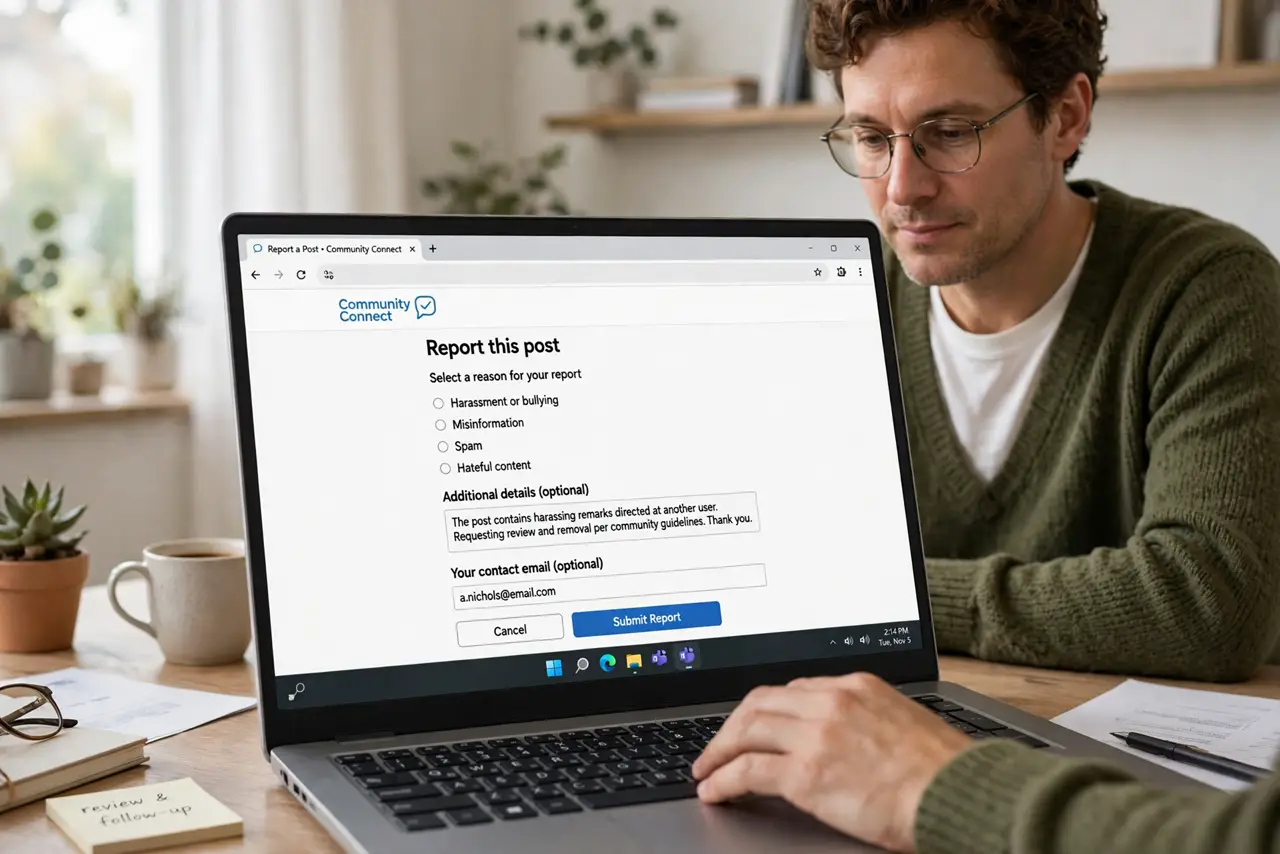
TL;DR / Quick Fix
Quick fix: gather proof of your real identity, use the platform's impersonation report form, and submit your real profile link plus the fake one. Then tell friends to report it too, tighten your own privacy, and watch for new copies.
Follow these steps
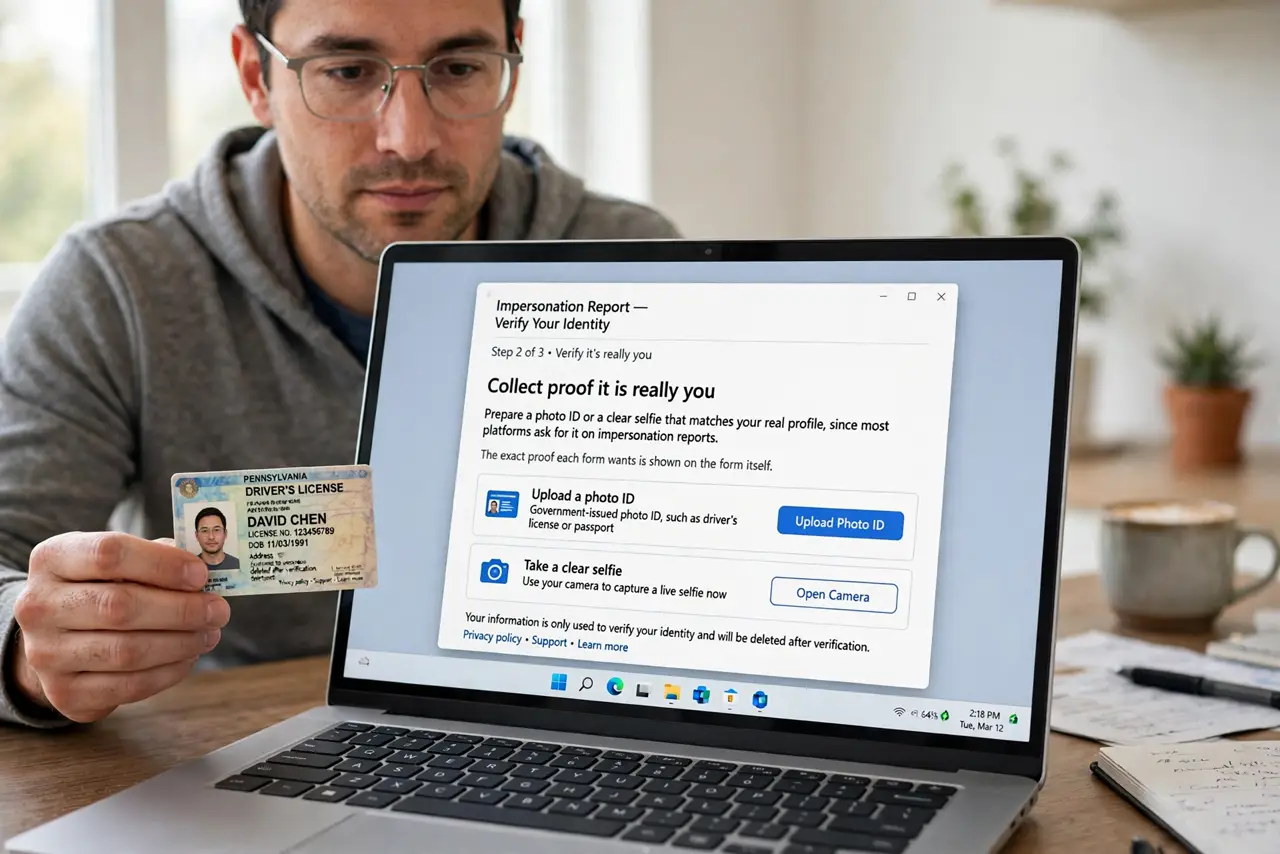
- Collect proof it is really you. Prepare a photo ID or a clear selfie that matches your real profile, since most platforms ask for it on impersonation reports. The exact proof each form wants is shown on the form itself.
- Use the impersonation report form. Find the platform's report option for someone pretending to be you, not the generic spam report. The impersonation path asks for your real account and the fake one, which speeds up review.
- Link your real profile and the fake one. Paste both profile links into the report. Reviewers compare them, and a report with both links resolves faster than one that only names the fake account.
- Tell your friends to report it as well. Ask friends who got the clone request to report the fake account too. Multiple reports from real people push the review to the front.
- Tighten your own profile while you wait. Make your friend list and old posts less public during the episode. Clones feed on public photos and friend lists, so less public material starves future copies.
- Watch for new copies for a few weeks. Search your name on the platform a few times over the next month. Impersonators sometimes return with a slightly changed name after the first fake is removed.
What NOT to do
- Do not message the fake account to argue. Contact only gives it screenshots to look real, while a quiet report starves it of attention.
- Do not post the fake profile publicly and ask for mass reports. That can look like harassment of a real person if you misidentified the account.
- Do not share your ID photo with anyone but the platform. Your report proof goes into the official form only, never into messages or comments.
- Do not assume one report ends it. Check back for new copies, since impersonators often try again under a slightly different name.
Frequently asked questions
What proof do platforms want?
Usually a government ID or a selfie matching your profile, submitted through the official impersonation form. The form lists exactly what it needs.
How long does removal take?
It varies, but reports with both profile links and several friend reports usually resolve faster than a single vague report.
Can I stop clones before they start?
Partly. Less public material — fewer public photos and a hidden friend list — gives impersonators less to copy.