'Ask App Not to Track'? What It Does
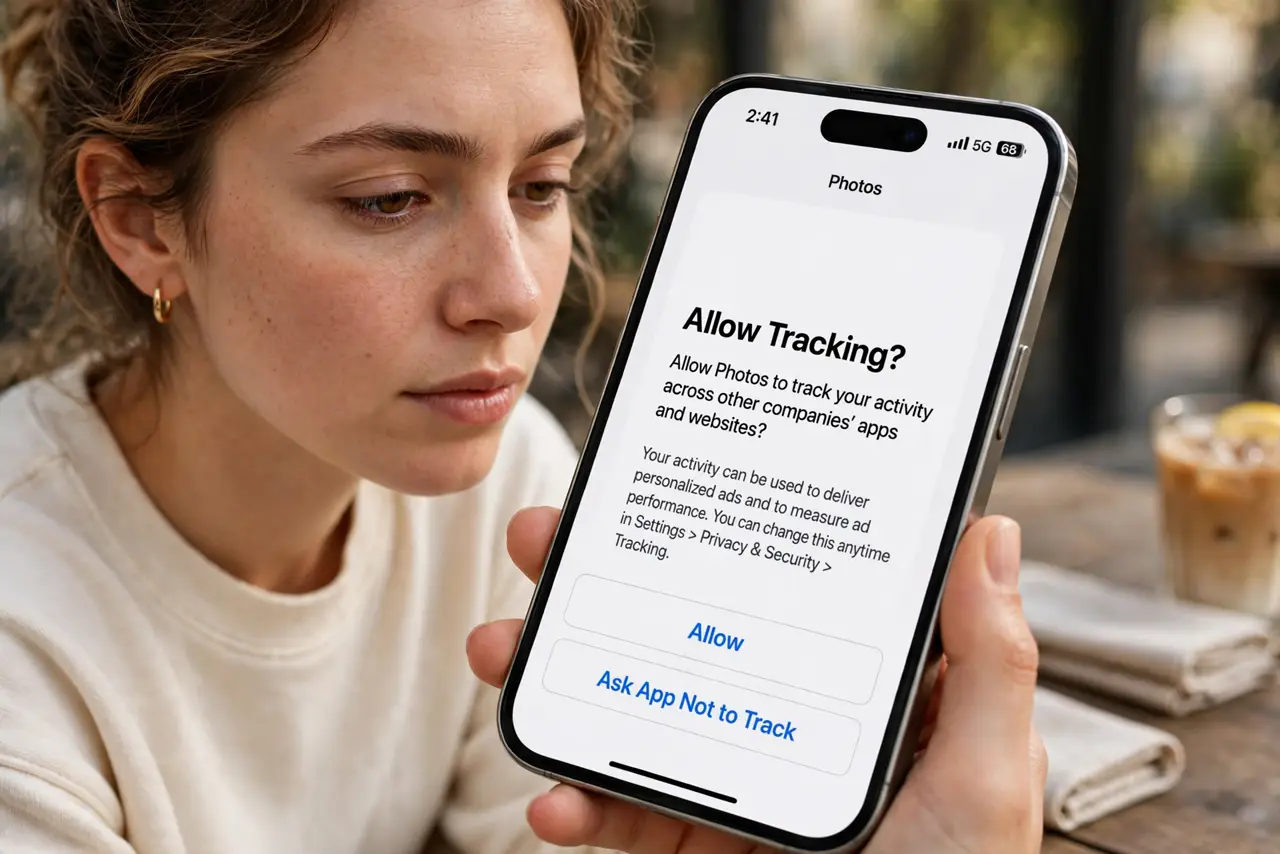
iPhone apps now ask permission to track you across other companies' apps and websites — and most people tap without knowing what it means. Answering 'Ask App Not to Track' cuts off that pipe. This guide explains what the prompt really does.
TL;DR / Quick Fix
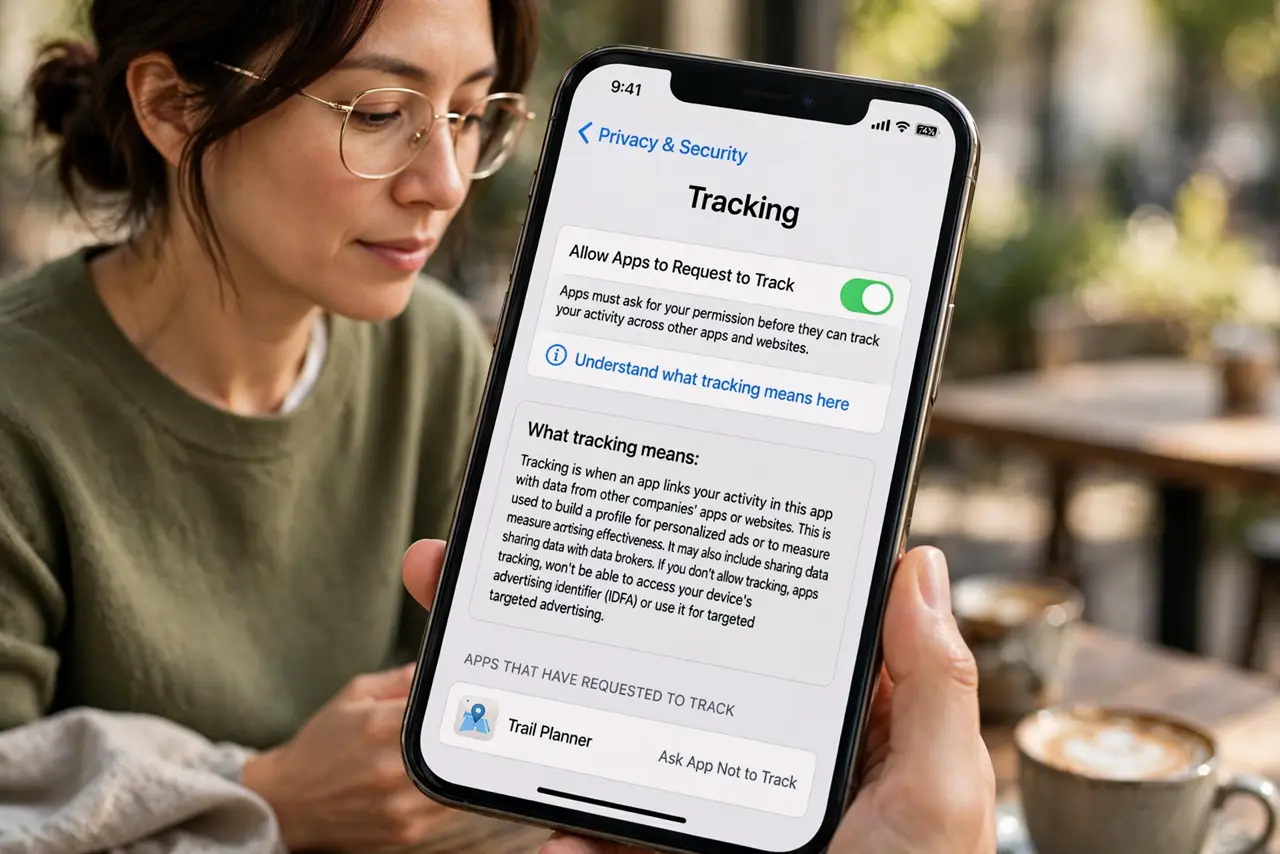
Quick fix: when apps ask to track, tap 'Ask App Not to Track' — it blocks the way apps follow you across other apps and sites. To apply it everywhere, go to Settings, Privacy & Security, Tracking, and turn off 'Allow Apps to Request to Track'. Review the list there.
Follow these steps
- Understand what tracking means here. It means letting the app link your activity with other companies' apps and websites for ads — not the app simply working. Most apps function fine without it.
- Answer the prompt with 'Ask App Not to Track.' That is the privacy-protecting choice. The app still works; it just cannot follow you around the internet.
- Turn off the requests entirely. In Settings, Privacy & Security, Tracking, disable 'Allow Apps to Request to Track.' New apps then default to not tracking without asking.
- Review which apps got permission. The same screen lists every app and its tracking status. Revoke tracking for any you approved by accident.
- Know what it does not stop. Apple's prompt blocks cross-app tracking, not the app's own data collection or Apple's ads. Pair it with ad personalization opt-outs for fuller coverage.
- Compare with Android. Android does not ask per app the same way, but you can reset the ad ID to similar effect. Both platforms need the manual step.
What NOT to do
- Do not tap 'Allow' just to dismiss the prompt faster. That one tap is the whole decision — slow down for two seconds.
- Do not assume denying breaks the app. Apps are required to work without tracking permission; if one refuses, that itself is a red flag.
- Do not forget this is per-app. Each new app asks separately, so keep answering — or disable the requests globally as described.
- Do not confuse this with location permission. Tracking here means ad tracking across apps, a separate switch from location.
Frequently asked questions
Why do apps want to track me?
To build an advertising profile: what you tap, buy, and browse across apps. That profile is sold to advertisers or used to target you.
Does 'Ask App Not to Track' stop all ads?
No. You still see ads — they are just not targeted using cross-app tracking. The app can still show its own generic ads.
Should I allow tracking for any app?
Only if you genuinely want personalized ads from it and trust the company. For most apps, denying costs you nothing.