Make an Account Recovery Plan
Getting locked out of your email is not an inconvenience — it is losing the master key to every account tied to it. A recovery plan takes twenty minutes to write and saves days of panic later. It is the most boring, most valuable document you will ever make.
TL;DR / Quick Fix
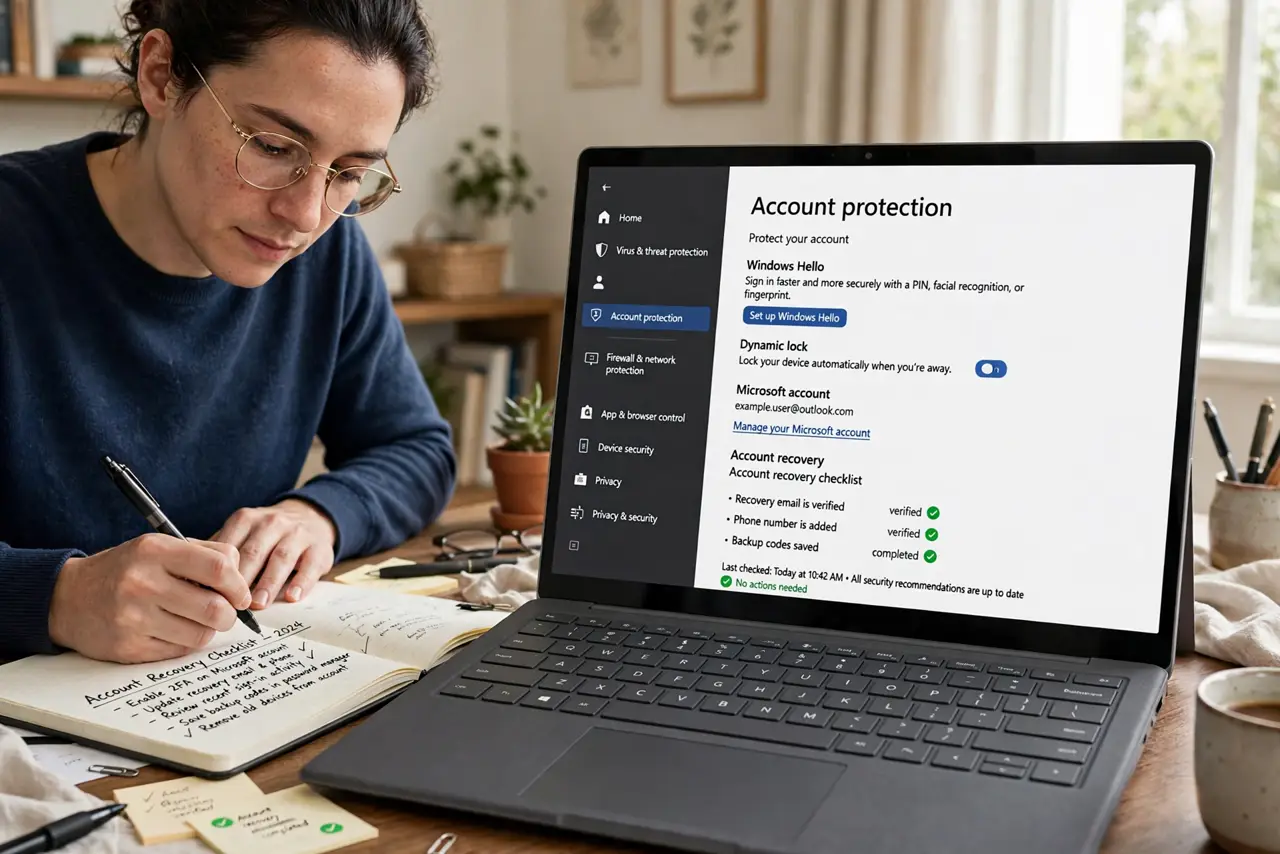
Quick fix: for each important account, write down the recovery email, phone number, and backup codes, and store them somewhere safe offline. Make sure your recovery email itself is secured with two-factor authentication. Review the plan once a year. Keep a printed copy somewhere only you can find.
Follow these steps
- List your critical accounts. Email first — it resets everything else — then bank, cloud storage, and password manager. These four are the kingdom's keys.
- Secure the recovery email. Your recovery email must itself be locked down: strong unique password plus two-factor. A secure recovery email is the foundation the whole plan stands on.
- Add a recovery phone and email to each. In every critical account's security settings, confirm the recovery phone number and secondary email are current. Old numbers are the number-one lockout cause.
- Save backup codes offline. Download or print the backup/recovery codes each service offers. Store them on paper somewhere safe — see how to back up 2FA codes properly.
- Write the plan down. One page: account, recovery email, recovery phone, where the codes live. Paper in a safe spot beats a perfect memory.
- Review it yearly. Phone numbers change, emails get abandoned. A yearly ten-minute review keeps the plan true — set a calendar reminder now.

What NOT to do
- Do not store recovery codes only on the phone. A lost phone plus phone-only codes is a locked-out-everywhere scenario.
- Do not use an old phone number. Recovery texts to a number you dropped three years ago help no one.
- Do not skip the recovery email's own security. An unsecured recovery email makes every linked account unsecured.
- Do not keep the plan only in your head. Stress destroys recall — write it down.
Frequently asked questions
What is the single most important account?
Your primary email. Nearly every other account resets through it — secure it first, best, and always.
Paper or digital for backup codes?
Paper, stored safely. Digital copies on the same devices you are locked out of defeat the purpose.
How often should I update the plan?
Yearly, plus immediately after changing phone numbers or email addresses.