Ads Follow You Across Sites? Turn It Down
Seeing an ad for something you viewed yesterday, on a completely different site, is ad personalization at work. It relies on tracking across sites and on ad profiles tied to your accounts. You can turn much of it down, even if you cannot remove ads entirely.
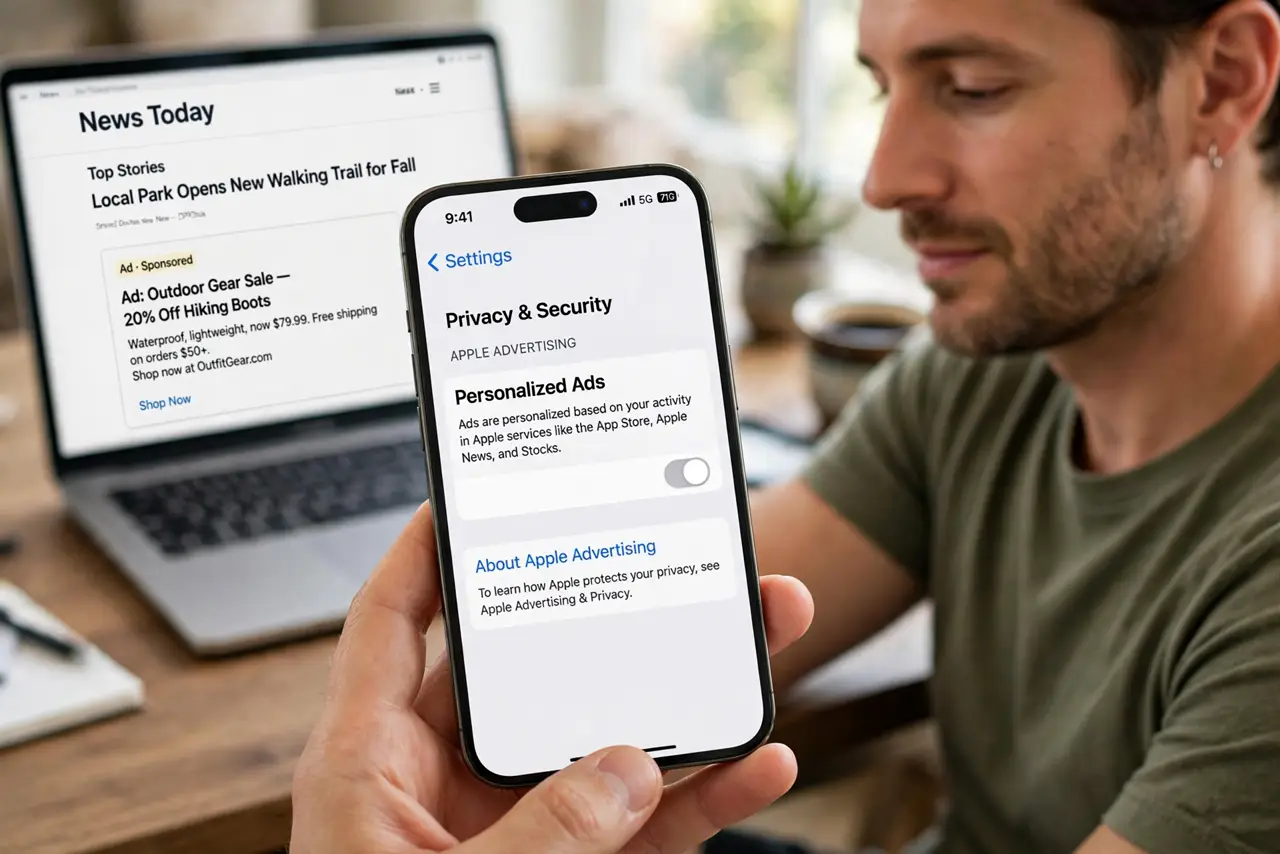
TL;DR / Quick Fix
Quick fix: turn off ad personalization in your main account settings, block third-party cookies in your browser, and reject marketing cookies on site banners. Ads will remain, but they should stop following your browsing history. Ads remain, but they stop following your browsing history.
Follow these steps
- Turn off ad personalization in your account. Open ad settings in your main account, such as your search or social account, and turn off personalized ads. This stops that account building an ad profile from your activity.
- Block third-party cookies. In browser settings, block third-party cookies. This breaks the main technical route that lets one tracker follow you from site to site.
- Reject marketing cookies on banners. On cookie banners, choose Reject All or turn off marketing cookies. Banner choices and browser settings reinforce each other.
- Clear advertising identifiers where offered. On your phone, look for advertising identifier settings and reset it, or limit ad tracking, if your device offers those options.
- Use separate browsers or profiles for shopping. Consider a separate browser profile for shopping and research. Tracking in that profile stays separate from your main browsing profile.
- Expect generic ads afterwards. After turning personalization down, ads become generic rather than disappearing. Generic ads are the sign the change worked, not a failure.
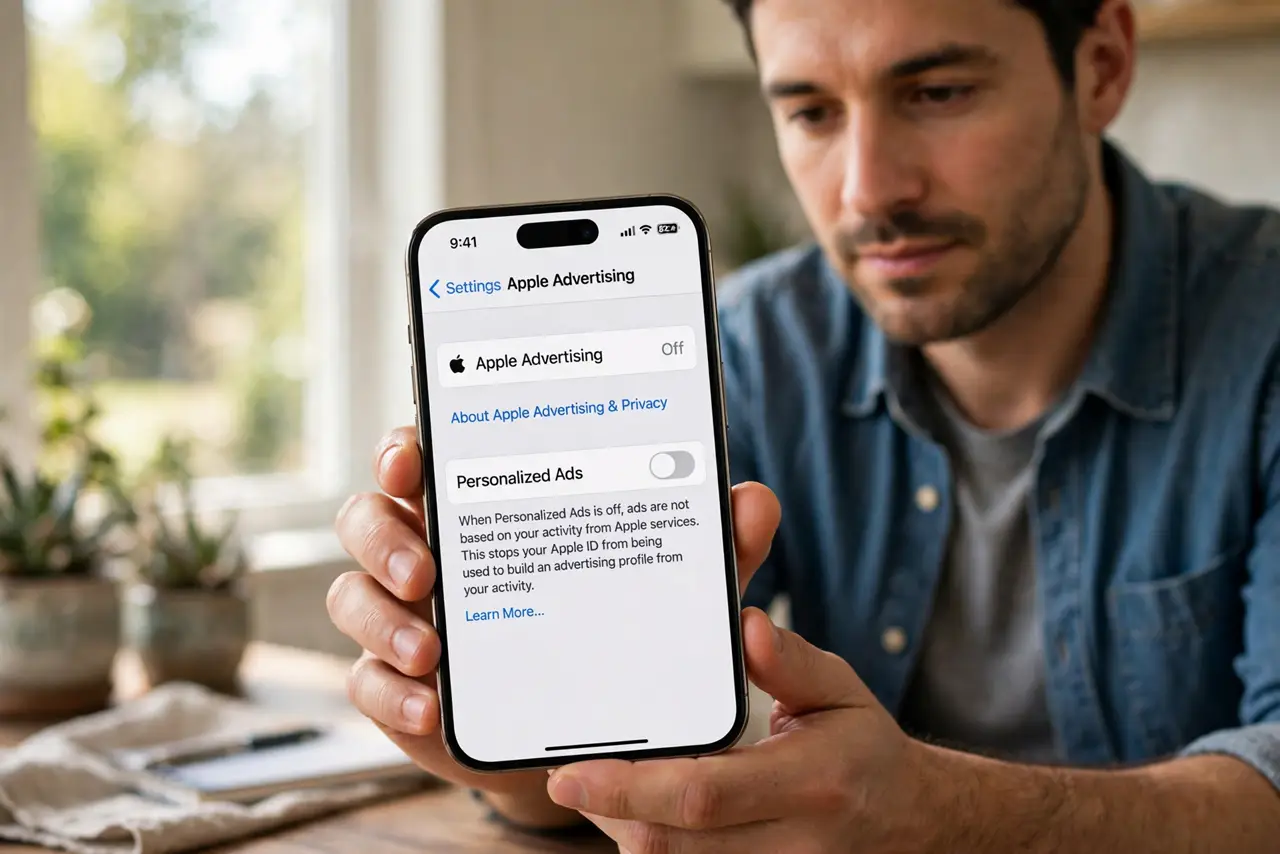
What NOT to do
- Do not expect turning off personalization to remove all ads. It changes ads from personal to generic, which is the goal.
- Do not accept all cookies while trying to limit tracking. Banner choices and account settings must point the same way.
- Do not use the same account for everything if you want separation. Separate profiles and accounts are what create real boundaries.
- Do not pay for a privacy tool that promises to erase all tracking. No single tool does that, and the free settings above cover most of it.
Frequently asked questions
Why do ads follow me after one search?
Trackers and account ad profiles record the interest, then show related ads wherever the same tracker or account appears. Turning off personalization breaks that chain.
Will blocking third-party cookies break sites?
Rarely for reading and shopping. Some logins may need a retry, but most sites work fine without third-party cookies.
How long until personalized ads fade?
Days to weeks, as old profiles age and new tracking stops. Clear cookies once after changing settings to speed the reset.