Airbnb Wi-Fi Safety
An Airbnb's Wi-Fi belongs to a stranger, runs on a router you have never seen, and is shared with whoever stayed last week. Treat it like café Wi-Fi with cozier lighting: fine for streaming, risky for anything sensitive without protection. This guide keeps your stay both comfortable and safe.
TL;DR / Quick Fix
Quick fix: treat Airbnb Wi-Fi like any stranger's network — use a VPN for sensitive tasks, avoid banking on it, and forget the network at checkout. Ask the host for the exact network name to dodge fake hotspots. A phone hotspot is the safest option for anything important.
Follow these steps
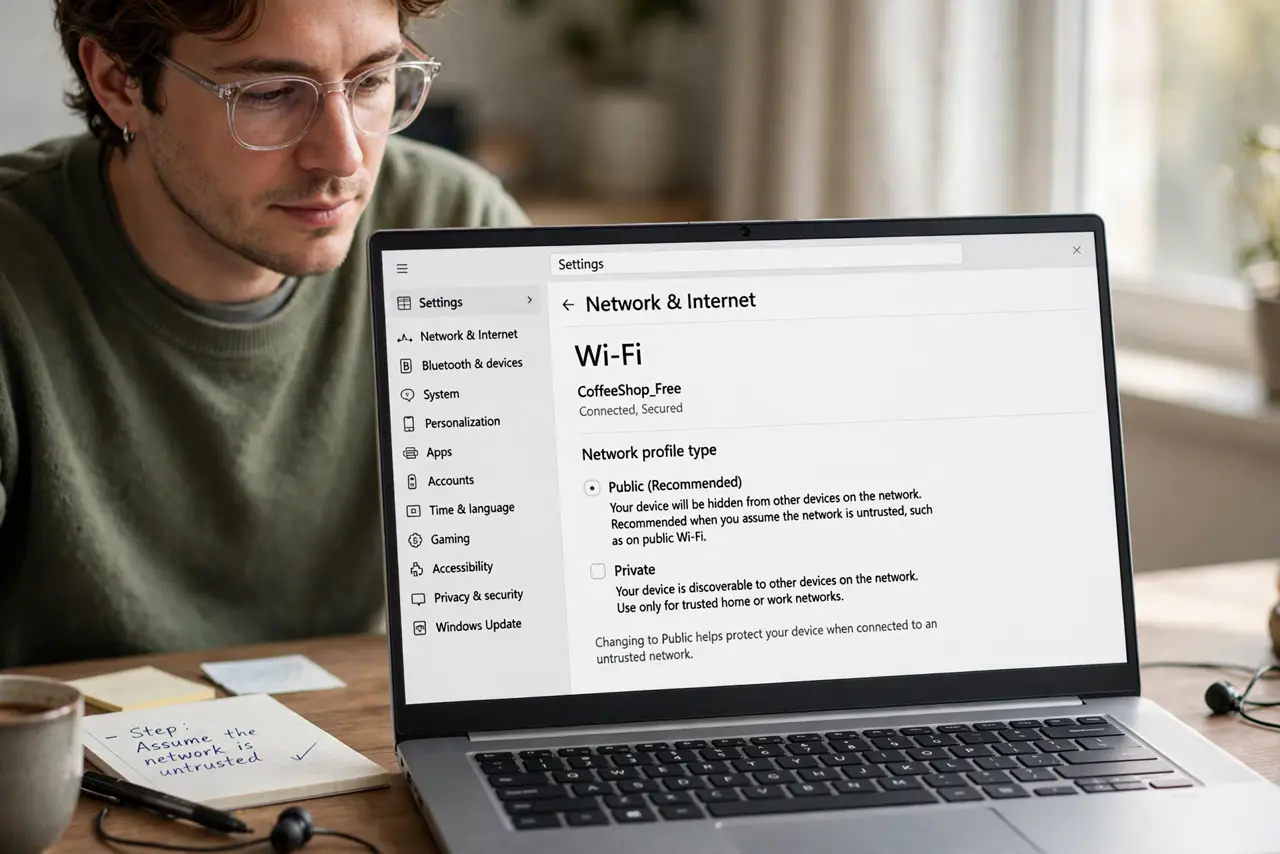
- Assume the network is untrusted. Friendly host, unknown router, previous guests who may have probed it. Start from zero trust and add protection — that mindset prevents most problems.
- Ask the host for the exact network name. Get the precise SSID spelling. Nearby attackers love broadcasting lookalikes — see the evil twin warning for how the trick works.
- Use a VPN for sensitive tasks. Banking, work email, logins — all through the VPN. Streaming and maps can go direct; your credentials cannot.
- Prefer your hotspot for the important stuff. Phone hotspots bypass the rental's network entirely. For anything truly sensitive, the hotspot is the answer, not the Wi-Fi.
- Check what the smart home knows. Rentals increasingly have cameras and smart speakers. Do a quick privacy sweep on arrival — your network hygiene means little if a camera watches the desk.
- Forget the network at checkout. Remove the Wi-Fi from your saved networks when you leave. Auto-rejoining a stranger's network months later is an unnecessary risk.
What NOT to do
- Do not do banking on rental Wi-Fi without a VPN. The network is a stranger's — act like it.
- Do not reuse the rental's smart TV logins. Log out of every streaming account before checkout — the next guest thanks you by not ordering movies on your card.
- Do not ignore the router's age. An ancient router with default credentials is a red flag — hotspot instead.
- Do not leave file sharing on. Disable network discovery and shared folders before connecting, just like café Wi-Fi.
Frequently asked questions
Can the host see what I browse?
On their network without a VPN, technically yes. With a VPN, they see only encrypted traffic.
Is the smart lock a risk?
Codes are usually rotated between guests — but change nothing sensitive over the rental Wi-Fi while you are at it.
Should I use the provided streaming logins?
The host's accounts are their business; use your own logged in fresh, and log out at checkout.