What Is Airtime Fairness?
One ancient tablet or old smart plug joins your Wi-Fi and suddenly everything slows to a crawl — not because it uses much data, but because Wi-Fi is a shared conversation and slow devices talk... very... slowly. Everyone waits their turn, and the slowpoke's turn takes forever. Airtime fairness is the router feature that fixes this by giving each device equal time on the air instead of equal data — the slow device gets its fair slice, and no more.
TL;DR / Quick Fix
Quick fix: airtime fairness stops one slow device from hogging Wi-Fi — the router gives each device equal airtime instead of equal data, so the slowpoke cannot drag everyone down. Leave it on; most routers enable it by default. If one old gadget misbehaves, that device is the exception.
Follow these steps
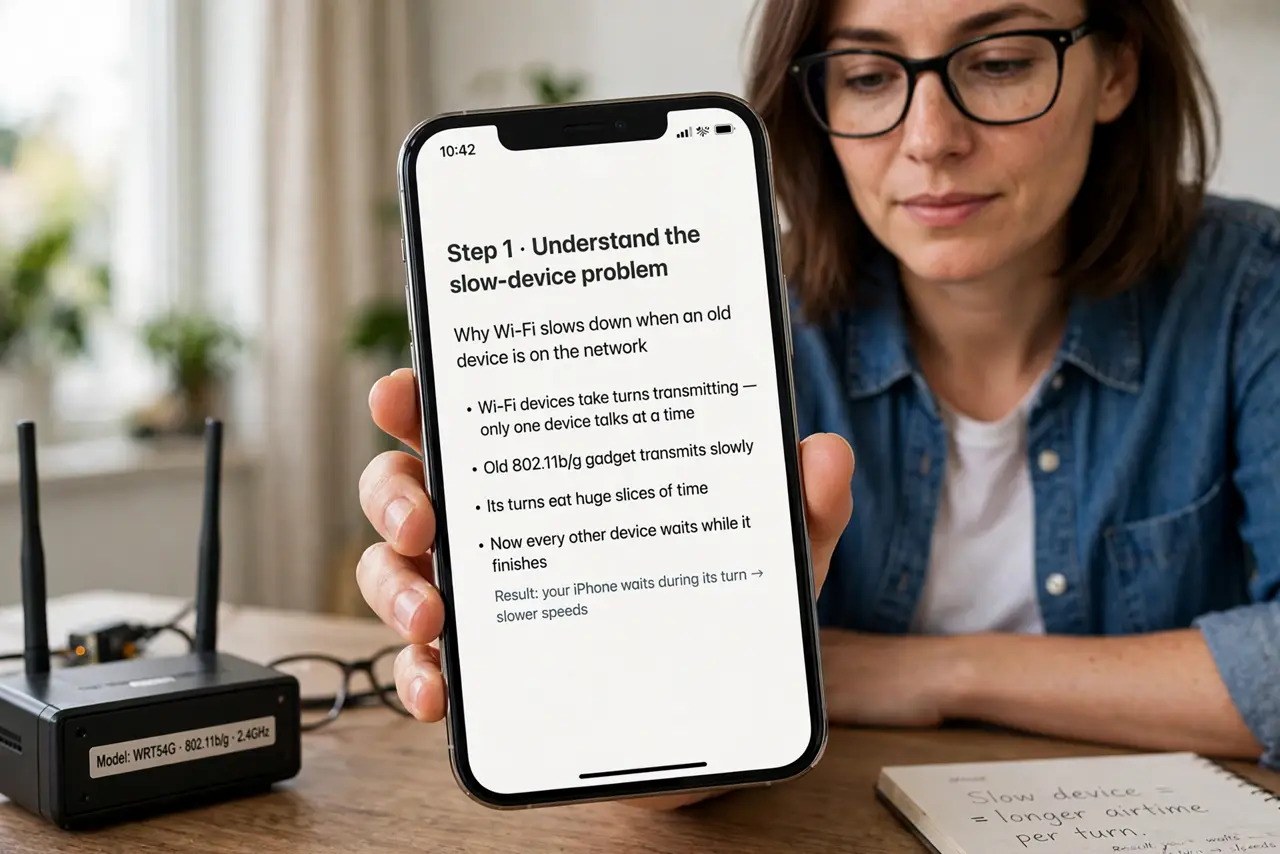
- Understand the slow-device problem. Wi-Fi devices take turns transmitting. An old 802.11b/g gadget transmits slowly, so its turns eat huge slices of time — during which your fast laptop waits. The network slows to the pace of its slowest talker; that is physics, not a bug.
- Learn what fairness changes. Without fairness, turns are equal in data — the slow device's turn just takes longer. With airtime fairness, turns are equal in time: the slow device sends what fits in its slice, then waits like everyone else. Total network throughput jumps.
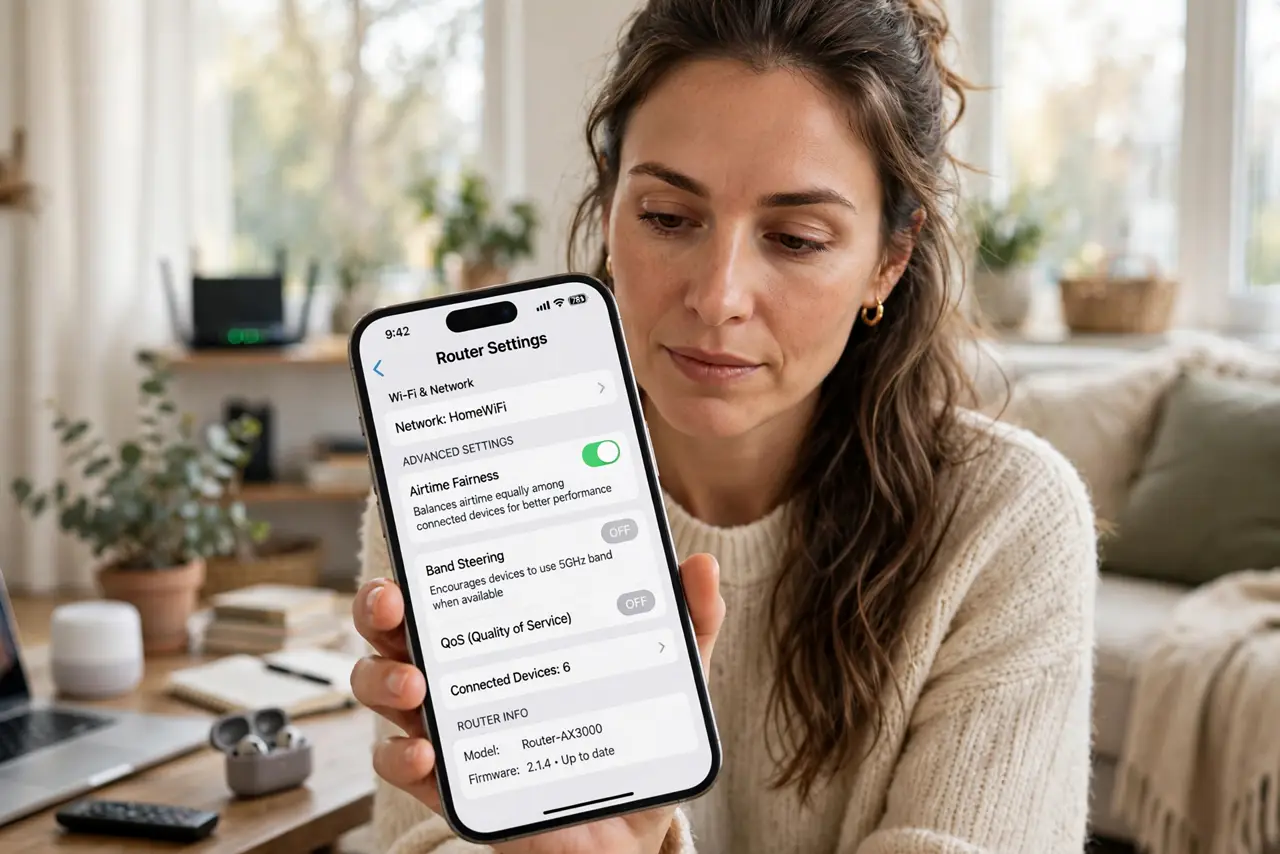
- Check it is enabled. Most modern routers ship with airtime fairness (sometimes called airtime fairness or ATF) on by default. Look under advanced wireless settings — if you find the toggle off, switch it on and watch the evening slowdown disappear.
- Identify the culprit device. If speeds crater when a specific gadget connects, that gadget is your slow talker. Check its Wi-Fi standard in the router's client list — anything on ancient standards is suspect number one.
- Consider retiring the slowpoke. Fairness contains the damage, but the old device still consumes its slice. If a ten-year-old camera keeps dragging movie night, replacing it with a modern one helps more than any setting — sometimes the fix is hardware.
- Tune alongside the other features. Airtime fairness pairs with band steering (right band) and sensible transmit power (right access point). Together the three cover band choice, roaming, and time-sharing — the full Wi-Fi fairness stack.
What NOT to do
- Do not disable it because one old device complains. A single legacy gadget dropping off is the price of a fast network for everything else — the many outweigh the one.
- Do not expect it to fix a slow internet plan. Fairness shares your Wi-Fi efficiently; it cannot make a 25 Mbps plan feel like fiber.
- Do not confuse it with QoS. QoS prioritizes traffic types (video over downloads); airtime fairness equalizes device talk-time — related, different jobs.
- Do not chase the setting on every router. Some routers hide it or lack it entirely; if yours does, the practical alternative is retiring the slowest device.
Frequently asked questions
Will airtime fairness disconnect my old devices?
Rarely — it limits their talk time, it does not kick them. Very old devices occasionally misbehave with aggressive implementations; that is the exception.
Is it the same as MU-MIMO?
No. MU-MIMO lets the router talk to several devices at once; airtime fairness rations talk time fairly. They stack — modern routers use both.
Should I turn it off for gaming?
No — fairness helps gaming by preventing a slow device from injecting latency spikes into everyone's turns. Leave it on.