Lower Wi-Fi Power for Roaming
Your phone clings to the upstairs router with one bar while you stand next to the downstairs access point — calls stutter, pages crawl, and nothing switches over. The cause is counterintuitive: the far router shouts so loudly that your device never feels the need to roam. Turning down the transmit power on your access points makes devices let go sooner and hop to the closer one. Less shouting, smarter roaming.
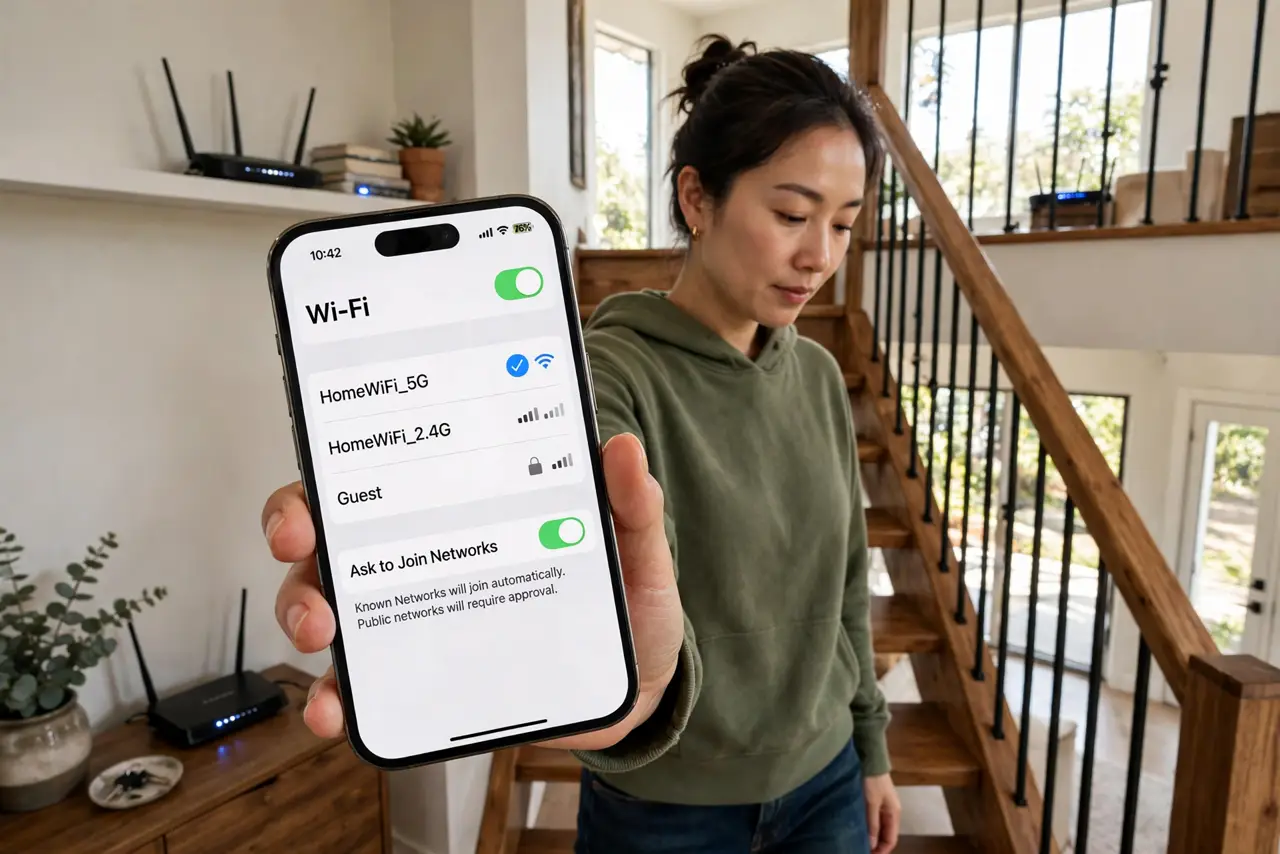
TL;DR / Quick Fix
Quick fix: lowering transmit power stops devices clinging to a distant router when a closer one is available — a weaker signal encourages roaming. Try Medium instead of High on the far access point. Only do this with multiple access points or mesh; on a single router, keep power high.
Follow these steps
- Understand why devices cling. Phones roam when the current signal gets weak enough — but if every access point blasts at full power, the signal never gets weak enough, so the phone camps on the far router with a terrible connection. Your device is lazy; the network has to nudge it.
- Confirm you have multiple access points. This trick only applies with two or more access points or a mesh system. On a single router, lowering power just shrinks your coverage — keep it at High and stop here.
- Lower power on the overlapping units. In the router or access point settings, find Transmit Power (sometimes TX Power) and drop it from High to Medium on the units whose coverage overlaps most. Change one, then test — this is tuning, not a switch to flip blindly.
- Walk-test the handoff. Walk slowly from one access point toward the other while watching the connected network or running a ping. The device should hop to the closer unit noticeably sooner than before — that earlier hop is the entire goal.
- Tune band by band. The 2.4GHz band travels far and causes most clinging; consider lowering 2.4GHz power more aggressively while keeping 5GHz strong. Pair this with sensible band steering so devices also prefer the right band, not just the right access point.
- Know when to stop tuning. If lowering power creates dead spots, you went too far — nudge it back up. The sweet spot is earlier roaming with no new dead zones. Persistent stickiness may also be an airtime fairness or client-side issue, not a power issue.

What NOT to do
- Do not lower power on a single-router home. With nothing to roam to, you only shrink your own coverage and create dead corners.
- Do not set everything to Low at once. Drastic cuts create dead spots; step down gradually (High to Medium) and walk-test between changes.
- Do not expect phones to roam instantly. Even well-tuned, handoffs take a moment — the goal is roaming that happens, not roaming that is invisible.
- Do not ignore the client side. Some old devices are just sticky roamers; if one gadget never hops while others do, the gadget is the problem, not your power settings.
Frequently asked questions
Will lowering power reduce my internet speed?
No — it changes which access point serves you, not your plan's speed. Being served by the close unit at full rate beats clinging to the far one at a crawl.
What is the best transmit power setting?
There is no universal answer — Medium is the usual starting point for overlapping indoor units. Your floor plan decides; walk-testing confirms.
Does this help with mesh systems?
Yes, especially — mesh nodes at full power overlap heavily, which is exactly the clinging scenario. Most mesh apps expose power or have a roaming optimization toggle.