Alexa Privacy Settings? Review
Alexa keeps your voice recordings — and by default, some may be reviewed to improve the service. A trip through the Alexa app's privacy settings puts you back in charge: what gets saved, for how long, and who can listen. Ten minutes, big difference.
TL;DR / Quick Fix
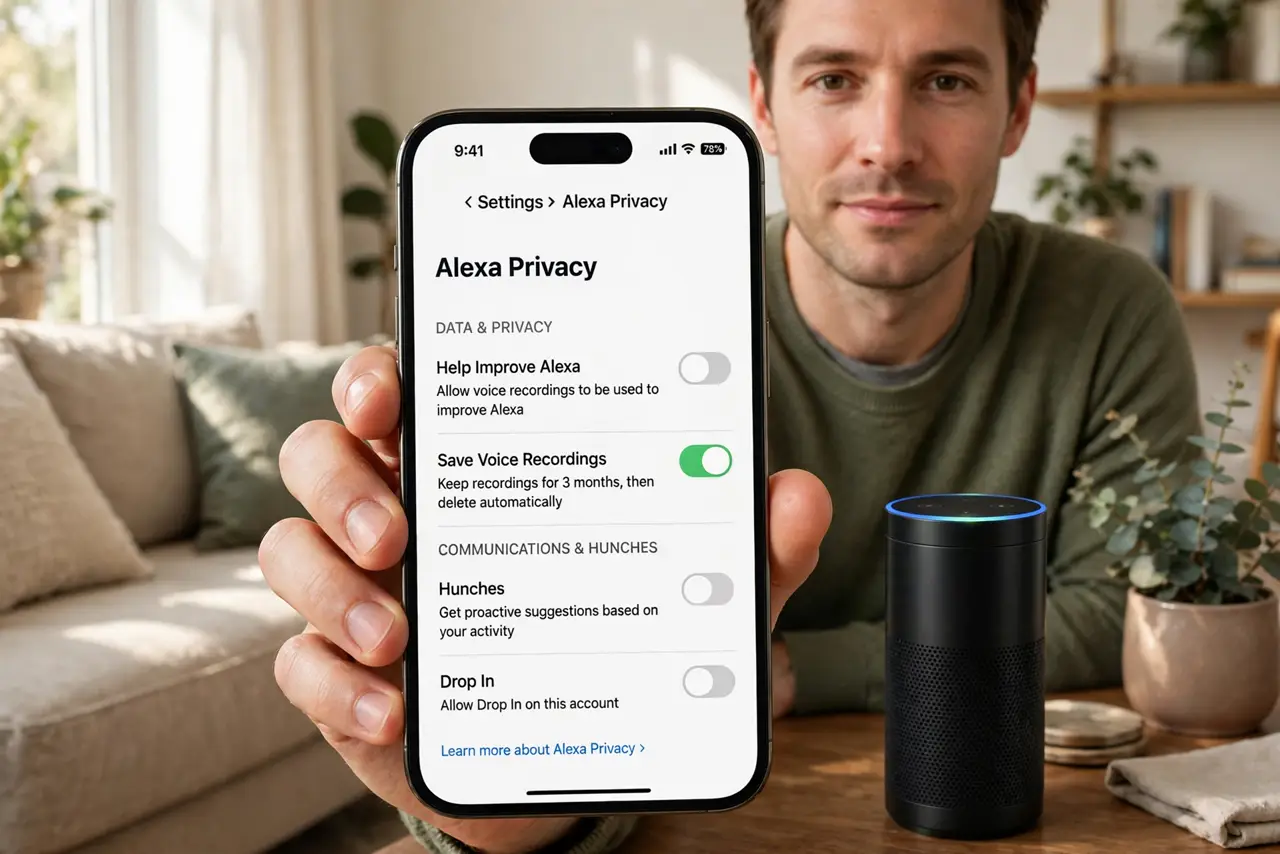
Alexa saves your voice recordings and may use them to improve Amazon's services unless you opt out. In the Alexa app open More > Settings > Alexa Privacy: review voice history, set recordings to auto-delete every three months, and switch off improvement programs. Smart home control keeps working as before.
Follow these steps
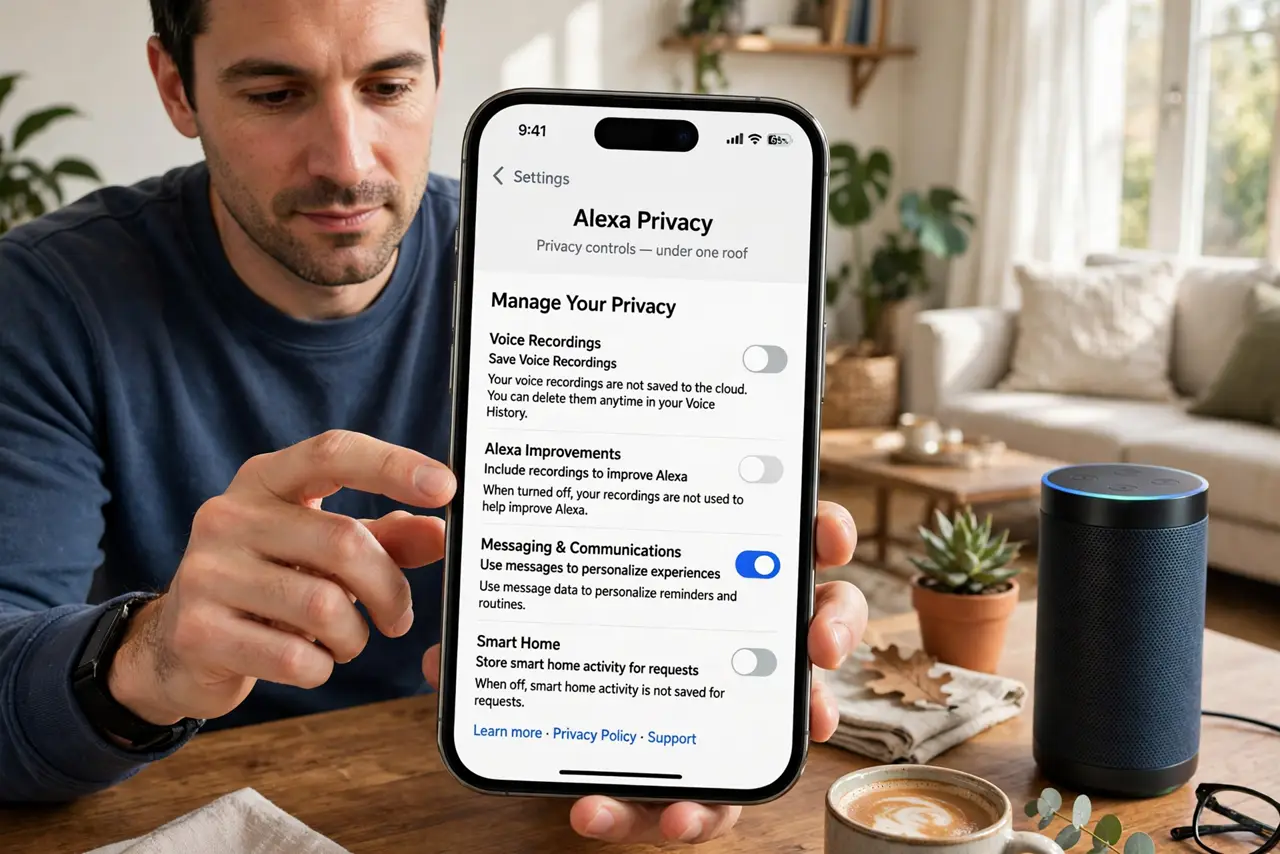
- Open Alexa Privacy in the app. Go to More > Settings > Alexa Privacy. Every relevant toggle lives under this one roof.
- Review your voice history. Listen to a few entries — most people are surprised what is there — then bulk-delete what you do not need.
- Set recordings to auto-delete. Choose the shortest window you are comfortable with; three months is the practical middle ground.
- Switch off 'help improve Alexa.' This is the human-review / training-data toggle. Off means your clips are not used to train models.
- Check which skills hold permissions. Skills can keep location, contact, and other access. Audit them with a permissions review and remove what you do not use.
- Mute the mic when it does not need to listen. The physical mute button electrically disconnects the microphones — the only guaranteed off. Use it in bedrooms and during sensitive conversations.
What NOT to do
- Do not assume deleting history opts you out of future collection. Deletion clears the past; the toggles control the future — do both.
- Do not leave the mic hot where it bothers you. The mute button exists precisely for bedrooms and home offices.
- Do not grant skills permissions they do not need. A trivia skill does not need your location.
- Do not expect the Echo to forget everything. Some operational data stays so the service functions — you are limiting retention and secondary use.
Frequently asked questions
Do humans listen to Alexa recordings?
A small sampled portion may be reviewed to improve the service, unless you switch the improvement toggle off.
Will auto-delete break my routines and smart home?
No. Routines, device control, and timers all work the same with shorter retention.
What does the mute button actually do?
It electrically disconnects the microphones. The device cannot hear anything until you unmute it.