Reset Your Android Ad ID? How To
Android gives every phone an advertising ID that apps use to recognize you for ads. You can delete it or reset it, which breaks the trail advertisers built. This guide shows the two taps that do it.
TL;DR / Quick Fix
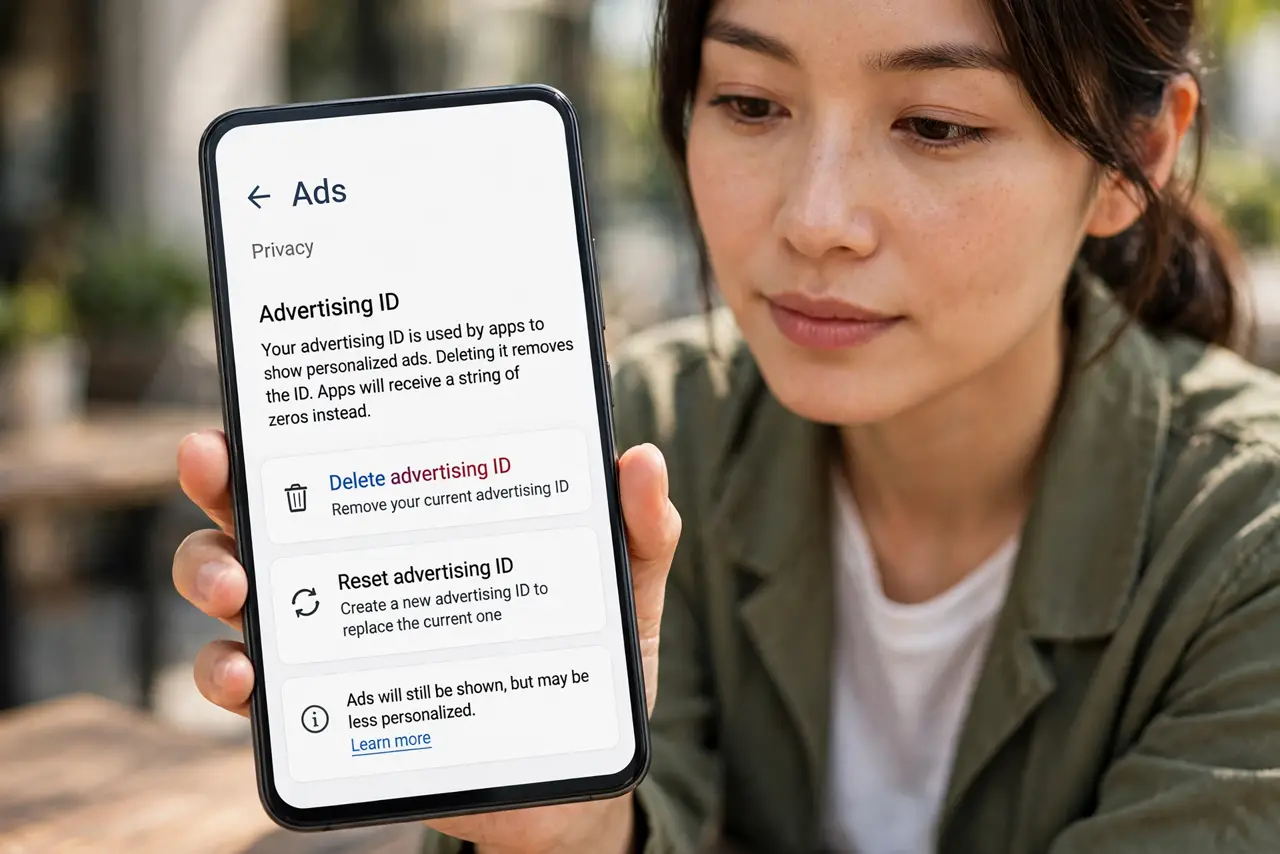
Quick fix: on Android go to Settings, Privacy, Ads, and tap 'Delete advertising ID' — apps can no longer use it to profile you. If an app misbehaves afterward, use 'Reset advertising ID' instead to start fresh. Revisit the setting after major updates, which sometimes re-enable it.
Follow these steps
- Open the Ads settings. Go to Settings, then Privacy or Google, then Ads. The exact path varies slightly by Android version, but Ads is always the destination.
- Delete the advertising ID. Tap 'Delete advertising ID' and confirm. Apps immediately lose the identifier they used to recognize you across apps.
- Know what changes. You will still see ads — they just cannot be tied to your long-term profile. Some free apps may show a one-time notice about it.
- Use reset if something breaks. If an app behaves oddly after deletion, choose 'Reset advertising ID' instead. It gives you a fresh random ID, breaking the old trail while keeping apps happy.
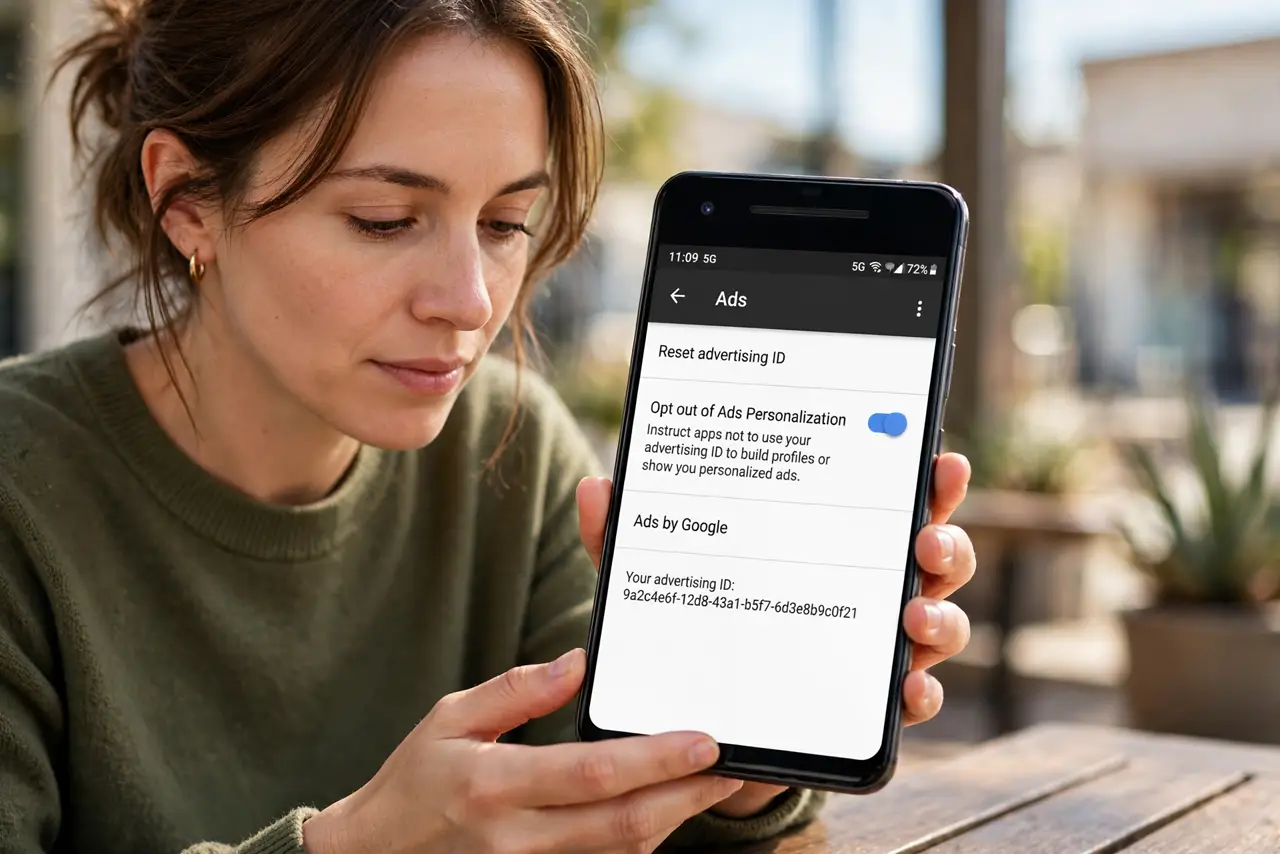
- Opt out of ad personalization too. In the same area, turn off Ads Personalization. Deleting the ID plus opting out is the full combination — like iPhone's tracking prompt plus ad settings.
- Recheck after big updates. Major Android updates occasionally restore defaults. A thirty-second check after each update keeps your choice intact.
What NOT to do
- Do not expect ads to vanish. Deleting the ID stops cross-app profiling, not advertising itself.
- Do not confuse this with a factory reset. It only affects the advertising identifier — your apps and data stay untouched.
- Do not skip the personalization toggle. Deleting the ID without opting out leaves the door half open.
- Do not do this daily. One deletion breaks the trail; repeating it constantly gains nothing and may annoy apps.
Frequently asked questions
Will my apps stop working?
No. Apps work normally; they just cannot link your activity across other apps for ad targeting.
Is deleting better than resetting?
Deleting is stronger — no ID at all. Resetting gives a fresh ID, useful if some app requires one to function.
Does this affect Google's ad settings?
It complements them. Also turn off ad personalization in your Google Account for the account-level profile.