Alarms Missed? Adaptive Battery May Kill Them
You set the alarm, the phone was on, and morning came with no sound. On Android, Adaptive Battery can put your clock app to sleep overnight to save power — and a sleeping alarm app cannot ring. This guide fixes it without turning off battery saving entirely, so your missed alarms stay in the past.
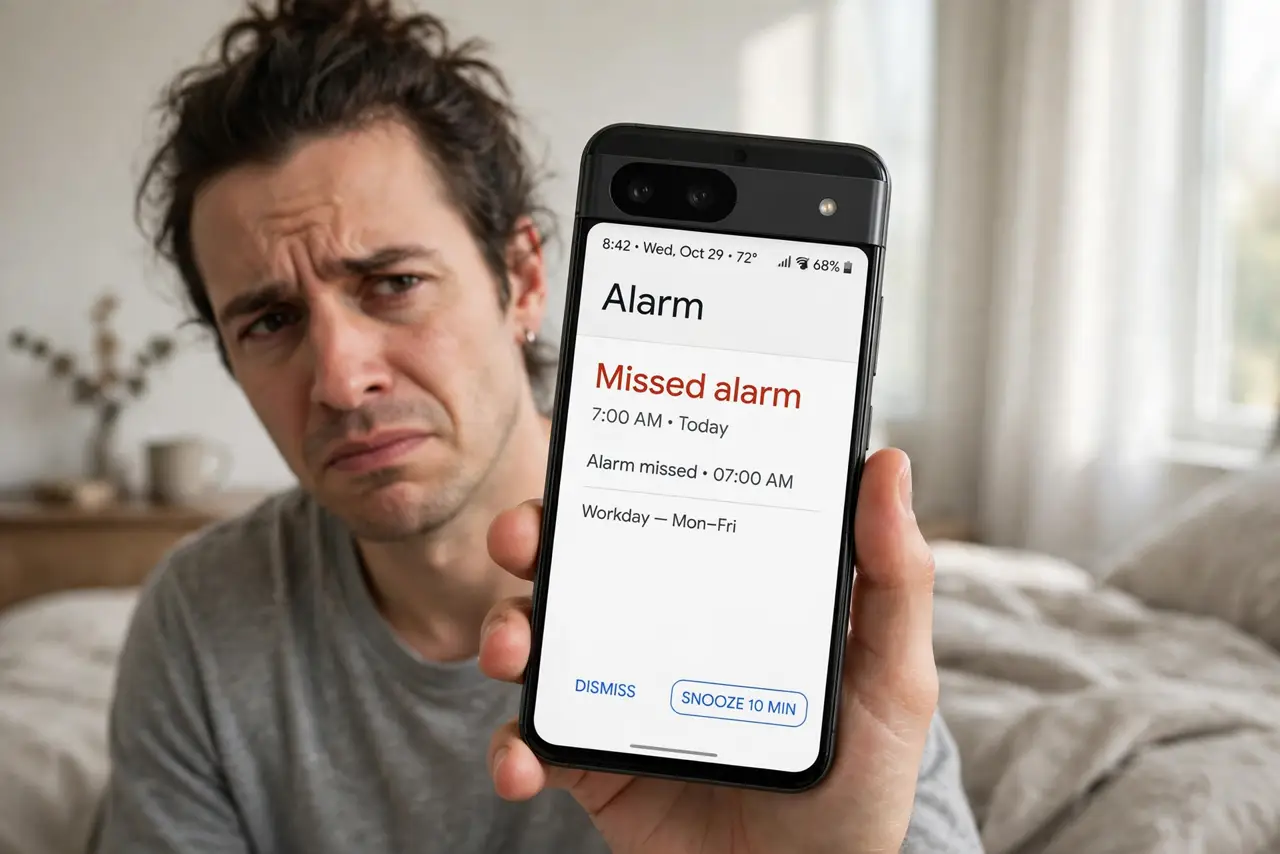
TL;DR / Quick Fix
Quick fix: set the clock app's battery usage to Unrestricted and lock it in the recent-apps list so the system cannot kill it overnight. Keep Adaptive Battery on for everything else. Test the alarm with a short nap before trusting it for a real morning.
Follow these steps
- Confirm the alarm was actually set. Open the clock app and check the alarm is toggled on with the right time and days. A surprising number of missed alarms were never armed.
- Set the clock app to Unrestricted battery. In app settings, change the clock app's battery usage to Unrestricted. This is the core fix — it stops Adaptive Battery from sleeping your alarm.
- Lock the app in recent apps. Open the recent-apps view, find the clock app, and lock or pin it. A locked app survives the overnight memory cleanup.
- Check Do Not Disturb exceptions. Make sure alarms are allowed to sound during Do Not Disturb. On some phones a strict DND setup silences even alarms — see iPhone alarm settings for the iPhone side.
- Disable battery optimization for the clock only. If your phone has a separate battery optimization list, set the clock app to 'Don't optimize.' Leave the system-wide optimization on for everything else.
- Test with a daytime nap alarm. Set an alarm five minutes ahead and let the phone sit untouched. If it rings, the fix held; if not, recheck steps 2 and 3.
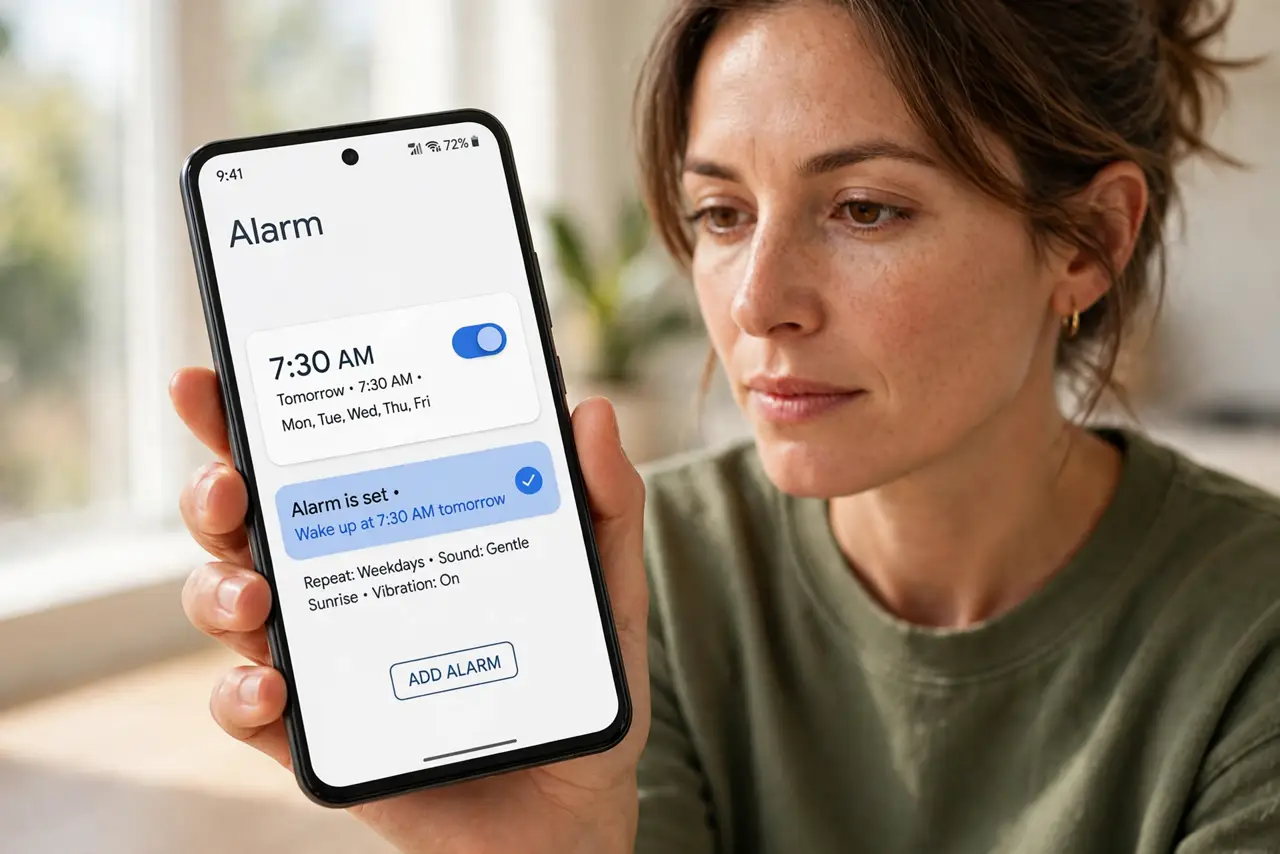
What NOT to do
- Do not turn off Adaptive Battery for the whole phone. That trades one missed alarm for worse battery life everywhere.
- Do not rely on a third-party alarm app without the same fix. Any alarm app can be killed — the system app with unrestricted battery is the safest bet.
- Do not set the alarm with the phone powered off expecting it to ring. Most phones cannot power themselves on for an alarm.
- Do not ignore a phone that dies overnight. If the battery hits zero, no setting saves the alarm — charge before bed.
Frequently asked questions
Why did my alarm not go off?
Most often Adaptive Battery put the clock app to sleep, or Do Not Disturb blocked the sound. Setting the clock app to Unrestricted battery fixes the common case.
Does Adaptive Battery affect alarms on all Android phones?
It can on any phone with aggressive battery management. Samsung, Xiaomi, and OnePlus are known for strict background killing.
Will locking the app drain my battery?
Barely. A clock app uses almost no power when idle — the unrestricted setting just lets it wake up on time.