'Other' Storage Huge on Android? Fix It
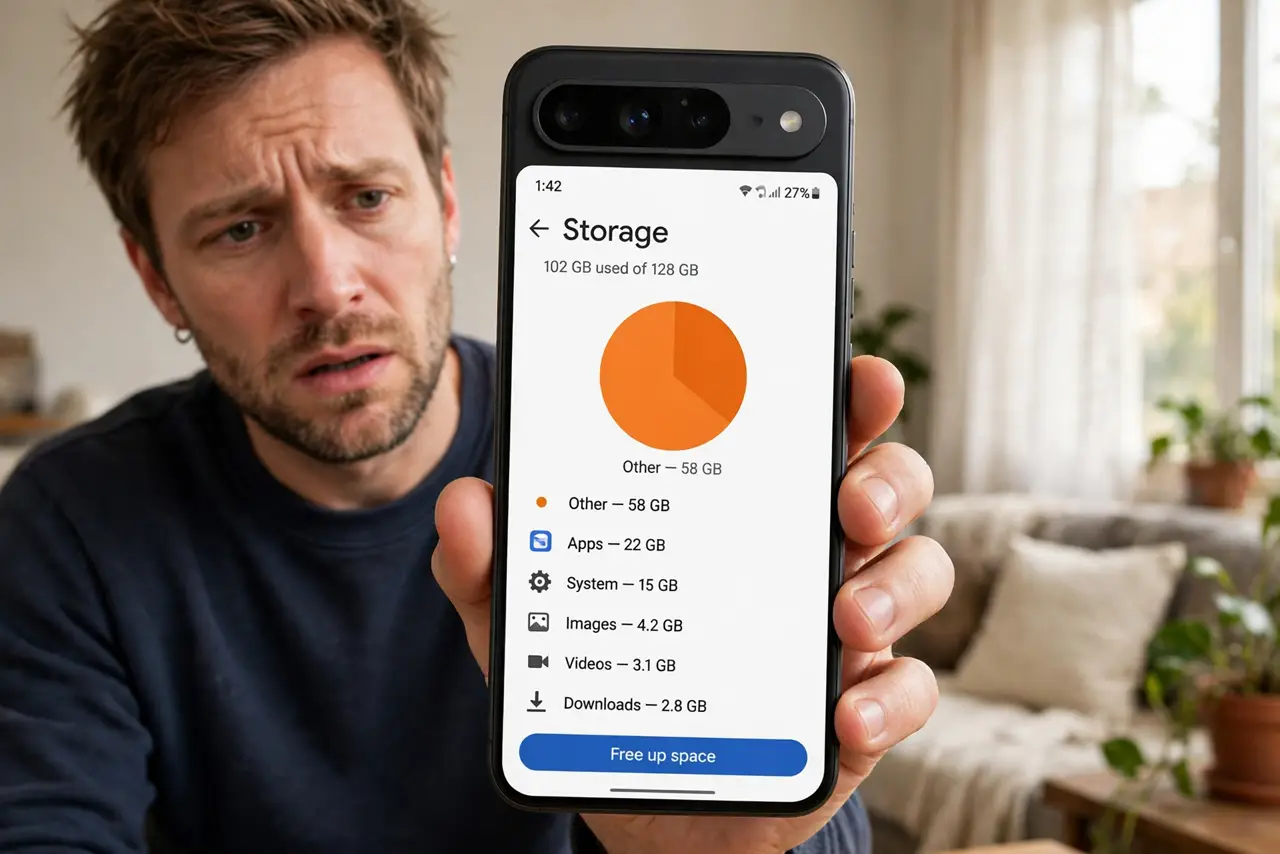
'Other' or 'System' storage eats tens of gigabytes and the phone will not say what it is. On Android, this bucket holds cached system data, update files, and app leftovers. This guide shrinks it safely — without the factory reset that iPhone's System Data sometimes seems to demand.
TL;DR / Quick Fix
Quick fix: clear cached data for your biggest apps and delete old downloaded update files. Use the phone's built-in storage cleaner, then restart — the system recalculates the categories. If 'Other' stays huge, back up and consider a factory reset as the last resort.
Follow these steps
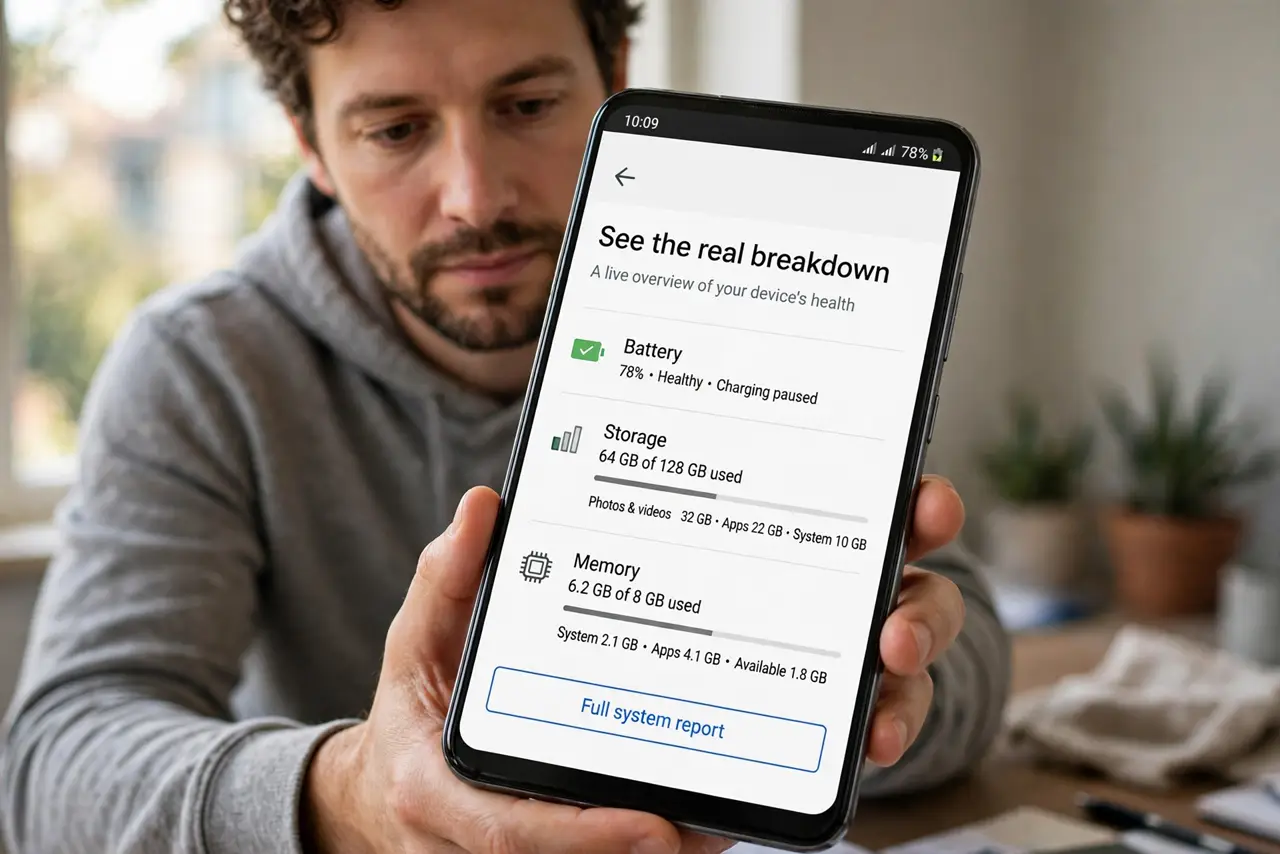
- See the real breakdown. Open storage settings and tap through the categories. 'Other' shrinks once you see which apps and files actually fill it.
- Clear caches of the biggest apps. Sort apps by size and clear the cache of the largest ones — browsers, social apps, streaming apps. Cache rebuilds itself safely.
- Delete old update and install files. Look in Downloads and file manager for old APKs, update zips, and installers. These sit in 'Other' long after you forgot them.
- Run the built-in storage cleaner. Use the phone's own storage manager to clear junk files. Prefer it over third-party cleaner apps, which often do more harm than good.
- Restart and recheck. Restart the phone and revisit storage settings. Android recalculates the categories on boot, and 'Other' often drops significantly.
- Back up and reset only if it persists. If 'Other' stays enormous after all this, back everything up and factory-reset. It is drastic, but it is the definitive fix for a corrupted storage bucket.
What NOT to do
- Do not delete files from system folders with a file manager. 'Other' tempts explorers, but deleting the wrong system file breaks the phone.
- Do not install RAM-cleaner or 'storage booster' apps. They cannot shrink 'Other' and often add their own bloat.
- Do not factory-reset without a backup. The reset works, but only a backup makes it safe.
- Do not confuse 'Other' with your photos. Deleting memories will not shrink this bucket — it is system and cache data.
Frequently asked questions
What is 'Other' storage on Android?
System caches, update leftovers, app data that is not media, and files the storage screen cannot categorize. It is real data, just poorly labeled.
Why does 'Other' keep growing back?
Caches rebuild with use — that is normal. What should not happen is tens of gigabytes that never shrink after clearing.
Will a factory reset definitely fix it?
Yes, it wipes the bucket completely. But try cache clearing and the built-in cleaner first — resets are the last resort.