Save Battery with Adaptive Connectivity
5G is fast — and thirsty. Your phone burns extra battery holding a 5G connection even when you are just scrolling text that 4G could handle blindfolded. Adaptive Connectivity fixes this automatically: the phone drops to 4G when 5G adds nothing and wakes it when it matters. Pair with Data Saver for the full efficiency picture.
TL;DR / Quick Fix
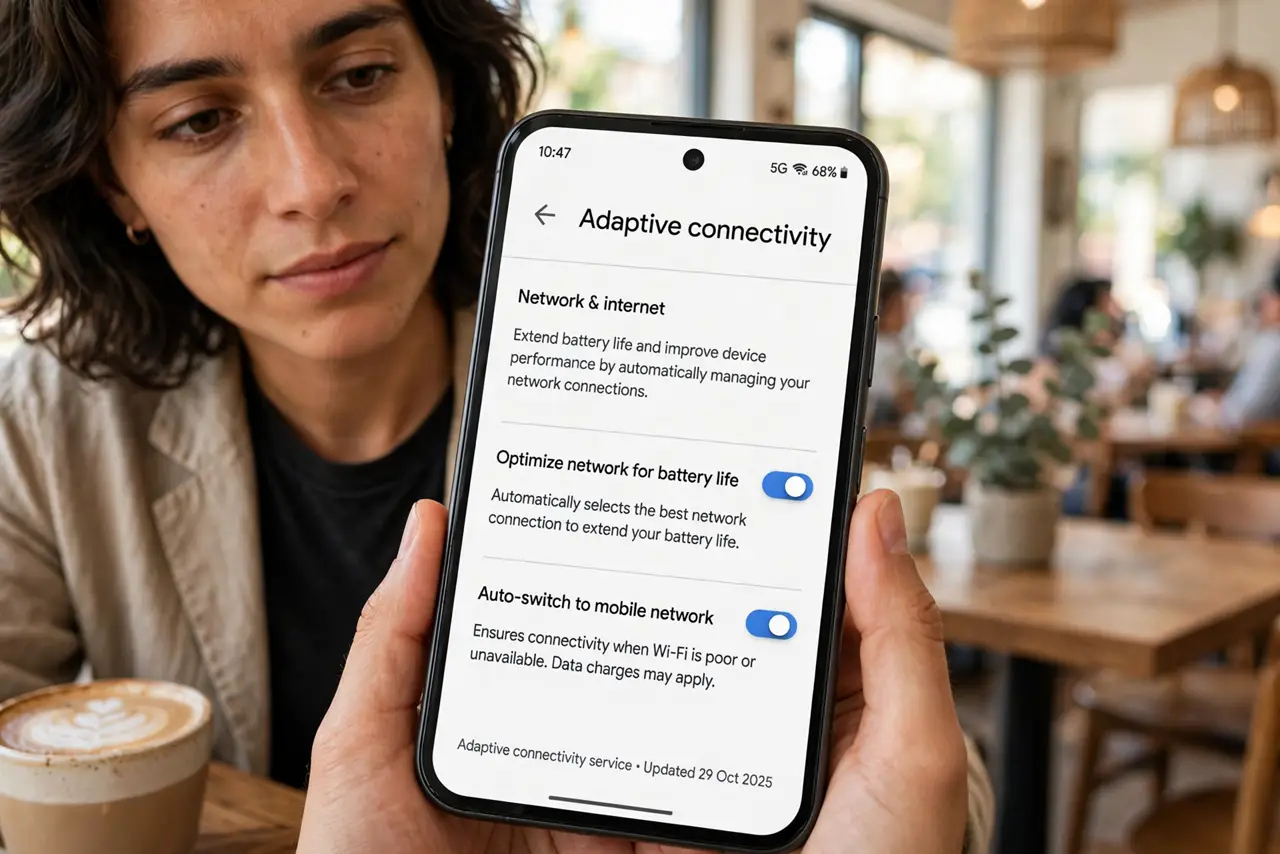
Quick fix: on Pixel phones, turn on Adaptive Connectivity in Settings > Network & internet — it drops to 4G automatically when 5G adds nothing, saving noticeable battery. Leave it on always; you'll never miss the 5G icon during scrolling. Check battery stats after a day to see the difference.
Follow these steps
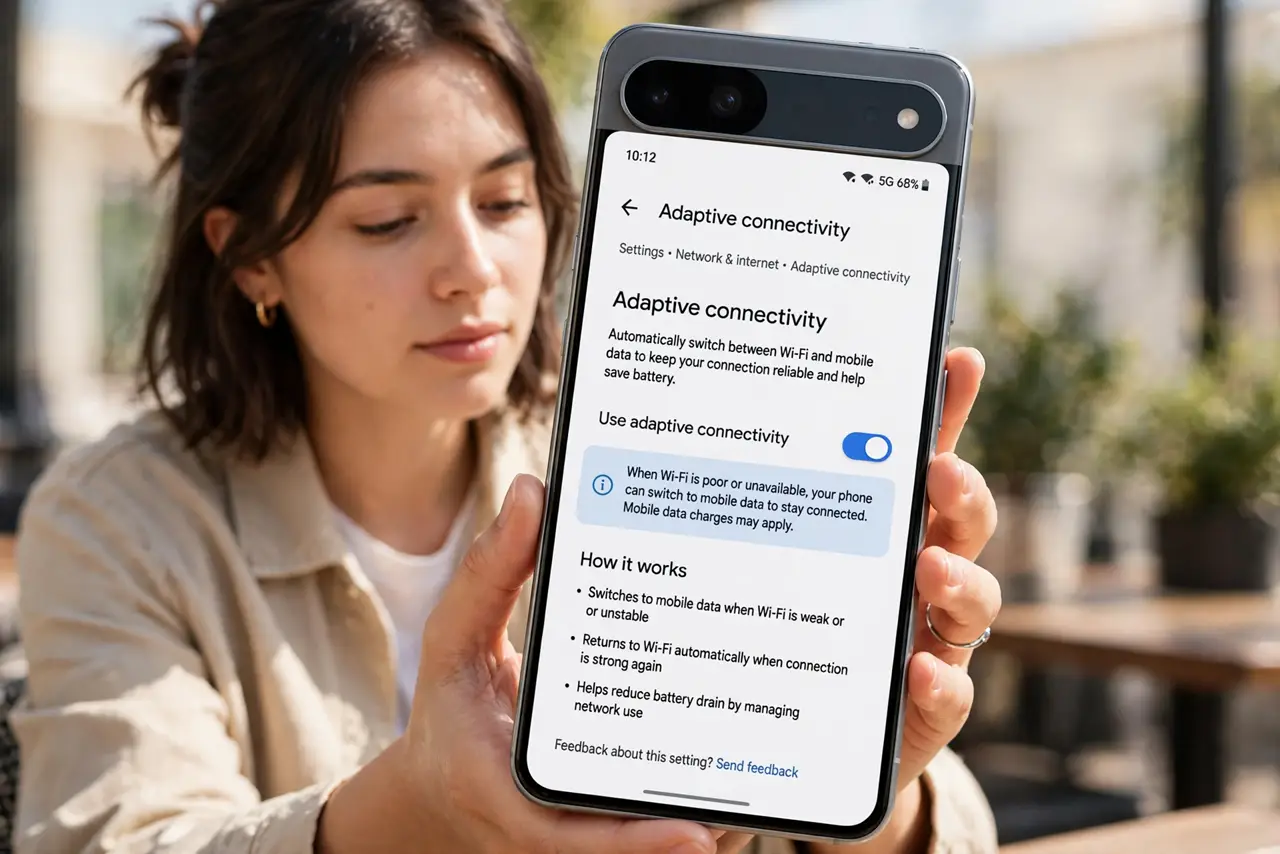
- Find Adaptive Connectivity. On Pixel phones: Settings > Network & internet > Adaptive connectivity. Samsung and others have similar auto-switching under mobile network settings — look for “auto” network modes.
- Turn it on. One toggle. The phone now manages the 5G/4G decision itself, preferring the efficient connection unless speed is genuinely needed.
- Understand what it does. It is not just a 5G off switch — it predicts. Streaming video or big downloads get 5G; messaging, scrolling, and standby get 4G. The right radio for the job, automatically.
- Leave it on permanently. There is no real downside for daily use. The millisecond handover is invisible, and the battery savings compound all day.
- Check the difference. After a day or two, compare Settings > Battery > Battery usage against your old pattern. Mobile network standby should visibly shrink.
- Know when to override. Tethering a laptop for heavy work or speed-testing are the rare cases to force 5G manually — then switch back.
What NOT to do
- Do not force 5G always-on “for speed.” The speed difference is irrelevant for scrolling and messaging — only the battery drain is real.
- Do not expect miracles in weak signal areas. Poor coverage drains battery regardless of generation — Wi-Fi is the real fix there.
- Do not confuse this with Data Saver. Adaptive Connectivity manages which radio; Data Saver manages how much data apps use.
- Do not toggle it off because the 5G icon vanished. The icon disappearing during light use is the feature working.
Frequently asked questions
Does my phone have this?
Pixels have it by name; Samsung, OnePlus, and others include equivalent auto 5G/4G switching — check mobile network settings.
Will calls still work?
Yes — voice goes over the best available connection regardless, and the switch is seamless.
How much battery does it actually save?
It varies with your 5G coverage, but users commonly notice mobile standby drain dropping meaningfully over a day.