App Pinning Will Not Unpin on Android
You pinned an app to hand the phone to someone, and now the unpin gesture does nothing. App pinning locks the screen on purpose — the exit move is a specific button hold, not a swipe.
TL;DR / Quick Fix
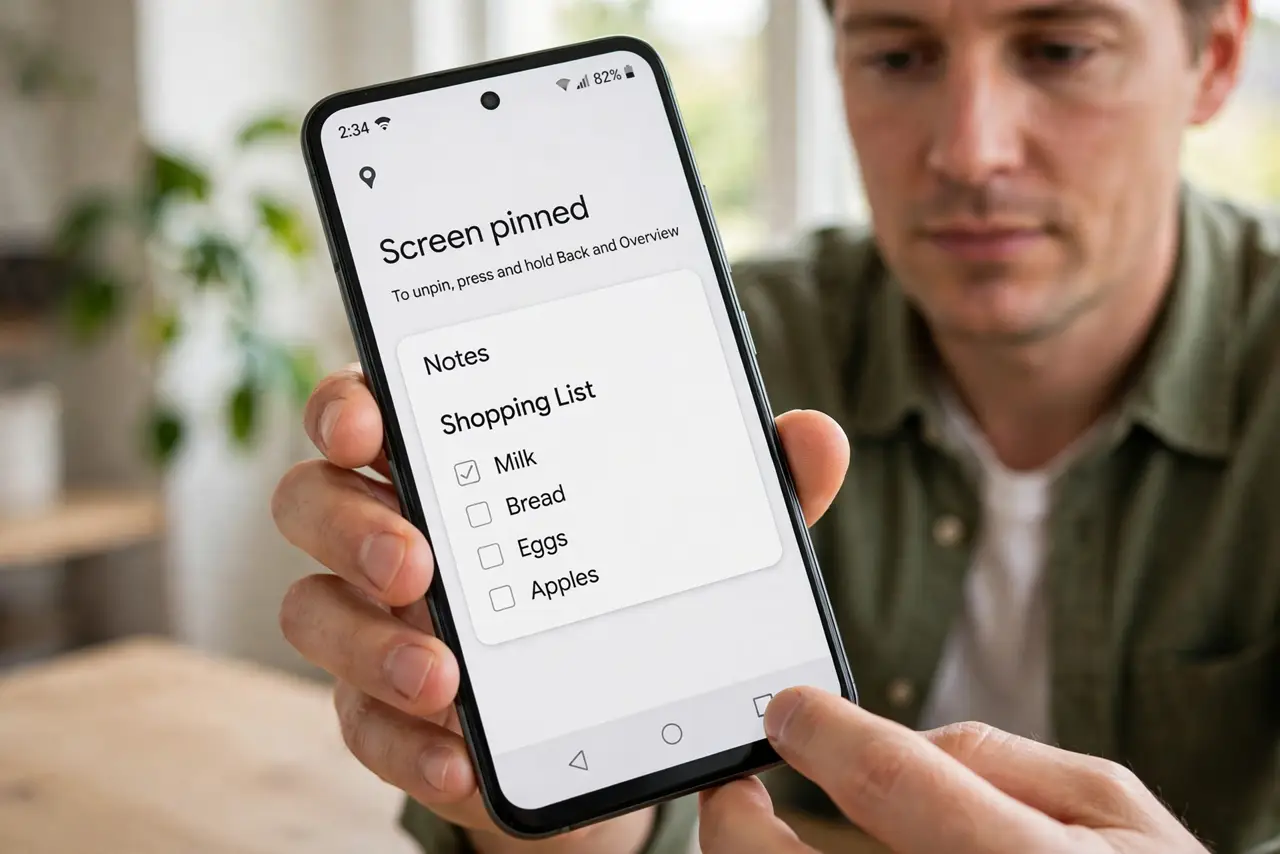
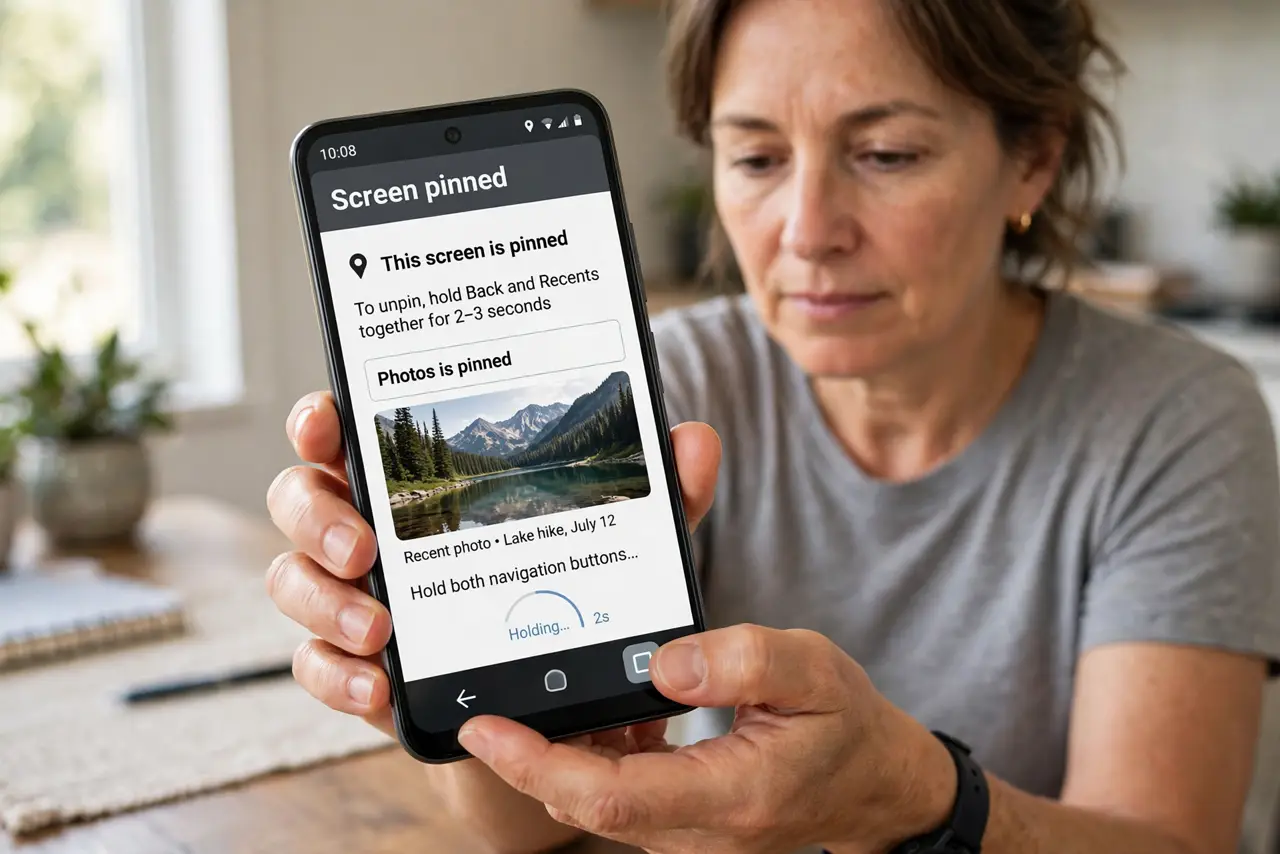
Quick fix: press and hold the Back and Recents buttons together for a few seconds — that is the standard unpin gesture. If your phone uses gesture navigation, swipe up and hold instead. Enter your screen lock if asked, and the pin releases.
Follow these steps
- Hold Back and Recents together. Press and hold both navigation buttons for two to three seconds. This is the built-in unpin gesture on button-navigation Androids, and the pin releases with a small animation.
- Swipe up and hold on gesture navigation. If your phone uses swipe gestures, swipe up from the bottom and hold. The unpin move matches your navigation style, not a universal button combo.
- Enter your lock when asked. If you enabled 'ask for PIN before unpinning,' the phone demands your screen lock first. That is the security feature working, not a bug.
- Check the pinning settings. Open Settings, then Security, then App pinning, and confirm the feature is on and configured. A half-configured pin can behave oddly on the way out.
- Restart if the gesture truly fails. Hold the power button and restart. A stuck system UI can swallow the unpin gesture, and a restart clears it without losing the pinned app's data.
- Unpin before handing the phone back. Make unpinning part of the handoff: hold the buttons, enter the lock, and confirm you are free before passing the phone. Practicing once avoids the panic later.
What NOT to do
- Do not factory-reset to escape a pinned app. The unpin gesture or a simple restart always releases it — a reset would erase everything for nothing.
- Do not keep mashing random button combos. The gesture is specific, and random presses can trigger emergency SOS or screenshots instead.
- Do not disable the screen lock to make unpinning easier. The lock-before-unpin option is what keeps a borrower out of the rest of your phone.
- Do not pin an app and hand over the phone without testing the exit. Test the unpin gesture yourself first, while the phone is still in your hands.
Frequently asked questions
What is app pinning for?
It locks the phone to one app so you can lend it safely — the exit is the same gesture even when gesture navigation is on — the borrower cannot open your messages, photos, or other apps.
Why does it ask for my PIN to unpin?
You enabled the lock-before-unpin option. It is a security feature, and entering your PIN is the intended exit.
The gesture does nothing at all. Now what?
Restart the phone. A frozen system UI is the usual cause, and the pin releases normally after the restart.