Adaptive Battery Limits an App You Need
Your alarm app, tracker, or messenger stops working in the background — messages arrive late, alarms misfire. Adaptive Battery decided the app is rarely used and put it to sleep.
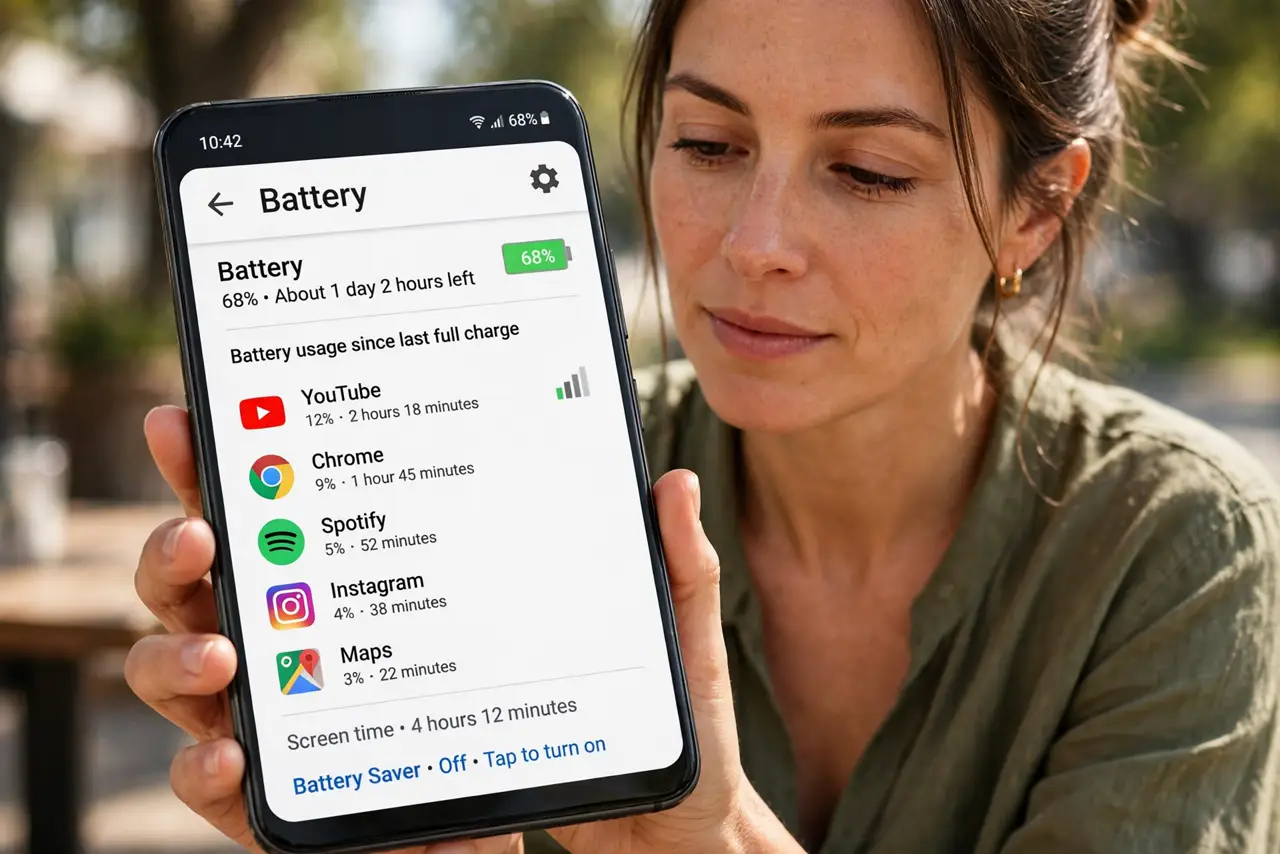
TL;DR / Quick Fix
Quick fix: open Settings, then Battery, then Battery usage, find the affected app, and set it to Unrestricted. Also check that the app is allowed to run in the background. Exempt only the apps you truly depend on — unrestricted apps use more battery.
Follow these steps
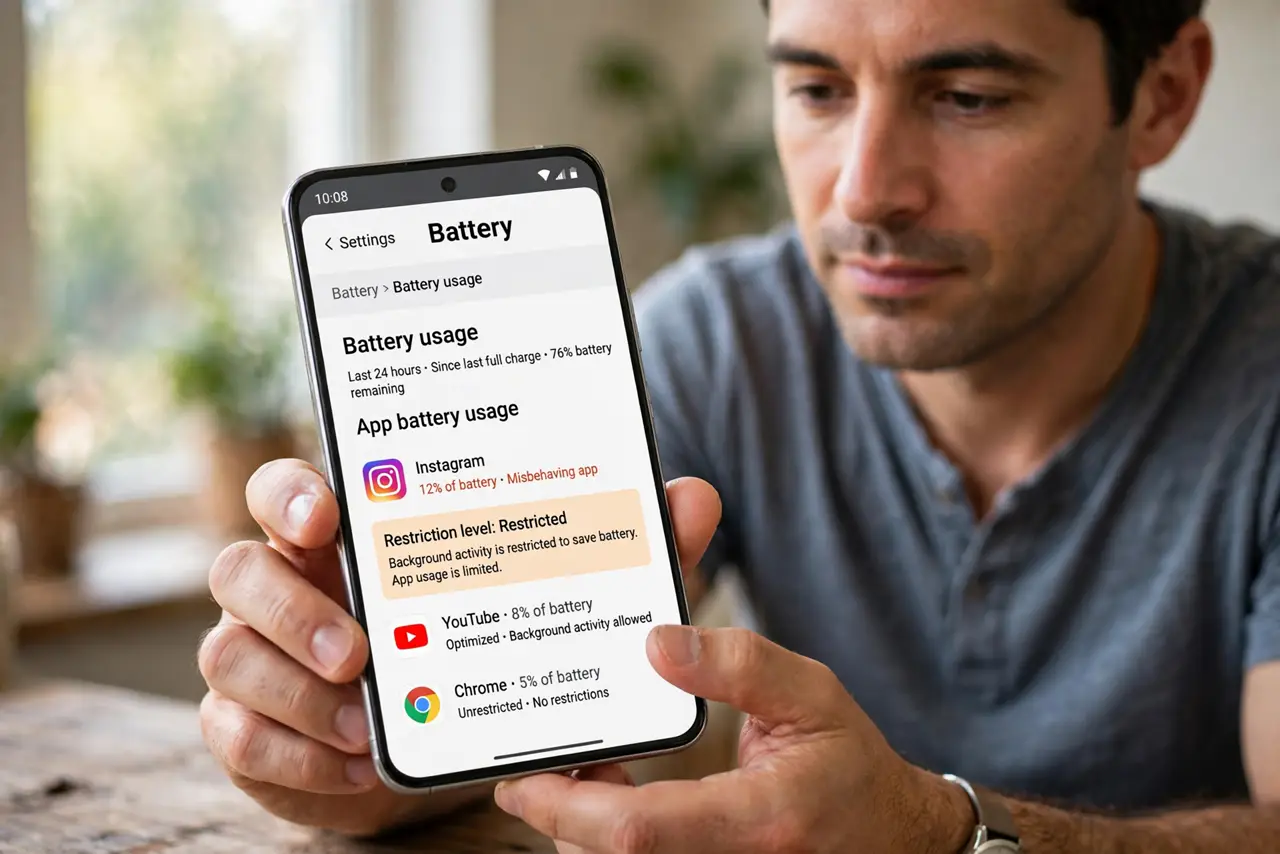
- Find the app in battery settings. Open Settings, then Battery, then Battery usage, and tap the misbehaving app. Its restriction level — optimized, restricted, or unrestricted — is shown there.
- Set the app to Unrestricted. Choose Unrestricted for apps that must work in the background, like alarms and messengers. This tells Adaptive Battery to leave the app alone.
- Allow background activity. In the app's info page, confirm background activity is allowed. Adaptive Battery is gentler on apps the system knows are allowed to run behind the scenes.
- Turn off battery optimization for that app. Open Settings, then Apps, then the app, then Battery, and disable optimization. This is the per-app override that survives Adaptive Battery's learning.
- Check Doze exemptions for alarms. Alarm and clock apps sometimes need an extra exemption from Doze. If alarms still misfire, check the clock app's battery settings specifically.
- Exempt sparingly. Every unrestricted app costs battery. Exempt the two or three apps that truly matter and let Adaptive Battery manage the rest — that balance is the point of the feature.
What NOT to do
- Do not set every app to Unrestricted. That disables Adaptive Battery entirely and hands the battery savings back, one app at a time.
- Do not blame the app developer first. Late notifications after an update are far more often Adaptive Battery re-learning than a broken app.
- Do not turn off Adaptive Battery system-wide for one app. The per-app Unrestricted setting fixes the one app without losing the feature's benefits — unlike Battery Saver, which is a separate, blunter tool.
- Do not exempt games and social apps 'just in case.' Background limits on those apps are exactly what Adaptive Battery is for.
Frequently asked questions
Why did my app work fine last month?
Adaptive Battery learns over weeks. It may have recently decided the app is rarely used and restricted it.
Will Unrestricted drain my battery fast?
A little, for that app. One or two exempted apps cost far less than disabling the whole feature.
Do I need to redo this after updates?
Sometimes. Major updates can reset per-app battery settings, so recheck the important apps after a big update.