Calibrate Android Battery
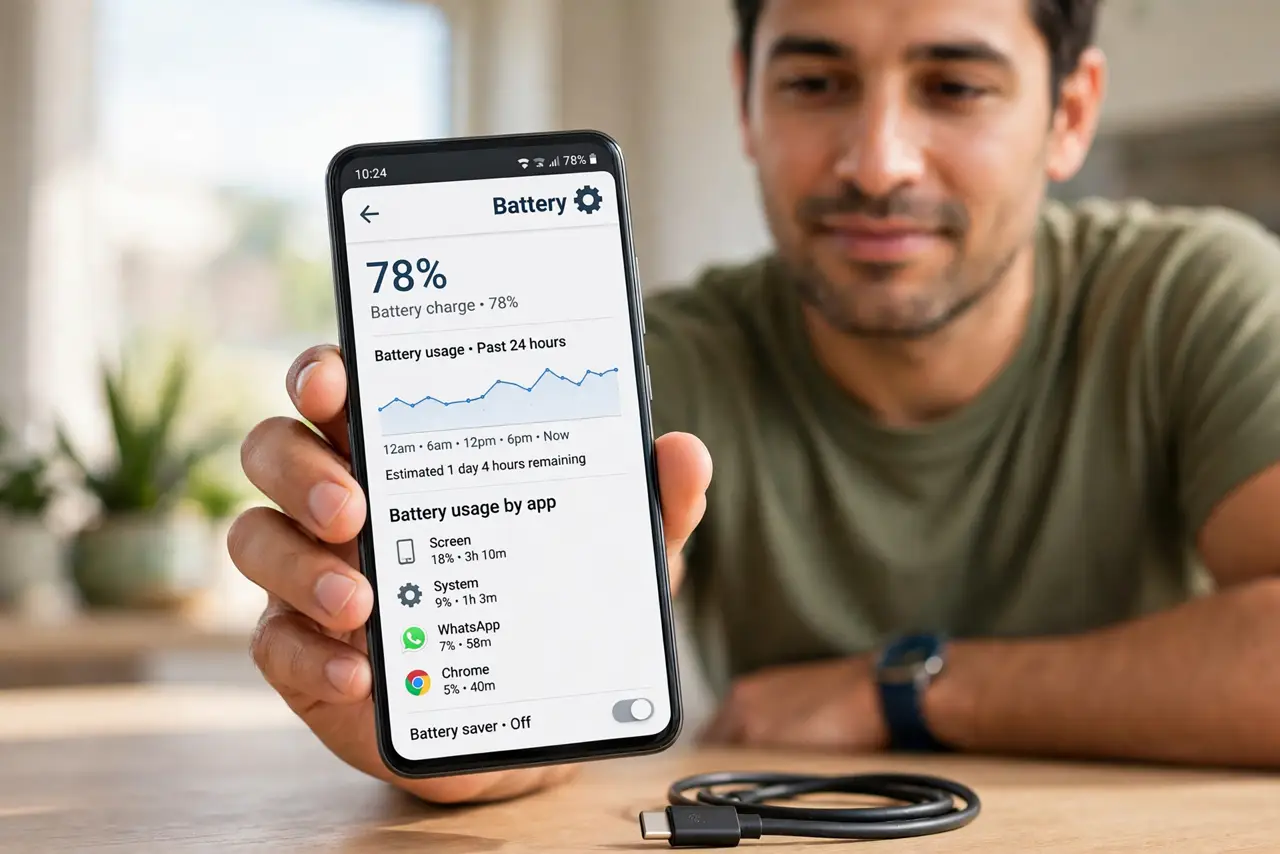
Your Android says 40%, then dies. Or it sits at 1% for an hour. The battery is not necessarily dying — the software gauge that estimates charge may just be miscalibrated, lying to you about what is left. A full calibration cycle reteaches the system the truth. Here is the safe way to do it.
TL;DR / Quick Fix
Quick fix: if your Android's battery percentage jumps around, recalibrate the gauge: charge to 100%, use the phone until it shuts off, then charge uninterrupted back to 100%. This teaches the system the battery's true capacity. It won't revive a worn battery — but it fixes the lying percentage.
Follow these steps
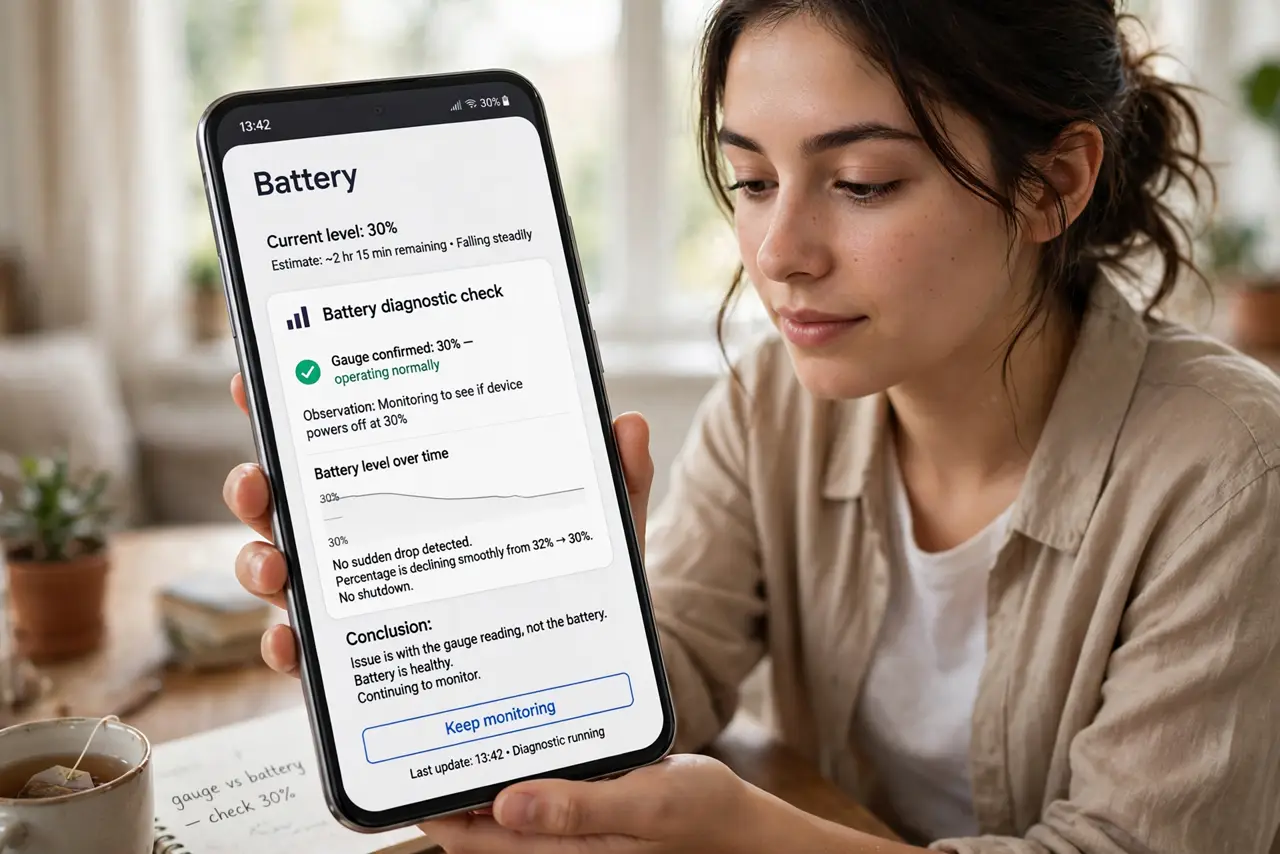
- Confirm it is the gauge, not the battery. If the phone dies at 30% or jumps 20% in minutes, that is a gauge problem. If it just drains fast but the percentage falls smoothly, that is a worn battery — calibration will not help worn cells. The laptop calibration guide explains the same principle on bigger batteries.
- Charge to 100% uninterrupted. Plug in and charge to a full 100% without unplugging. Let it sit at 100% for an extra 30 minutes — the top-end reading is the anchor the whole gauge calibrates against.
- Drain it until it shuts off. Use the phone normally until it dies on its own — video streaming speeds this up. Do not force it with heat or weird tricks; normal use to zero is the honest measurement.
- Charge back to 100% without pausing. With the phone off, charge uninterrupted back to 100%, plus another 30 minutes. The system now knows exactly what empty-to-full looks like on this battery — the gauge relearns its endpoints.
- Use normally for a few days. The gauge refines itself over the next few charge cycles. Judge the fix after three or four normal days, not after the first cycle — the learning continues.
- Accept a worn battery's verdict. If calibration does not fix jumps and sudden deaths, the battery itself is degraded — no software ritual revives chemistry. A battery replacement, not another calibration, is the honest next step.
What NOT to do
- Do not calibrate weekly. It is a fix for a confused gauge, not maintenance — monthly at most, and only when symptoms appear.
- Do not use 'battery calibration' apps. They cannot access the fuel gauge hardware; they are placebos at best and adware at worst.
- Do not drain to zero with heat or stress tests. Normal use to shutdown is the measurement — cooking the battery to hurry it defeats the purpose.
- Do not expect miracles on a 4-year-old battery. Calibration fixes the messenger, not the message — worn cells stay worn.
Frequently asked questions
How often should I calibrate?
Only when you see symptoms — jumps, sudden deaths, stuck percentages. A healthy gauge needs no schedule.
Does this work on iPhones too?
iPhones manage their gauge automatically with no user ritual — the manual cycle is an Android-world fix for when the automation drifts.
Will it improve battery life?
No — it improves battery reporting. Your phone lasts exactly as long; it just tells the truth about it now.