Wireless Charging Too Slow?
Wireless charging promised effortless top-ups, but yours crawls — 10% in an hour while the phone sits there getting warm. Slow wireless charging is almost never a broken phone; it's a weak link in the chain: the wall adapter, the cable, the pad, the case, or the alignment. Here's how to find your weak link.
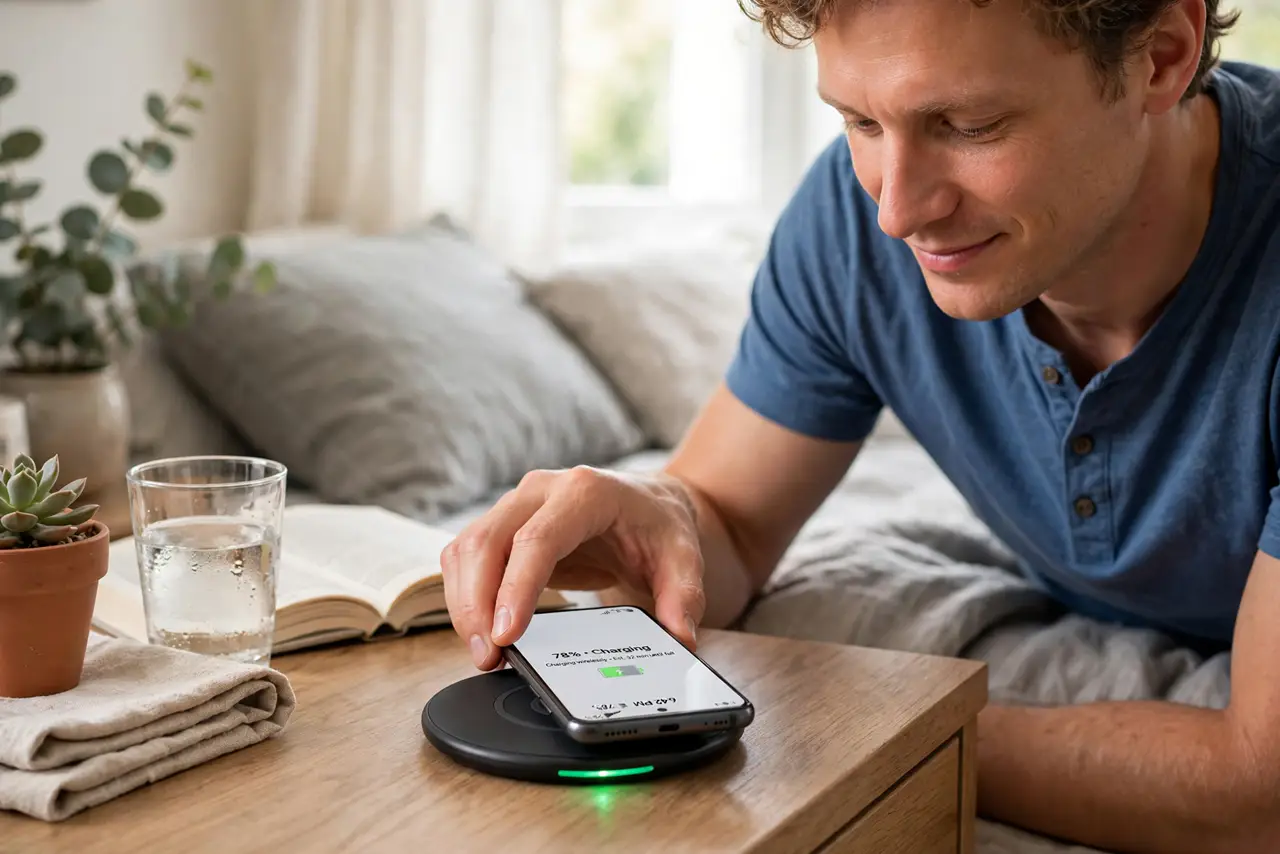
TL;DR / Quick Fix
Quick fix: slow wireless charging is usually a weak adapter or a thick case. Use the charger's recommended wattage adapter, remove bulky cases, and center the phone on the pad — misalignment throttles speed hard. Wireless will always trail wired charging, but it shouldn't crawl.
Follow these steps
- Use the right wall adapter. The pad is only as fast as the brick feeding it. A 5W phone charger plugged into a 15W pad gives you 5W charging. Check the pad's recommended adapter wattage and match it — this single fix resolves most 'slow' complaints.
- Check the cable too. A thin, ancient, or damaged cable throttles power before it reaches the pad. Use the cable that came with the pad or a known-good one rated for the wattage. Cable quality matters as much as the brick.
- Remove thick or metal cases. Cases over a few millimeters — especially with metal plates, magnets not designed for charging, or battery packs — block the induction field. Test charging naked once: if speed jumps, the case was the culprit.
- Center the phone on the coils. Misalignment is the silent killer — a phone sitting half off the coil charges at a trickle and heats up. Nudge it until the charging indicator confirms, and consider a pad with alignment guides or magnets. iPhone users: see the iPhone slow-charging notes for MagSafe specifics.
- Keep it cool. Heat throttles charging speed aggressively. Don't wireless-charge in direct sun, under a pillow, or while gaming — a warm phone charges slowly by design, protecting the battery.
- Accept wireless's real speed. Even perfect wireless charging runs slower than wired fast charging — physics of induction. If you need speed, plug in; if you need convenience overnight, wireless is ideal. Match the tool to the job.
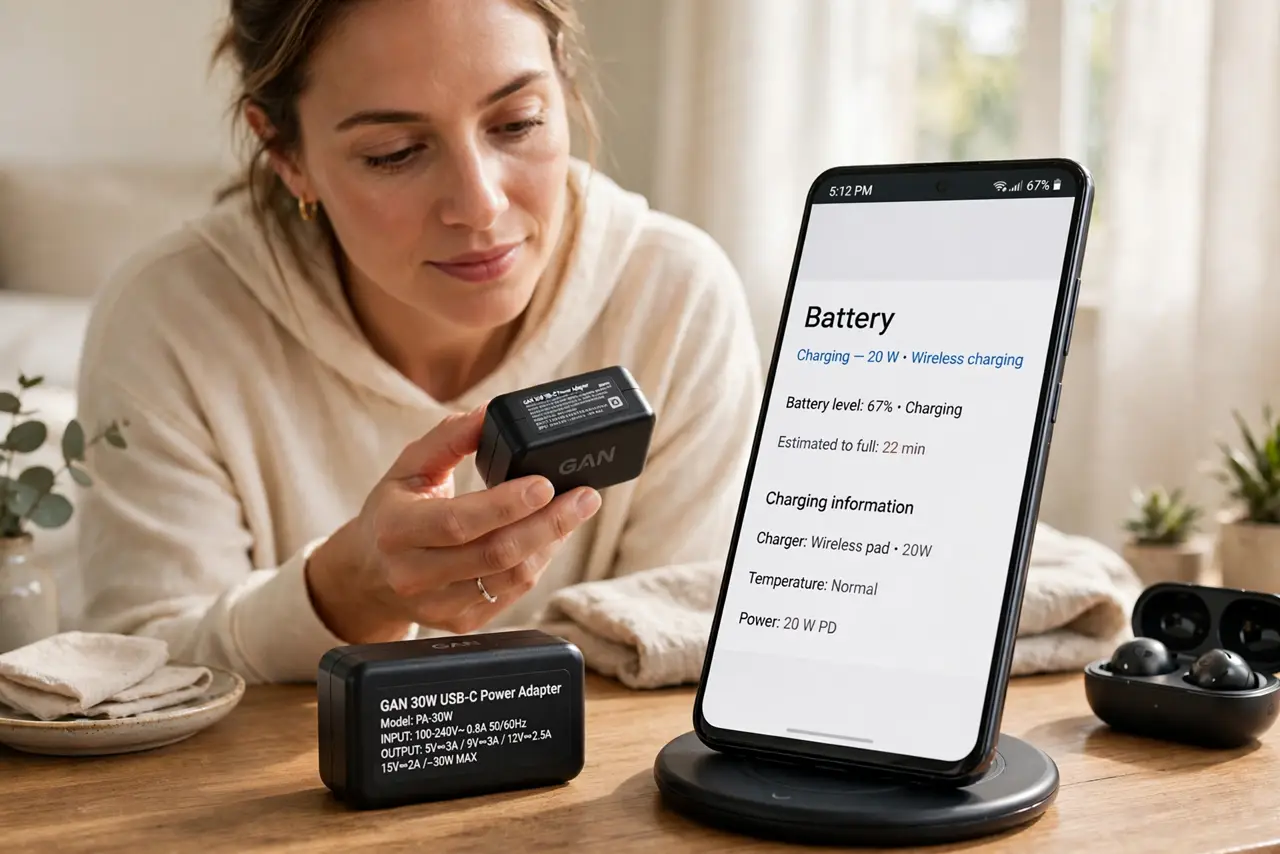
What NOT to do
- Do not buy a faster pad before checking the adapter. A 15W pad on a 5W brick is a 5W charger wearing a costume.
- Do not charge through metal plates or thick wallet cases. They don't just slow charging — they heat up, which is a safety issue, not just a speed one.
- Do not ignore the heat. A phone that's hot to the touch while wireless charging is throttling itself — cool it down before chasing more watts.
- Do not expect wired speeds. Wireless convenience costs speed; if every charge is urgent, wireless is the wrong tool for your routine.
Frequently asked questions
Is slow wireless charging bad for the battery?
No — slower is gentler, if anything. The heat from inefficient charging is the real enemy; slow-and-cool beats fast-and-hot for longevity.
Why does it charge fast then slow down?
Normal. Phones charge fastest when empty and taper off past 70-80% to protect the battery — wired or wireless, the curve is the same.
Do I need a special pad for fast wireless?
You need a pad, adapter, cable, and phone that all support the same fast-wireless standard. One weak link caps the whole chain — that's usually the adapter.