Bedtime Mode? How To
One more scroll becomes forty minutes — every night. Bedtime Mode makes the phone boring on purpose: grayscale screen, silenced notifications, Do Not Disturb, all on your sleep schedule. When the phone stops being fun at bedtime, bedtime starts happening. Here is the setup.
TL;DR / Quick Fix
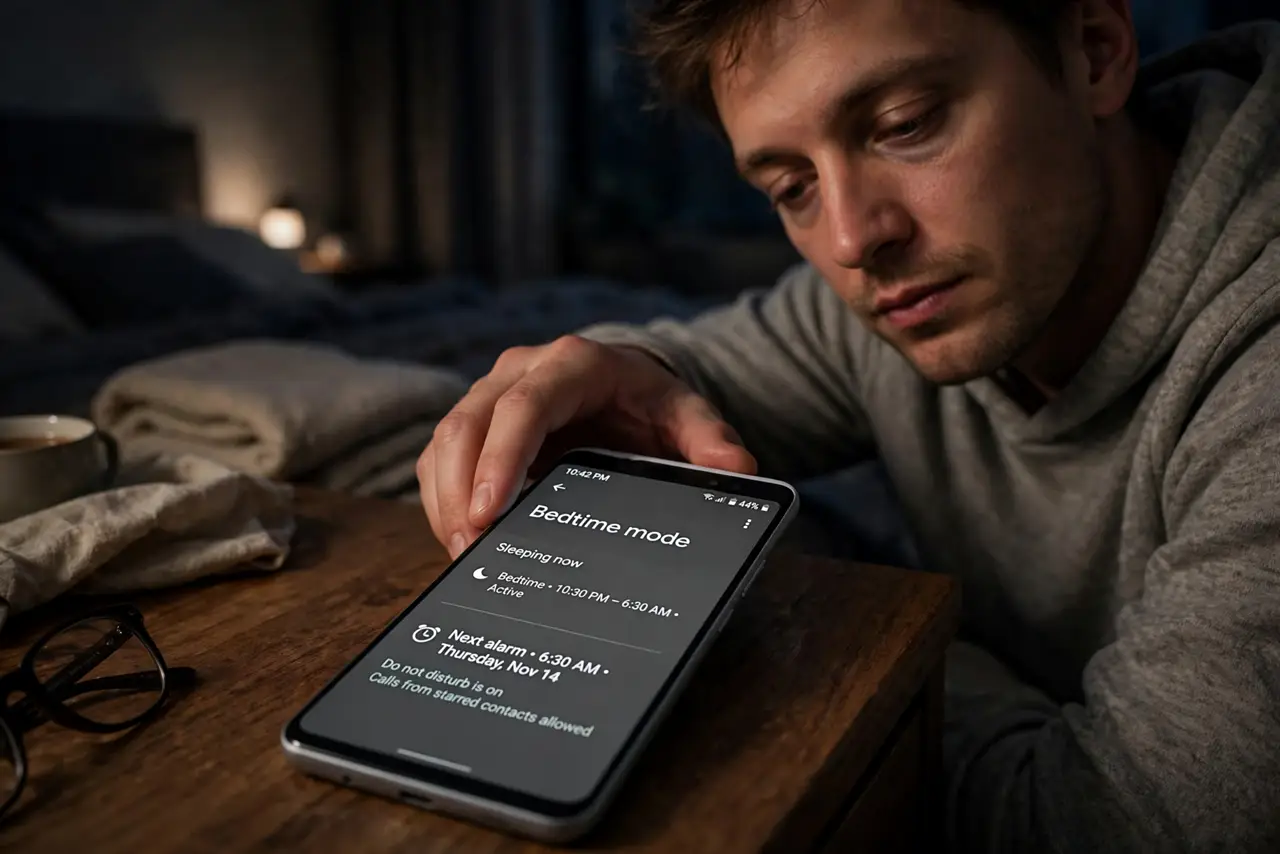
Quick fix: open the Clock app > Bedtime (or Settings > Digital Wellbeing) and set your sleep schedule. At bedtime the screen goes grayscale, Do Not Disturb kicks in, and next alarm is front and center. Keep the phone charging across the room so the alarm makes you stand up.
Follow these steps
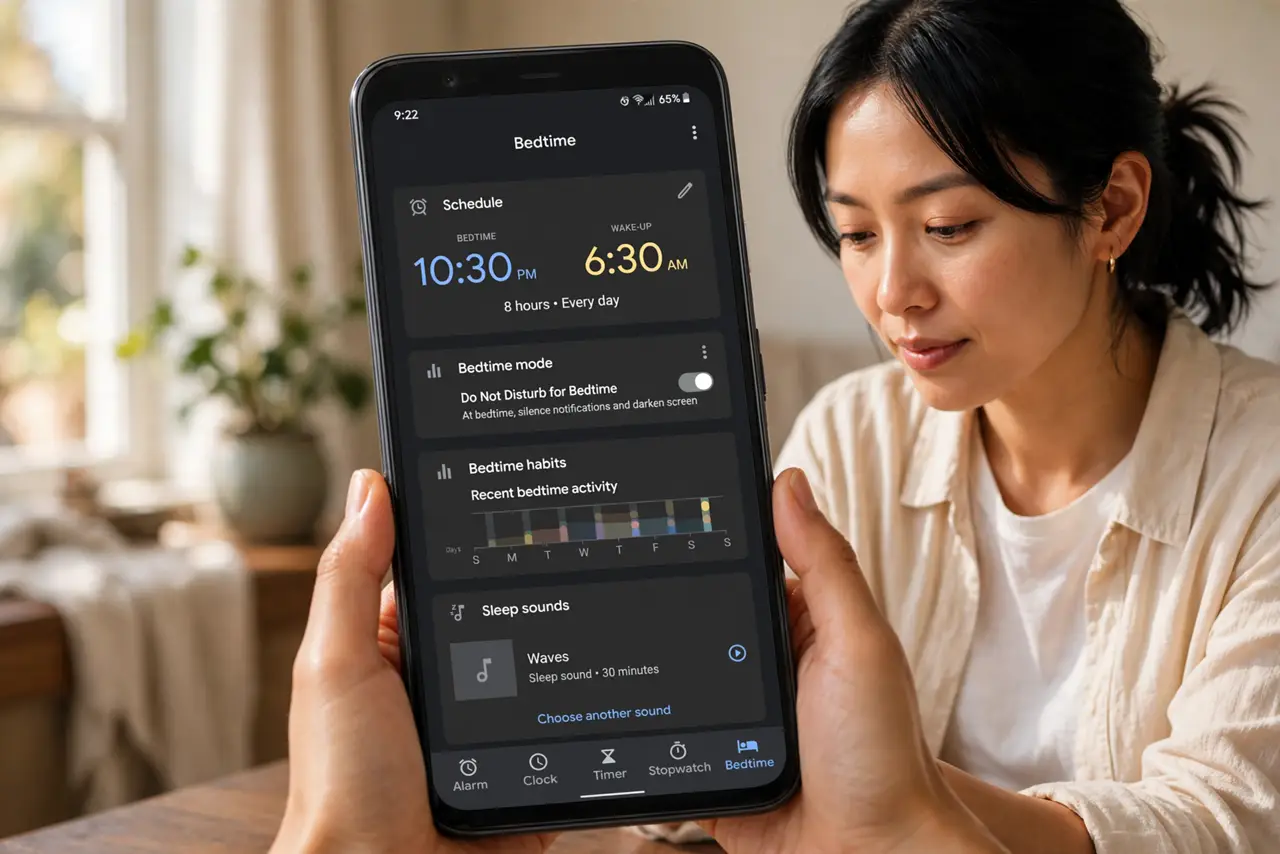
- Open Bedtime settings. In the Clock app, tap Bedtime — or go to Settings > Digital Wellbeing > Bedtime mode. Both lead to the same schedule.
- Set your sleep schedule. Choose bedtime and wake time for each day. Consistency matters more than the exact hour — pick times you can keep.
- Enable the grayscale screen. At bedtime the display drains to black and white. Color is half of what keeps you scrolling — without it, the feed loses its grip.
- Let Do Not Disturb engage. Bedtime Mode silences calls and notifications automatically, with your starred contacts still able to reach you.
- Charge across the room. Put the charger on the dresser, not the nightstand. The alarm still wakes you — but snoozing requires standing up.
- Wind down with the routine. Some phones offer a wind-down playlist or breathing exercise at bedtime. Corny, effective — try it for a week.
What NOT to do
- Do not set bedtime mode and then override it nightly. Three overrides and the habit is dead — commit for two weeks.
- Do not keep the phone as your only alarm and then fear missing it. Bedtime Mode never silences alarms — that fear is unfounded.
- Do not allow social apps through DND 'just in case'. The grayscale plus silence is the treatment; exceptions are the disease.
- Do not expect it to fix a 2 a.m. habit overnight. It removes the temptation; you still have to choose the pillow.
Frequently asked questions
Does Bedtime Mode silence my alarm?
Never — alarms always sound. It silences everything except what you explicitly allow, and alarms are always allowed.
Why grayscale?
Color drives engagement — red badges, vivid photos. Grayscale makes the phone visually boring, which is exactly the goal at midnight.
Can I still use the phone in Bedtime Mode?
Yes — it is not a lock. But the grayscale and silence nudge you toward putting it down, which is the point.