Set Time Limits Per App
You opened the app for a minute — forty-five vanished. App limits put a daily timer on your worst time sinks: when the minutes run out, the app pauses itself until tomorrow. It will not cure the habit alone, but it turns unconscious scrolling into a conscious choice. Here is the setup.
TL;DR / Quick Fix
Quick fix: open Settings > Digital Wellbeing > App limits, tap Set limits, pick the apps, and choose a daily timer. When time runs out, the app pauses until tomorrow — with an option to extend. Start generous: cut 15 minutes below your current average, not half.
Follow these steps
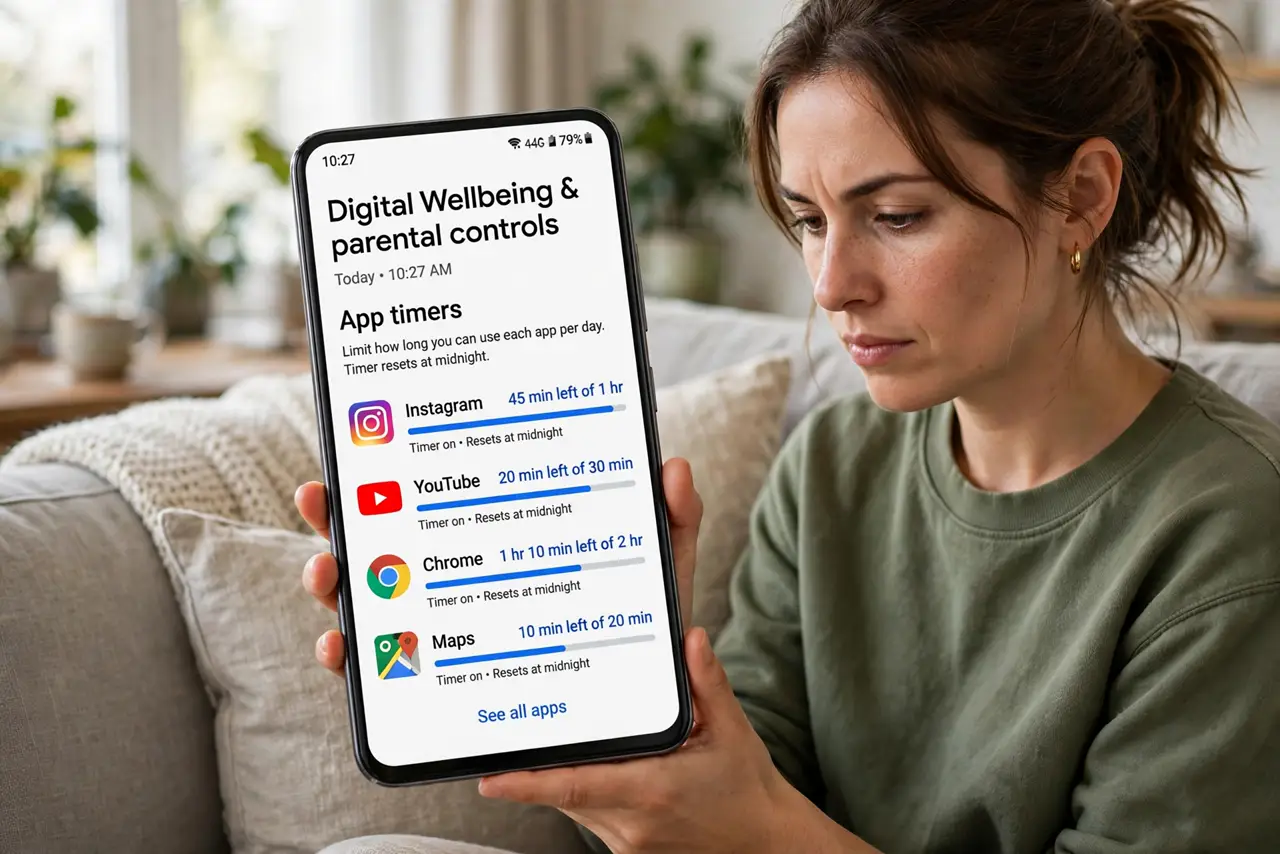
- Open App limits. Go to Settings > Digital Wellbeing & parental controls > Dashboard or App limits. Your most-used apps top the list — no surprises there.
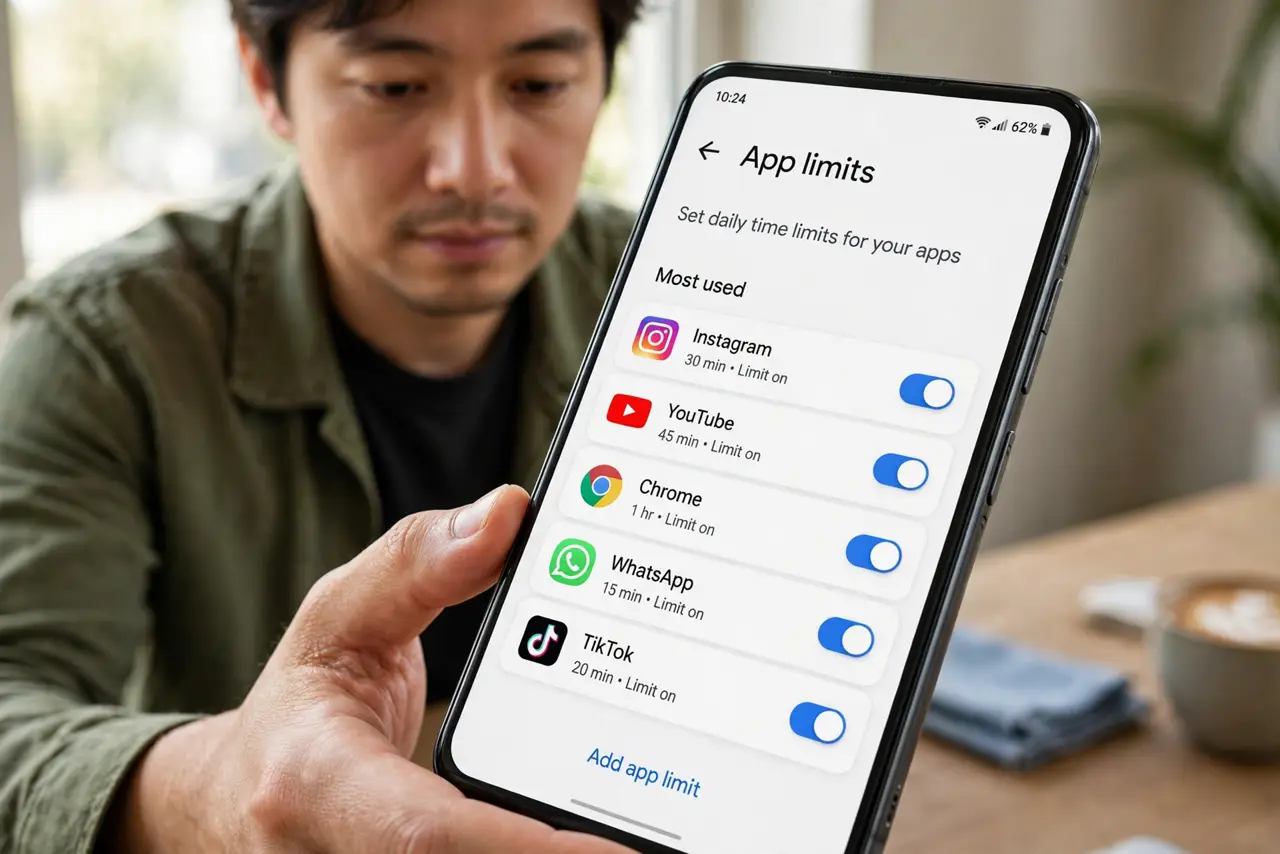
- Pick the time sinks. Tap the hourglass icon next to an app and set a daily limit. Start with the two worst offenders, not twelve apps at once.
- Start generous. Set the limit 15 minutes below your current average, not half. A limit you keep beats a heroic one you override daily.
- Respect the pause. When time expires, the app icon grays out and pauses until midnight. The extend-by-15-minutes option exists — use it rarely.
- Review the dashboard weekly. Digital Wellbeing shows where the hours actually went. Adjust limits to match reality, not aspirations.
- Pair it with Bedtime Mode. Limits handle the day; Bedtime Mode handles the night. Together they cover the full scroll cycle.
What NOT to do
- Do not set a 30-minute limit on a 3-hour habit. You will override it daily and learn that limits are suggestions.
- Do not limit twelve apps at once. Two focused limits beat a dozen you resent — expand gradually.
- Do not use the extend option as a routine. Occasional extensions are human; daily ones mean the limit is wrong.
- Do not forget the dashboard. Limits without the weekly review drift from reality — check where the time really goes.
Frequently asked questions
Can I bypass app limits?
Yes — the extend option and settings are right there. Limits are commitment devices, not locks; they work by making mindlessness effortful.
Do limits apply to all apps?
Most apps, yes. Some system and phone functions are exempt — the goal is taming time sinks, not breaking the phone.
Why did the limit not trigger?
Check that Digital Wellbeing is enabled and the limit saved. A restart fixes the occasional stuck timer.